Making and
Answering
Calls
Speed
Dialing
Sena Cavalry Lite Bluetooth
®
Half Helmet | 28
4. Mobile phone usage
MENU
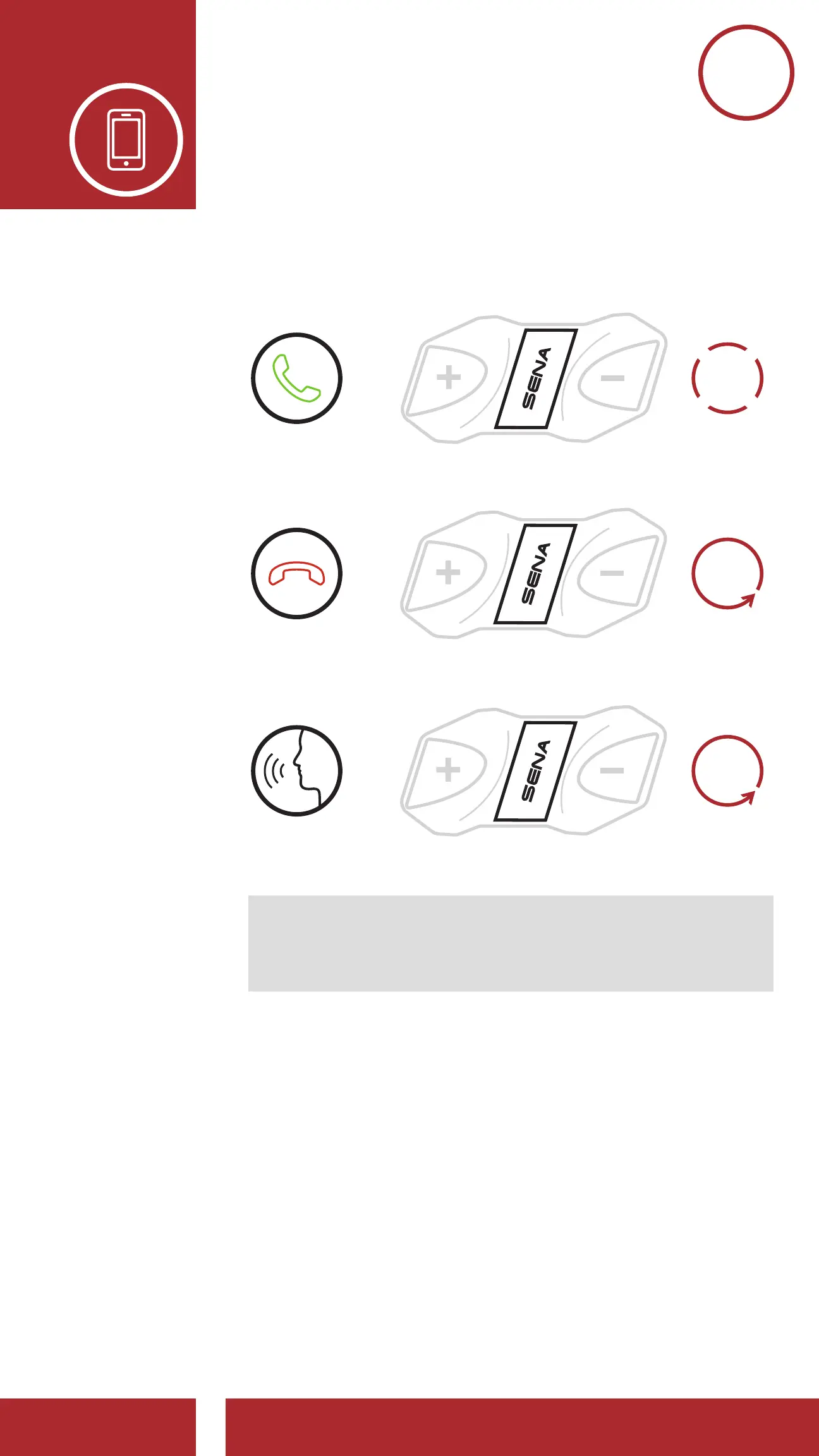
4.1 Making and Answering Calls
3s
HOLD
1x
TAP
End/Reject a Call
Make a Call with Voice Dialer
=
=
=
ANSWER
END/REJECT
VOICE DIAL
2s
HOLD
Note: If you have a GPS device connected,
you will not hear its voice navigations during a
phone call.
4.2 Speed Dialing
4.2.1 Assigning Speed Dial Presets
1. Execute Speed Dial in the Configuration
Menu by holding down the Center Button
for 10 seconds, then using the (+) and
(-) Buttons to scroll through the menu.
Please refer to Section 2.7: “Configuration
Menu” for more details.



 To Next Page