Intercom
Pairing
Two-Way
Intercom
Universal
Intercom
Advanced
Noise
Control™
Sena Cavalry Lite Bluetooth
®
Half Helmet | 37
6. INTERCOM SETUP
MENU
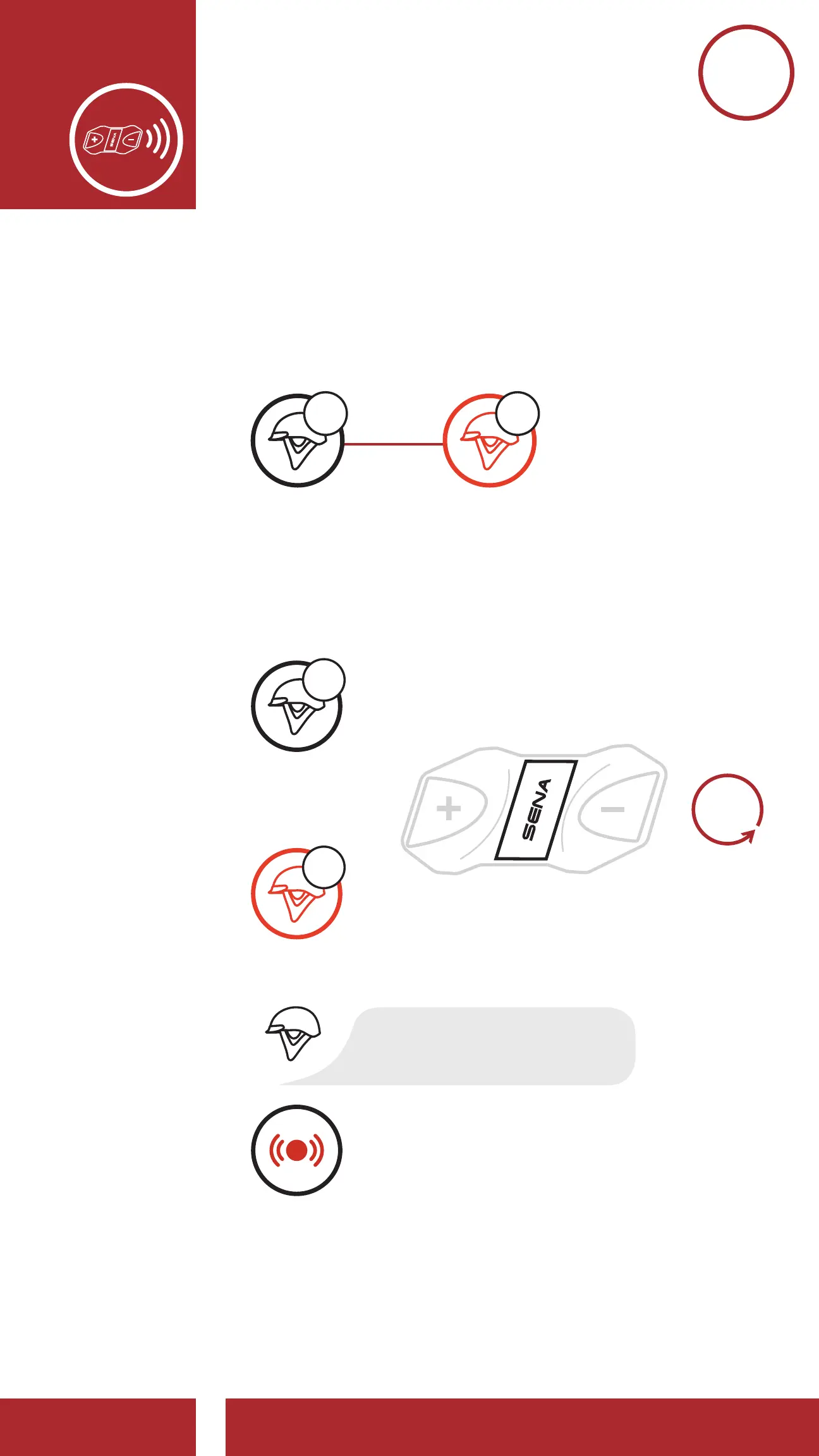
6.1 Intercom Pairing
The Cavalry Lite can be paired with another Cavalry
Lite for Bluetooth intercom conversation.
1x
TAP
LED STATUS
Pairing with Intercom B
On Either One of the Devices
Pairing with Intercom Friends
Blue fl ashing LED confi rms
intercoms are paired.
YOU
INTERCOM
FRIEND B
B
A
or
BA
YOU
INTERCOM
FRIEND B
B
A
&
=
=
=
“Intercom pairing”
5s
HOLD
Red fl ashing light indicates
device is now discoverable.
=
LED STATUS
1. Press and hold the Center Buttons of two
Bluetooth Modules for 5 seconds until you hear
the voice prompt, “Intercom pairing.”
1x
TAP
LED STATUS
Pairing with Intercom B
On Either One of the Devices
Pairing with Intercom Friends
Blue fl ashing LED confi rms
intercoms are paired.
YOU
INTERCOM
FRIEND B
B
A
or
BA
YOU
INTERCOM
FRIEND B
B
A
&
=
“Intercom pairing”
5s
HOLD
Red fl ashing light indicates
device is now discoverable.
=
LED STATUS



 To Next Page