Pairing with
the Remote
Control
Sena Cavalry Lite Bluetooth
®
Half Helmet | 52
9. REMOTE CONTROL
MENU
You can remotely control the Bluetooth Module using
Sena Remote Control devices (sold separately) such
as a Handlebar Remote or a Wristband Remote. This
eliminates the need to remove your hands from the
handlebars for button operations.
9.1 Pairing with the Remote Control
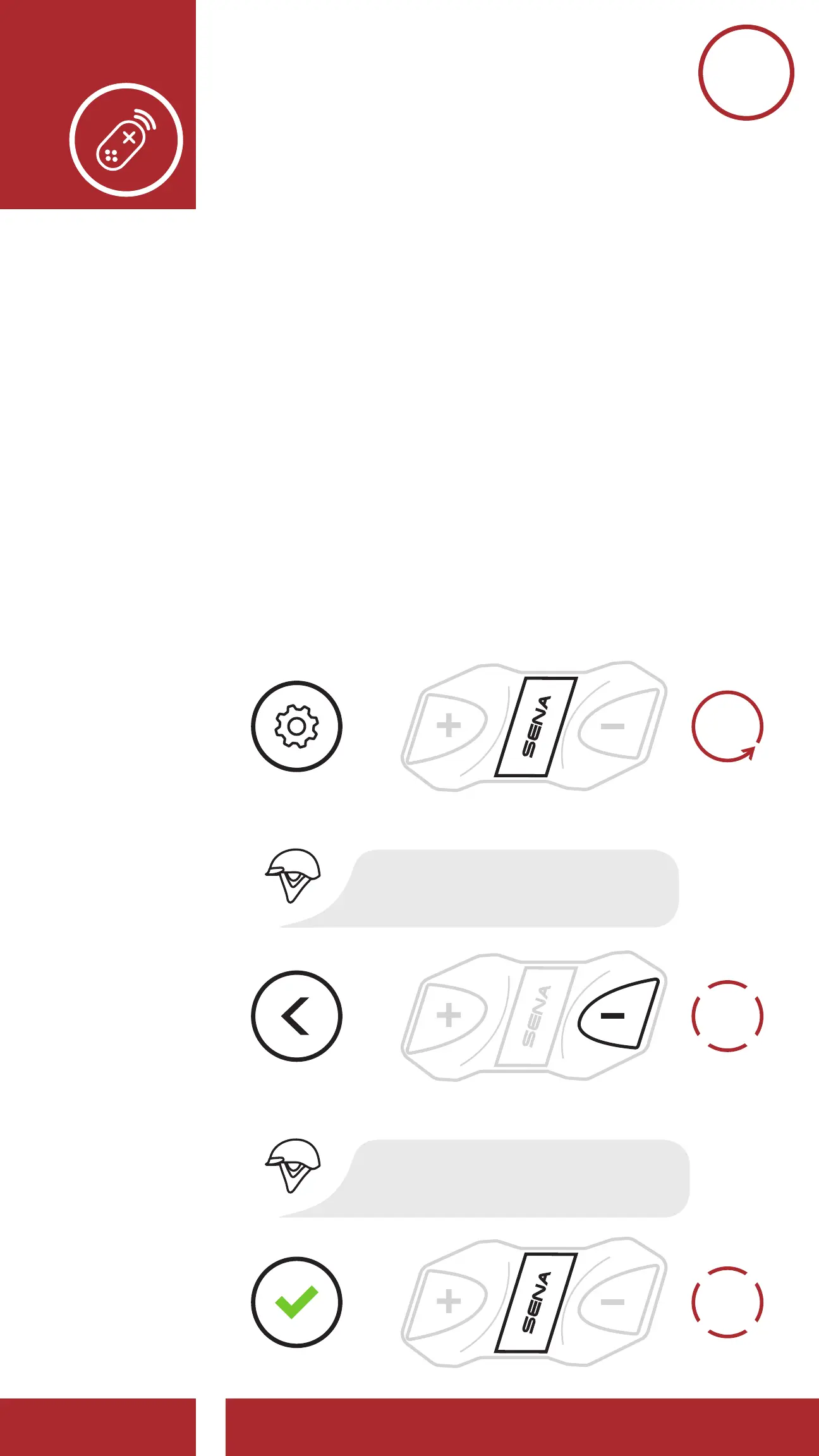
1. Turn on the Bluetooth Module and the Remote
Control device.
2. Execute Remote Control Pairing in the
Configuration Menu. Please refer to Section 2.7:
“Configuration Menu” for more details.
4x
TAP
1x
TAP
Enter Pairing Mode
on Remote Control.
Access Remote Control Pairing
in the Confi guration Menu
Enter Pairing Mode
REMOTE
CONTROL
EXECUTE
NAVIGATE
BACKWARD
4X
=
=
=
ACCESS
CONFIG.
MENU
“Remote control pairing”
“Remote control connected”
“Confi guration menu”
10s
HOLD



 To Next Page