Intercom
Pairing
Two-Way
Intercom
Universal
Intercom
Advanced
Noise
Control™
Sena Cavalry Lite Bluetooth
®
Half Helmet | 39
6. INTERCOM SETUP
MENU
6.3 Universal Intercom
Universal Intercom allows you to have intercom
conversations with users of non-Sena Bluetooth
headsets. You can pair the Cavalry Lite Bluetooth
Helmet with only one non-Sena headset at a time.
The intercom distance depends on the performance
of the Bluetooth headset to which it’s connected.
When a non-Sena Bluetooth headset is paired with
the Bluetooth Helmet, if another Bluetooth device
is paired via Second Mobile Phone Pairing, it will
be disconnected.
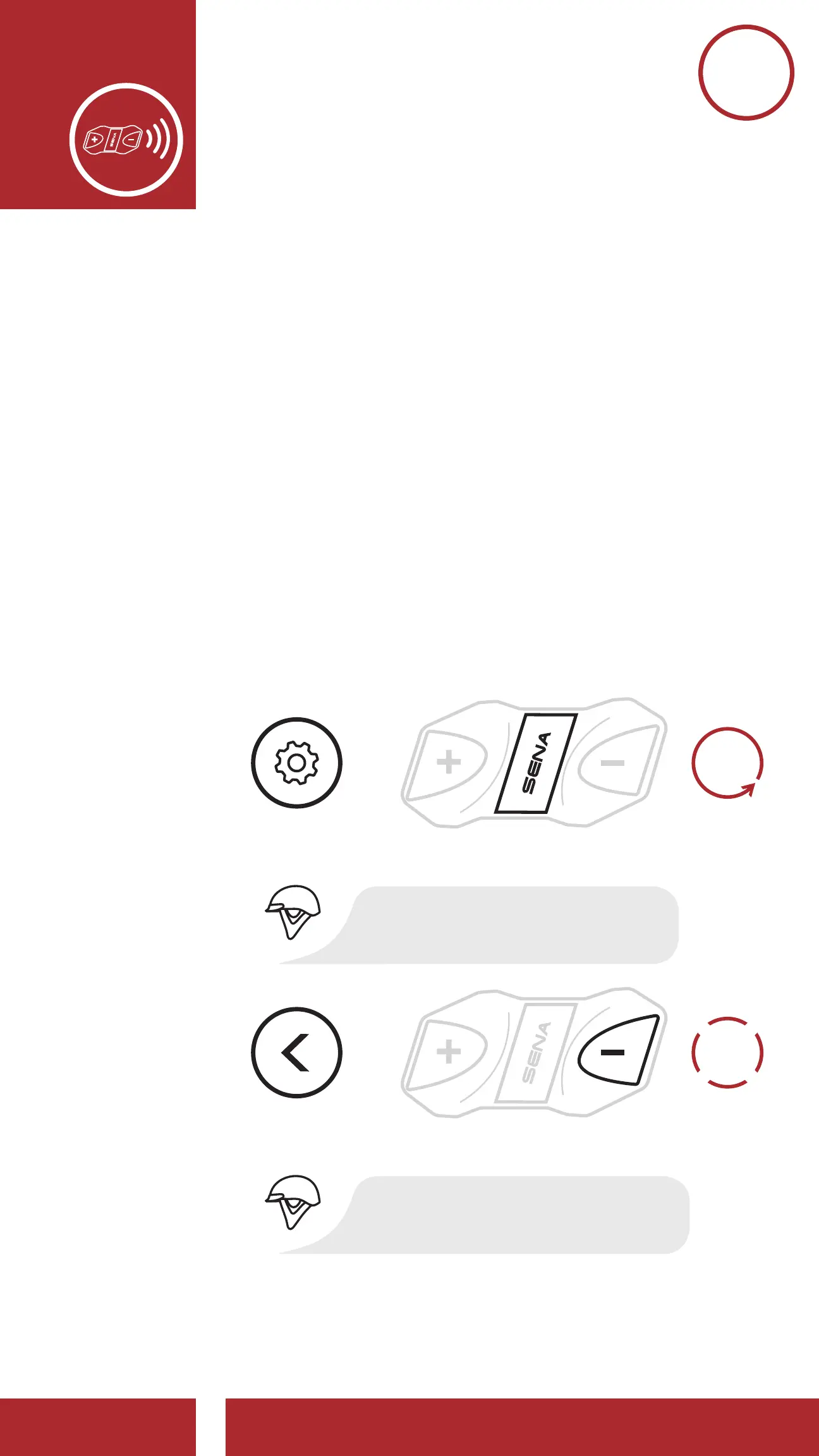
1. Execute Universal Intercom in the Configuration
Menu. Please refer to Section 2.7:
“Configuration Menu” for more details.
3x
TAP
1x
TAP
Access Universal Intercom in the Confi guration Menu
EXECUTE
NAVIGATE
BACKWARD
3X
=
=
ACCESS
CONFIG.
MENU
“Universal intercom”
“Confi guration menu”
10s
HOLD



 To Next Page