FM Radio
On/Off
Seek and
Save Radio
Stations
Scan and
Save Radio
Stations
Temporary
Station
Preset
Navigating
Preset
Stations
Region
Selection
Radio Data
System (RDS)
Alternative
Frequency
(AF)
Sena Cavalry Lite Bluetooth
®
Half Helmet | 45
7. USING THE FM RADIO
MENU
“Preset (#)”
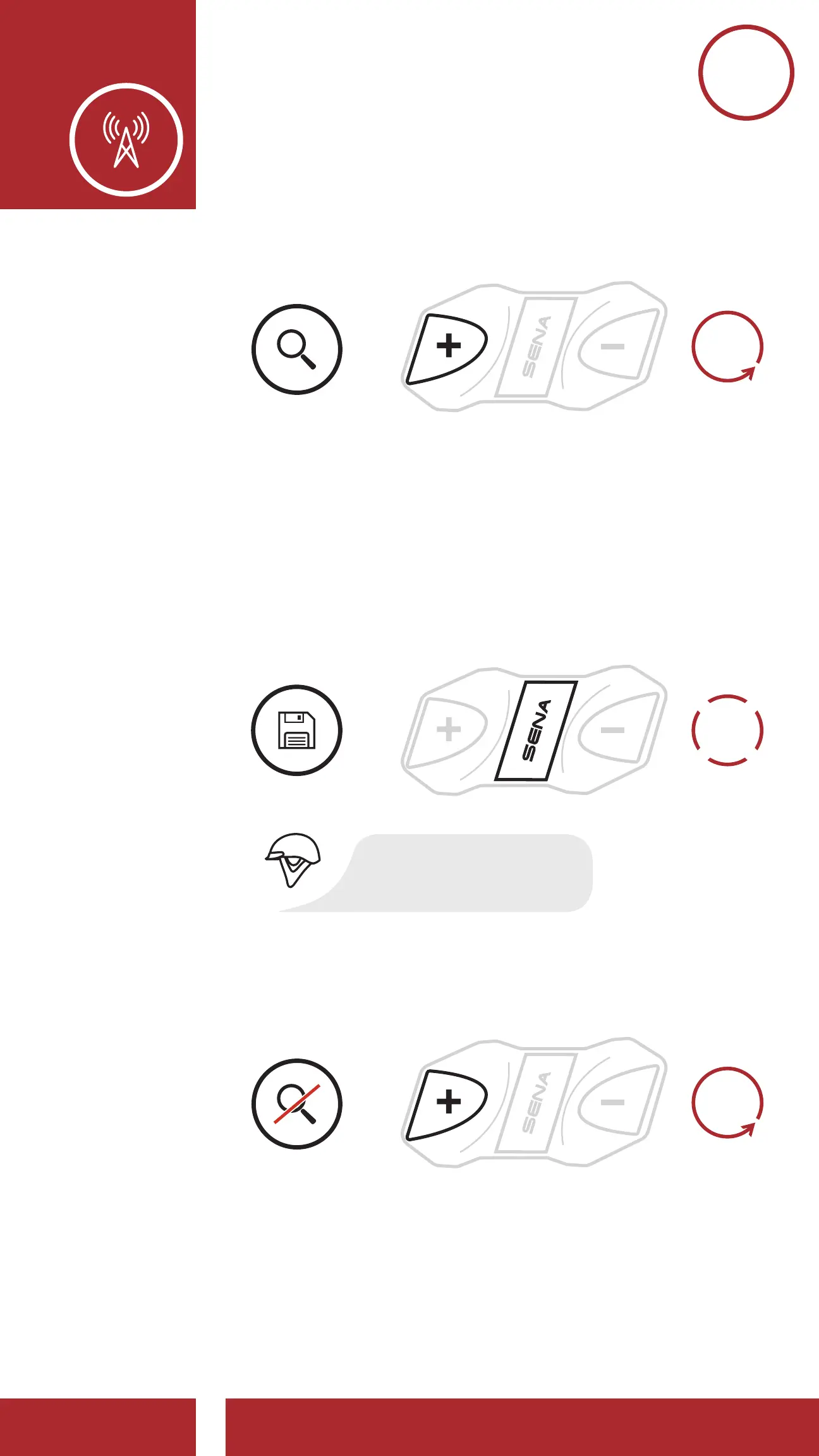
Scan and Save Radio Stations
Save the Current Station
Stop Scanning
START
SCANNING
SAVE
STATION
STOP
SCANNING
1x
TAP
1s
HOLD
=
2. The Sena tuner pauses at each station it finds for
8 seconds before moving to the next.
3. To save the current station, tap the Center
Button. The station will be saved as the next
preset number.
“Preset (#)”
Scan and Save Radio Stations
Save the Current Station
Stop Scanning
START
SCANNING
SAVE
STATION
1x
TAP
=
4. To stop scanning, press the (+) Button for
1 second.
“Preset (#)”
Scan and Save Radio Stations
Save the Current Station
Stop Scanning
START
SCANNING
SAVE
STATION
STOP
1s
HOLD
=
7.4 Temporary Station Preset
The Temporary Preset feature automatically finds
and saves the nearest 10 radio stations without
changing your existing preset stations.



 To Next Page