Button
Functions
Powering
On and Off
Charging
Checking the
Bluetooth
Battery
Level
Volume
Adjustment
Downloadable
Sena Software
Configuration
Menu
Sena Cavalry Lite Bluetooth
®
Half Helmet | 17
2. GettinG started:
built-in bluetooth
system
MENU
Battery Level — Visual Method
Battery Level — Audible Method
=
=
=
=
=
AUDIBLE
METHOD
VISUAL
METHOD
HIGH
MEDIUM
LOW
“Battery level
(high/medium/low)”
3s
HOLD
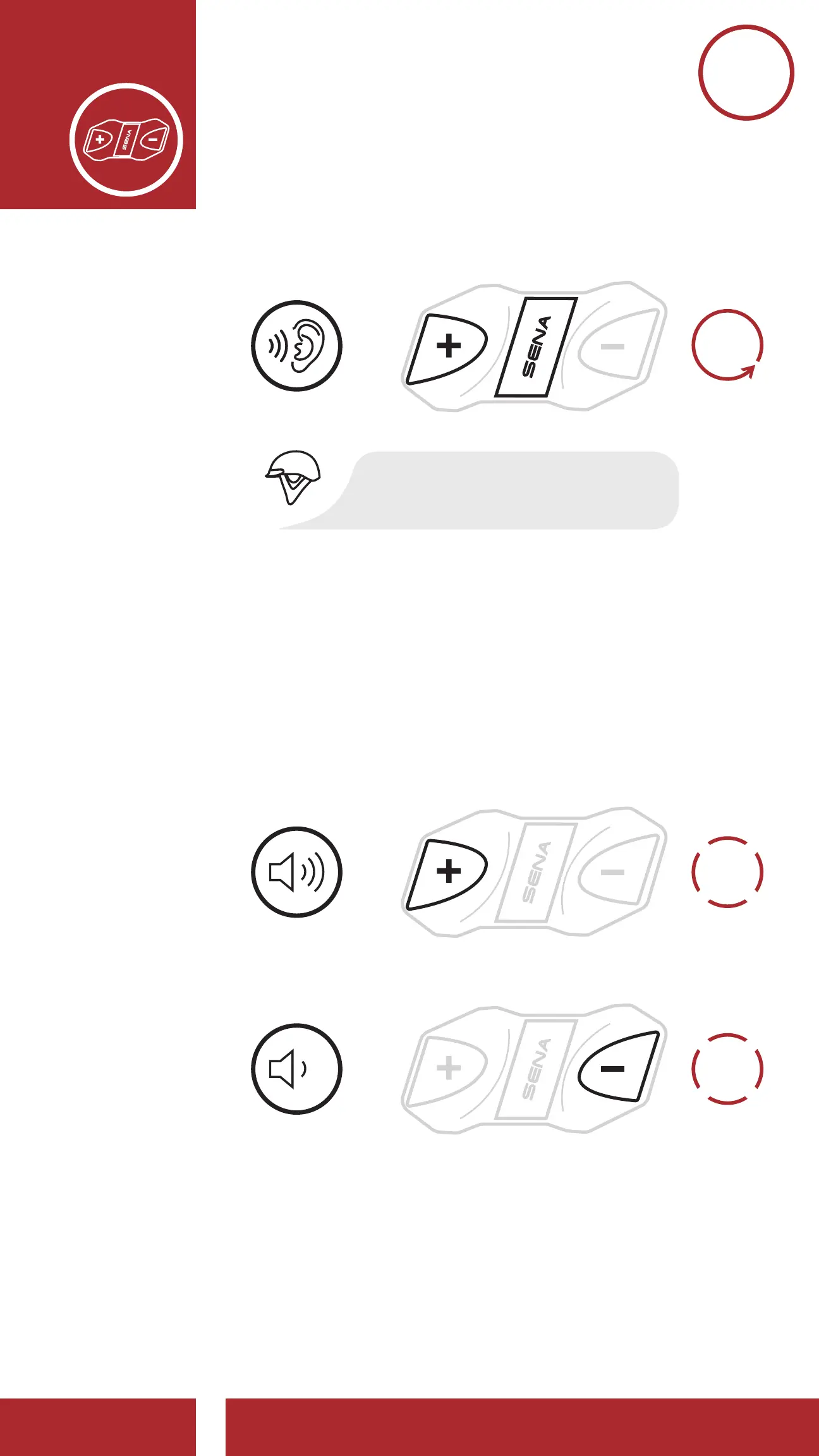
2.5 Volume Adjustment
You can raise or lower the volume by tapping the
(+) Button or the (-) Button. Volume is set and
maintained independently at different levels for
each audio source (i.e., phone, intercom), even
when the headset is rebooted.
1x
TAP
1x
TAP
Volume Down
=
=
VOLUME
DOWN
VOLUME UP



 To Next Page