Playing
Music with
Bluetooth
Devices
Music
Sharing
Audio Boost
Sena Cavalry Lite Bluetooth
®
Half Helmet | 36
5. Stereo muSic
MENU
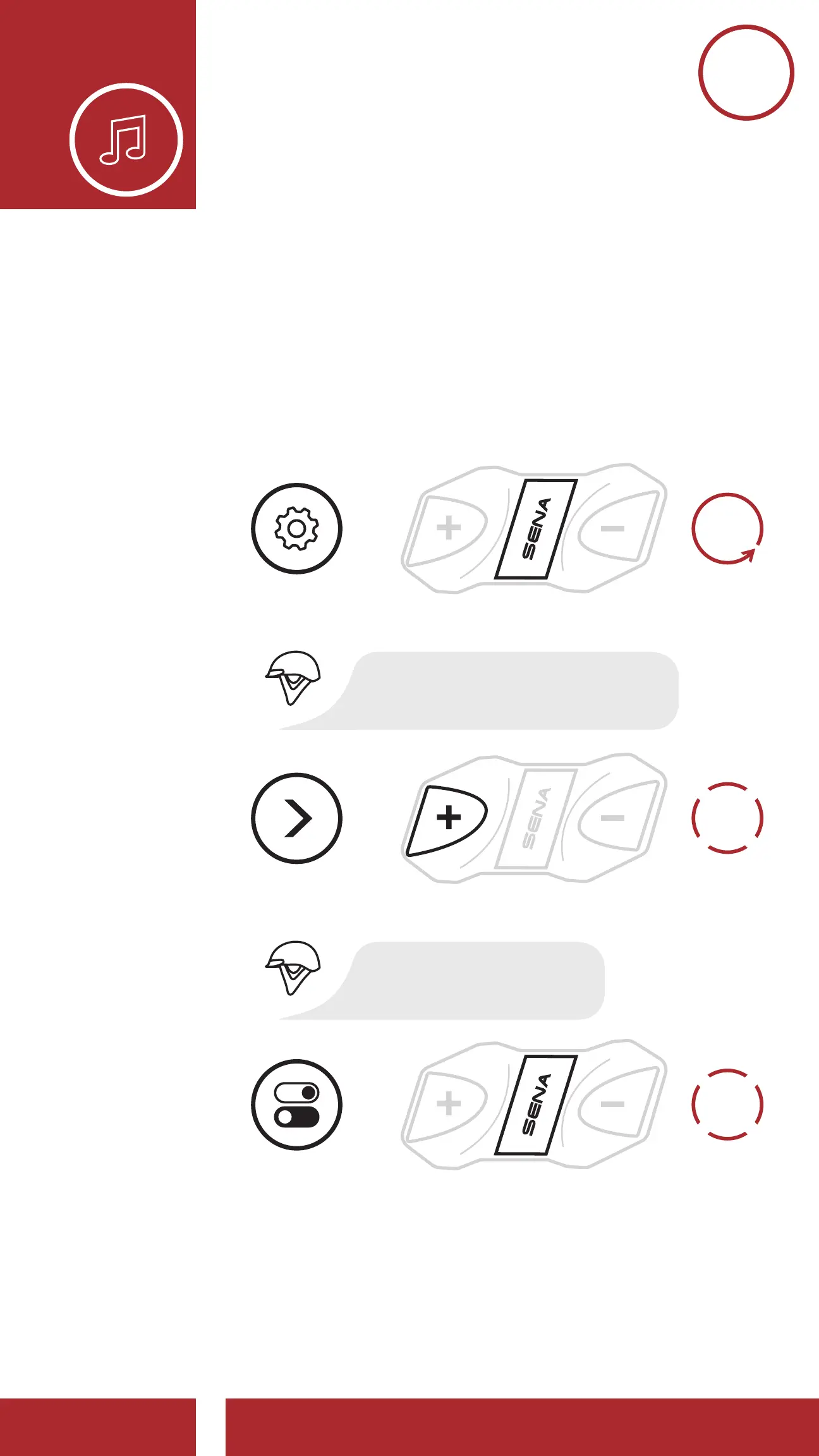
5.3 Audio Boost (Default: Enable)
An Audio Boost setting can be found in the
Configuration Menu. Enabling Audio Boost
increases the maximum volume limit. Disabling
Audio Boost reduces the maximum volume limit
while delivering more balanced sound.
6x
TAP
1x
TAP
ENABLE OR
DISABLE
Accessing Audio Boost in the Confi guration Menu
NAVIGATE
FORWARD
6X
=
=
=
ACCESS
CONFIG.
MENU
“Audio boost”
“Confi guration menu”
10s
HOLD



 To Next Page