Making and
Answering
Calls
Speed
Dialing
Sena Cavalry Lite Bluetooth
®
Half Helmet | 30
4. Mobile phone usage
MENU
1x
TAP
1x
TAP
1x
TAP
NAVIGATE
FORWARD
5X
=
=
=
=
=
=
=
=
ACCESS
CONFIG.
MENU
“Speed dial”
“Confi guration menu”
“Speed dial (#)”
“Speed dial (#)”
“Save speed dial (#)”
“Cancel”
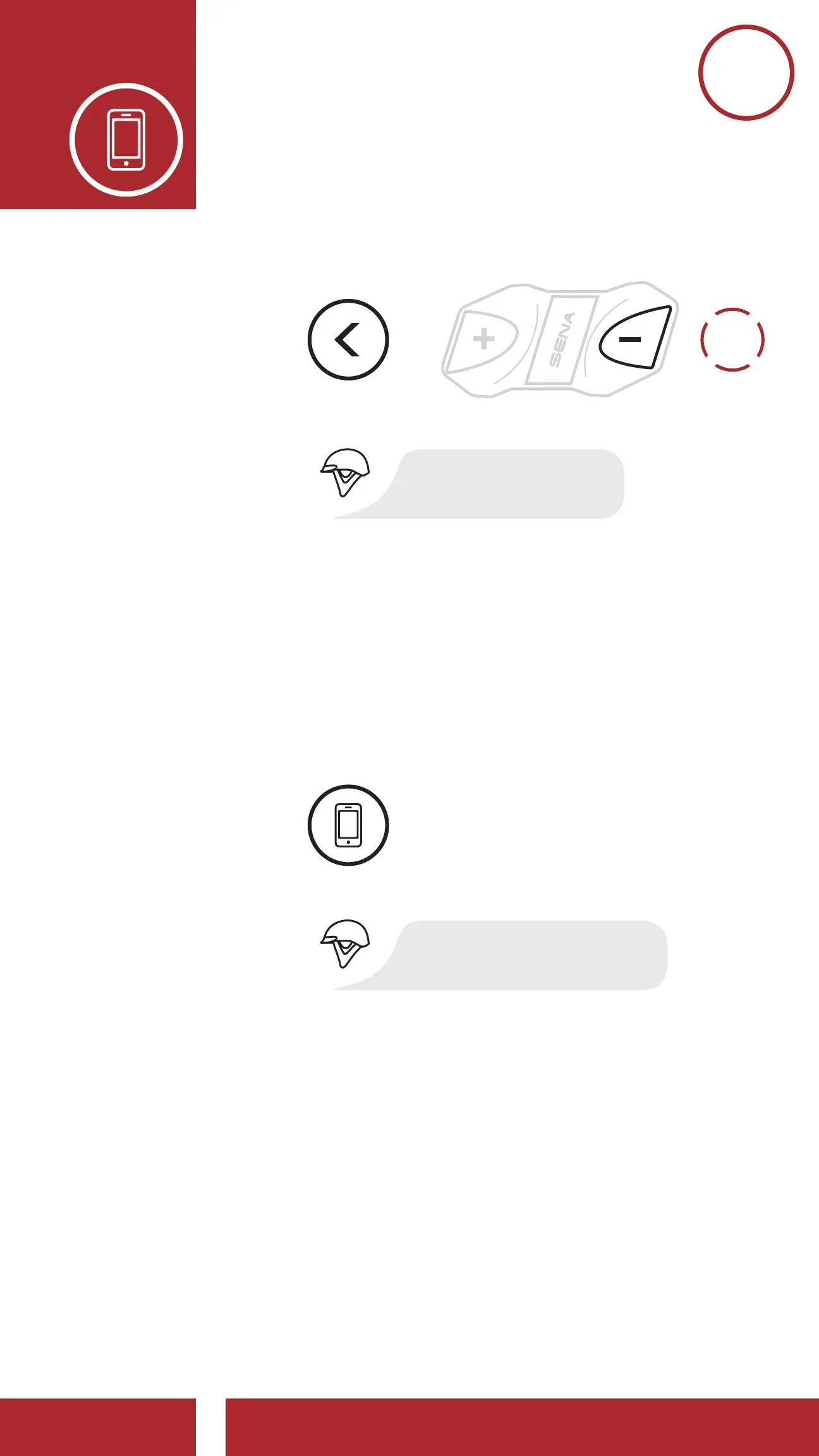
Assigning Speed Dial Presets
Navigate Forward through Preset Numbers
Navigate Backward through Preset Numbers
On Your Mobile Phone, Dial Number
Exit Menu
Dial the phone number
on your mobile phone
EXECUTE
NAVIGATE
FORWARD
1X
NAVIGATE
BACKWARD
1X
MOBILE
PHONE
EXIT
MENU
CONFIRM
CANCEL
10s
HOLD
3. On your mobile phone, call the number
to which you want to assign a Speed
Dial Preset. The call will be terminated
immediately. Then, you will hear the
voice prompt, “Save speed dial (#).”
This confirms that the number was saved.
5x
TAP
1x
TAP
1x
TAP
1x
TAP
1x
TAP
1x
TAP
NAVIGATE
FORWARD
5X
=
=
=
=
=
=
=
=
ACCESS
CONFIG.
MENU
“Speed dial”
“Confi guration menu”
“Speed dial (#)”
“Speed dial (#)”
“Save speed dial (#)”
“Cancel”
Assigning Speed Dial Presets
Navigate Forward through Preset Numbers
Navigate Backward through Preset Numbers
On Your Mobile Phone, Dial Number
Exit Menu
Dial the phone number
on your mobile phone
EXECUTE
NAVIGATE
FORWARD
1X
NAVIGATE
BACKWARD
1X
MOBILE
PHONE
EXIT
MENU
CONFIRM
CANCEL
10s
HOLD
4. Use this procedure to save other Speed
Dial Presets.
5. To exit the menu, tap the (+) Button or
the (-) Button until you hear the voice
prompt, “Cancel,” then tap the Center
Button to confirm.



 To Next Page