Advanced functionalities
5.9 Flight Parameters tab
Flight parameters
General
information
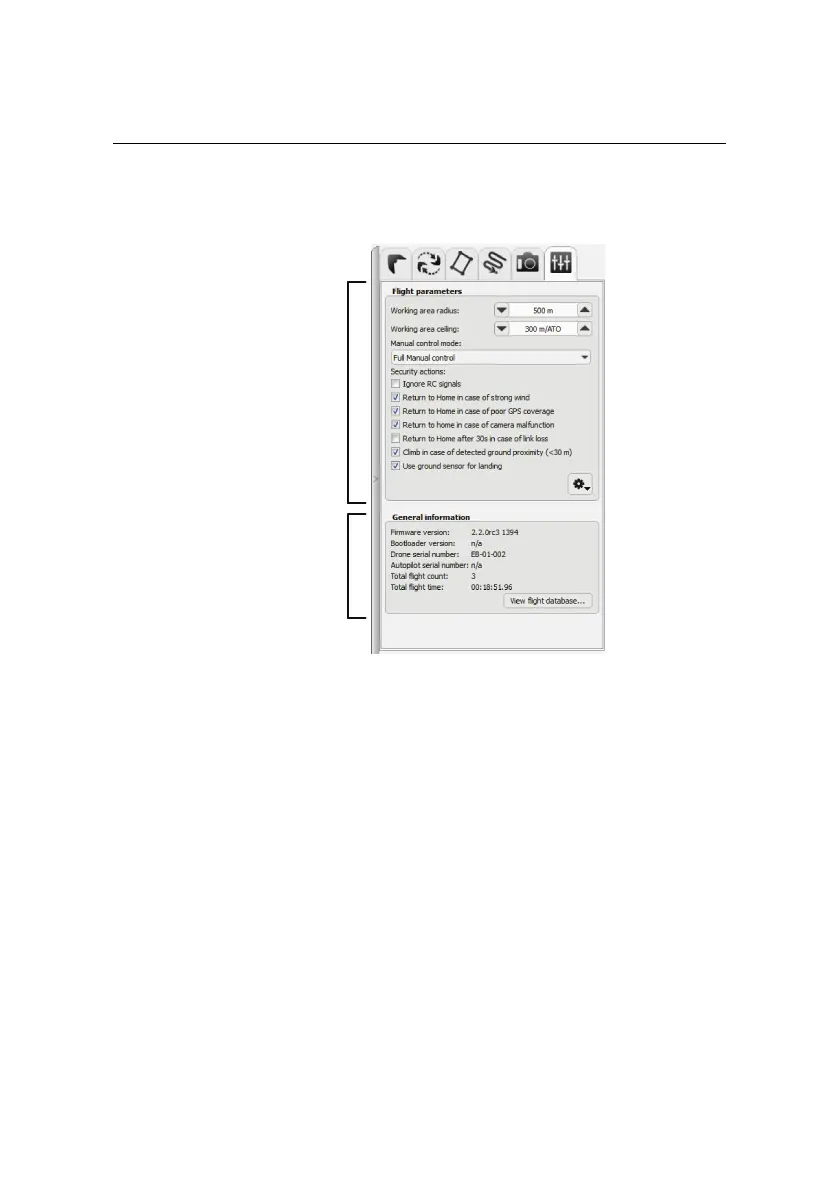
TheFlightParameterstabincludes some advancedfunctions thatgovern the over-
all behaviour of the drone while in flight. It is separated into two sections: ‘Flight
parameters’ and ‘General information’. The ‘Flight parameters’ section includes
the following items:
• Working area radius: This is the radius of the working area around the
take-off location. Flying outside of this area will create a warning and cause
the drone to return to the Home waypoint.
Default value: 500 m
• Working area ceiling: This is the maximum altitude above the take-off
location at which the drone can fly. Flying above this altitude will create a
warning and cause the drone to return to the Home waypoint.
Default value: 300 m/ATO
116



 To Next Page