eMotion in-depth guide
Instant rechargeof
battery
Clicking this button will instantly recharge the bat-
tery of the drone. Note: This is a simulated action
that is not possible with the real eBee while it is
in flight.
Wind speed and
direction
These fields are used to input a simulated wind speed
and direction. A random wind speed and direction is
set when eMotion connects to a simulated drone.
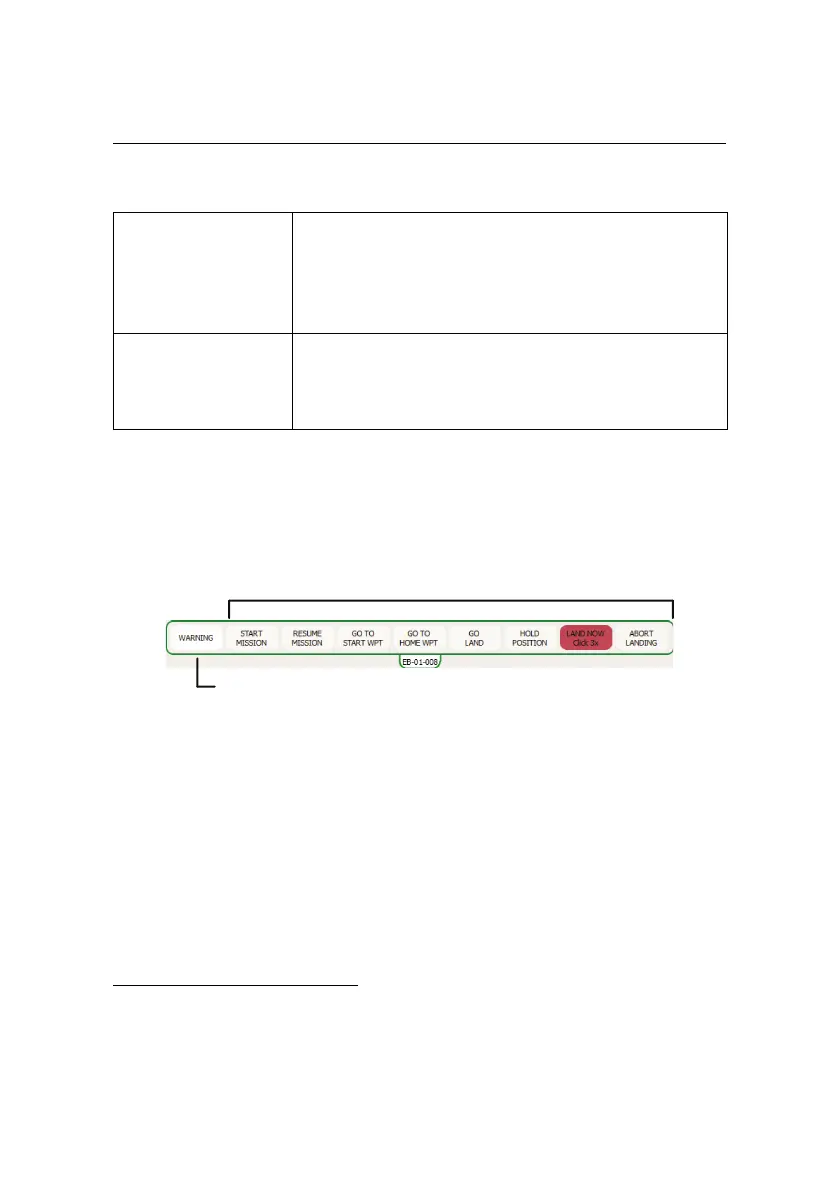
5.3 Control Bar
Command buttons
Warning indicator
The Control Bar includes buttons for sending commands to the drone and for ac-
knowledging warnings while it is in flight. Certain buttons can only be used dur-
ing specific flight modes³¹.
The Command buttons allows the operator to directly control the drone while it
is in flight. The various buttons are described in table 2 on the following page.
³¹ see section ‘Autonomous controller and modes of flight’ on page 66 for more information on flight
modes
89



 To Next Page