Troubleshooting
8 Troubleshooting
Goal of this section: This section describes the various error mes-
sages that may be displayed during start-up or while the eBee is in
flightand provides some tips on solving the simplest problems. Inthe
case of a more serious problem, this section describes how to prepare
the required data on the problem and report it to your eBee reseller.
The eBee can generate several types of error messages depending on its flight
mode. Some of these messages are minor and simply need to be acknowledged
through eMotion, whereas others require more specific action from the user. As
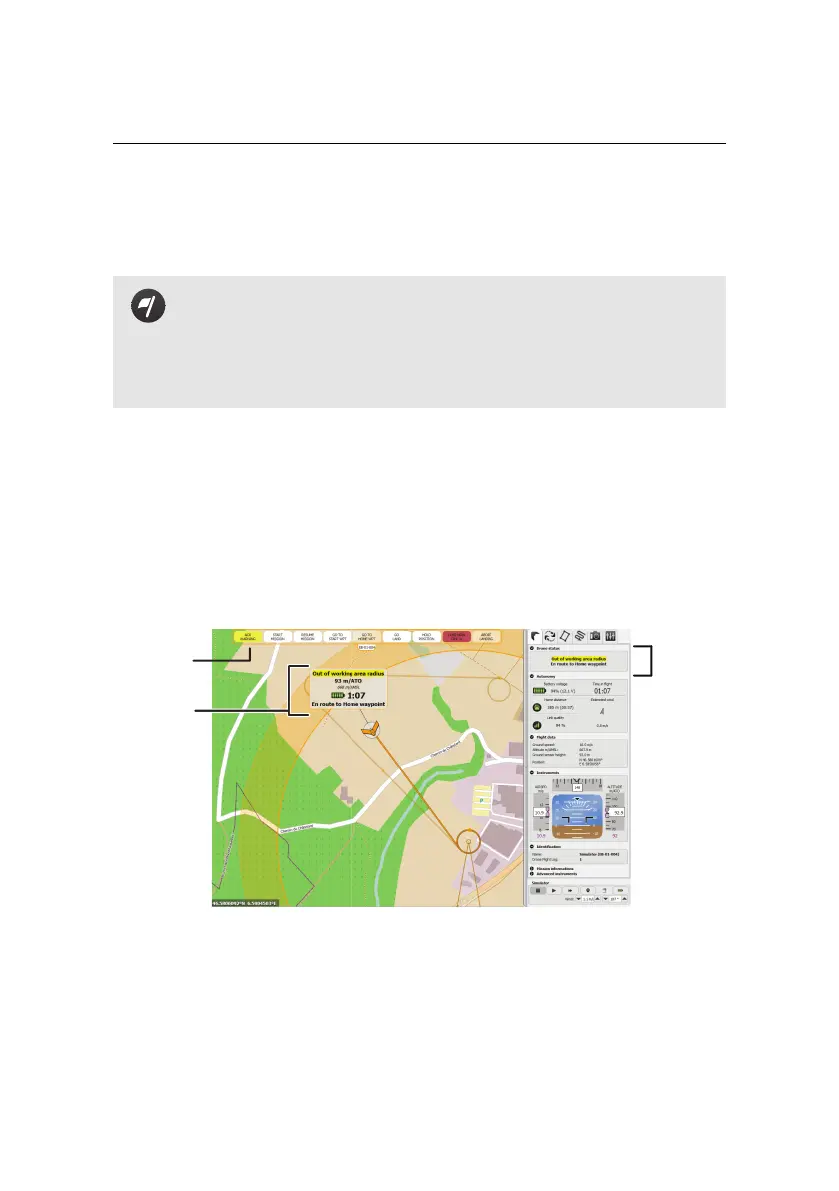
long as the drone is connectedto eMotion, error messages will appear in the Status
Panelin the Map Area, as well as in the Drone Status panel of the Flight Monitoring
tab.
ACK
WARNING
Status
Panel
Drone
Status
Error messages are divided into four categories: Pre-flight errors, Take-off vetoes,
In-flight warnings and Critical failures.
137



 To Next Page