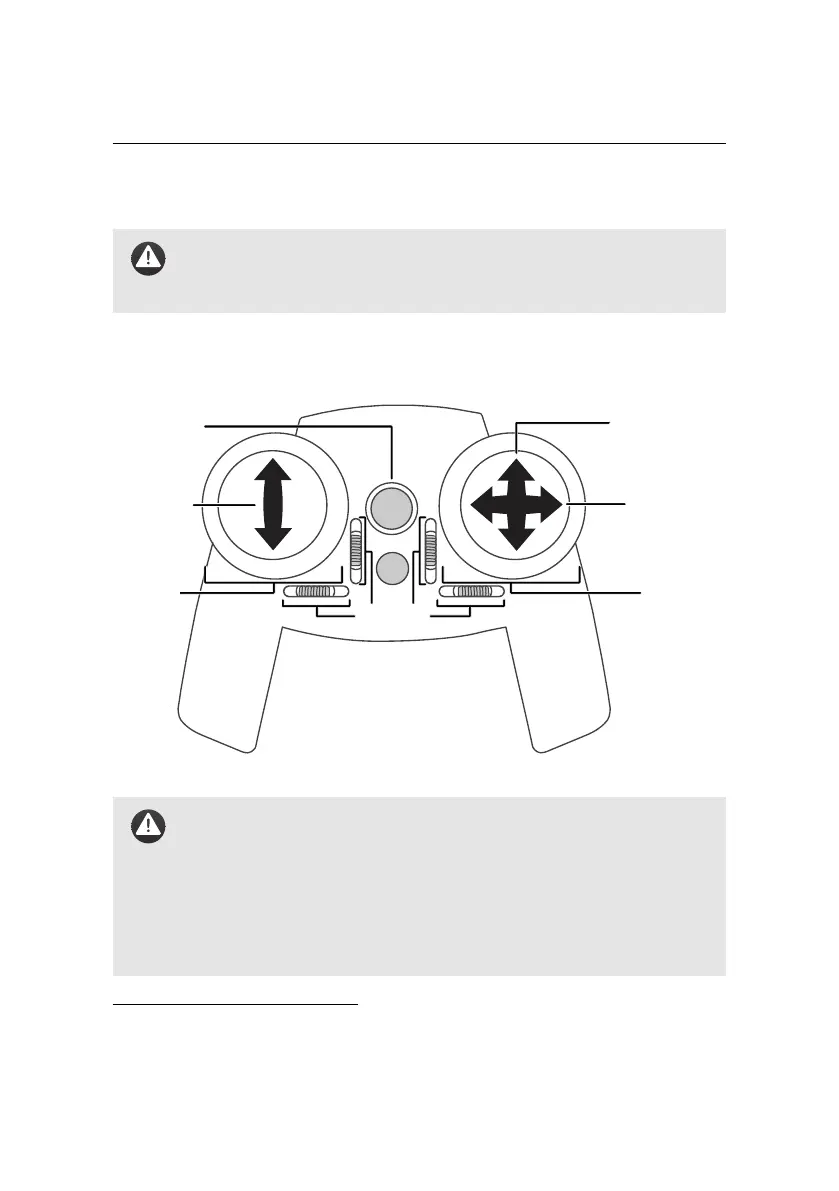
Manual control of the eBee
before Manual mode was enabled.
Caution: We recommend that you only turn the remote control on
when it is held by a pilot ready to take manual control of the drone,
and that you turn it off when putting the remote control down.
Manual control of the eBee can be achieved at any time if the drone is within range
of the remote⁴⁵.
FM: thrust
AM: speed
FM: ailerons
AM: turn rate
FM: elevator
AM: climb/sink rate
FM: Full Manual
AM: Assisted Manual
right stick
left stick
on: manual
off: auto
trim dials
Caution: The remote control is preconfigured for use with the eBee.
In particular, the trim dials, used to finely adjust the position of the
drone’s ailerons, are calibrated to ensure optimal flight characteristics
and should not be adjusted. Changing the remote control’s configu-
ration, including the trim settings, may compromise the flight char-
acteristics of the drone. If, for any reason, the preset settings should
be lost, contact your eBee reseller.
⁴⁵ see section ‘Drone specifications’ on page 163 for the range of the remote control
121



 To Next Page