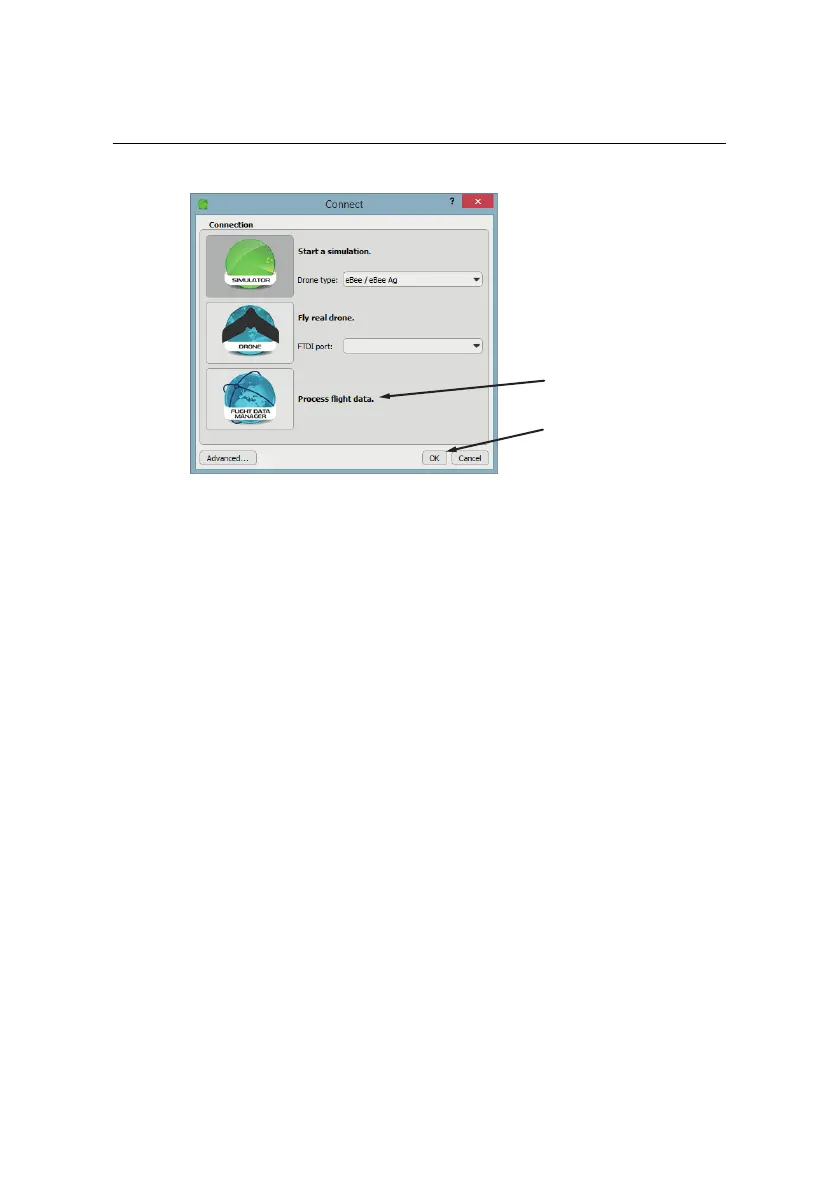
Processing image data
click OK
select Flight
Data Manager
Follow these steps to import data from the drone:
• Step 1 - Select a flight: If the flight was monitored from the computer
you are using to import images then the flight is saved within the local
database. Select the date that the flight took place. A list of flights (in-
cluding number of images taken) from that date will appear in the combo
box, select the one you wish to import.
• Step 2 - Create a directory: Choose a directory name that uniquely iden-
tifies your flight (e.g. the date, the name of the area, etc.).
49



 To Next Page