R301 RF POWER SUPPLY OPERATOR’S MANUAL
Configuring Programmable Parameters
Navigating the Programming Menu
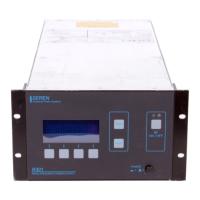
TO ENTER the programming mode, press the “PGM” button (Program/Run button – item 1)
on the front panel. The legend above the button will change from “PGM” to “RUN”.
TO EXIT the programming mode, press the “RUN” button (Program/Run button – item 1) on
the front panel. The legend above the button will change from “RUN” to “PGM”.
Pressing the “DOWN” button (item 2) moves down the programming menu levels.
Pressing the “UP” button (item 3) moves up the programming menu levels.
Pressing either the “UP” or “DOWN” buttons saves the programmable parameter. Pressing the
“ENT” button (item 4) also saves the programmable parameter. The programmable
parameters are saved in the R301 RF Power Supply’s memory and are recalled upon power-on
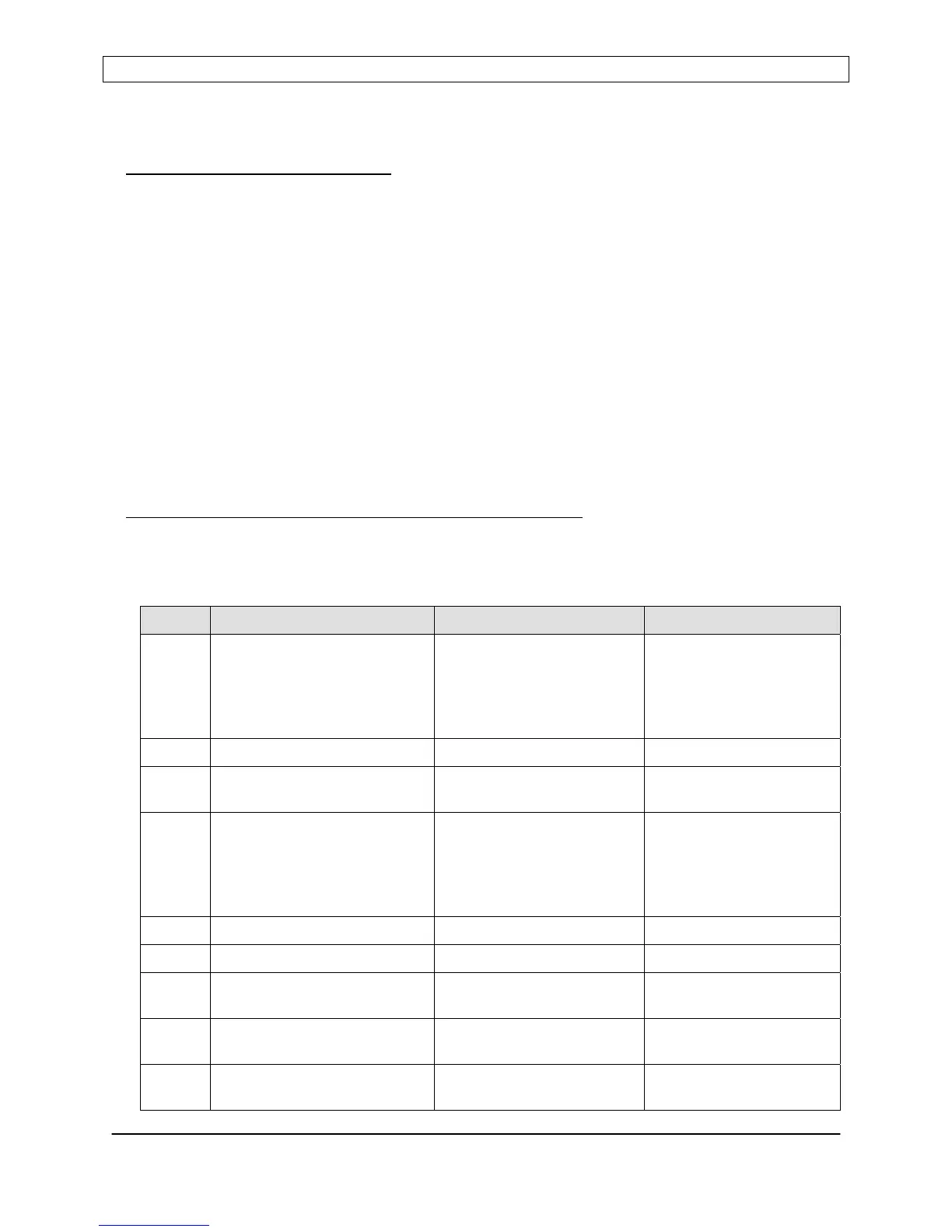
PROGRAMABLE PARAMAETER REFERENCE CHART:
Programmable parameters intended for use by equipment operators are listed below.
Asterisk (*) indicates factory default setting.
LEVEL PARAMETER DISPLAY LINE 3 OPTION
1 Control Source
Note: Setting the control source
to Serial Control allows scrolling
and setting of serial parameters
(Levels 1a through 1B)
PANEL CONTROL
ANALOG CONTROL
SERIAL CONTROL
PANEL*
ANALOG
SERIAL
1a Serial Interface Protocol RS232 RS232
1b Serial Baud Rate XXXXX BAUD 19200*
9600
2 Pulse Mode
Note: Setting Pulse Mode to
enabled allows scrolling/setting
of pulse parameters (Levels 2a
through 2b)
PULSE MODE ENABLED
PULSE MODE DISABLED
ENABLED
DISABLED*
2a Pulse Frequency FREQUENCY XXXX Hz 0 Hz to 20,000 Hz
2b Pulse Duty Cycle DUTY CYCLE XXX % 0% to 100%
3 Leveling Source Select POWER CONTROL
VOLTAGE CONTROL
Internal Power Sensor*,
External Feedback Voltage
4 Analog Voltage Range Select RANGE 5V F.S.
RANGE 10V F.S.
5VDC*
10VDC
5 Power Leveling Select FWD POWER LEVELING
LOAD POWER LEVELING
Forward Power*
Load (Net) Power
Page 27
Seren IPS Inc.
6100130000 Rev. 0.05


 To Next Page