SCORPIO 38’ - 45’ - SPECIAL CONFIGURATIONS - Limit the movement of the 45’ to 38’
Version 1.02 May 27, 2022
SERVICEVISION BIS SL
Ríos Rosas, 20 · 08940 CORNELLA DE LLOBREGAT (Barcelona) Spain · Tel. 34 93 223 86 30 · Fax 34 93 223 86 31 93
comercial@servicevision.es · www.servicevision.es
8.6 LIMIT THE MOVEMENT OF THE 45’ TO 38’
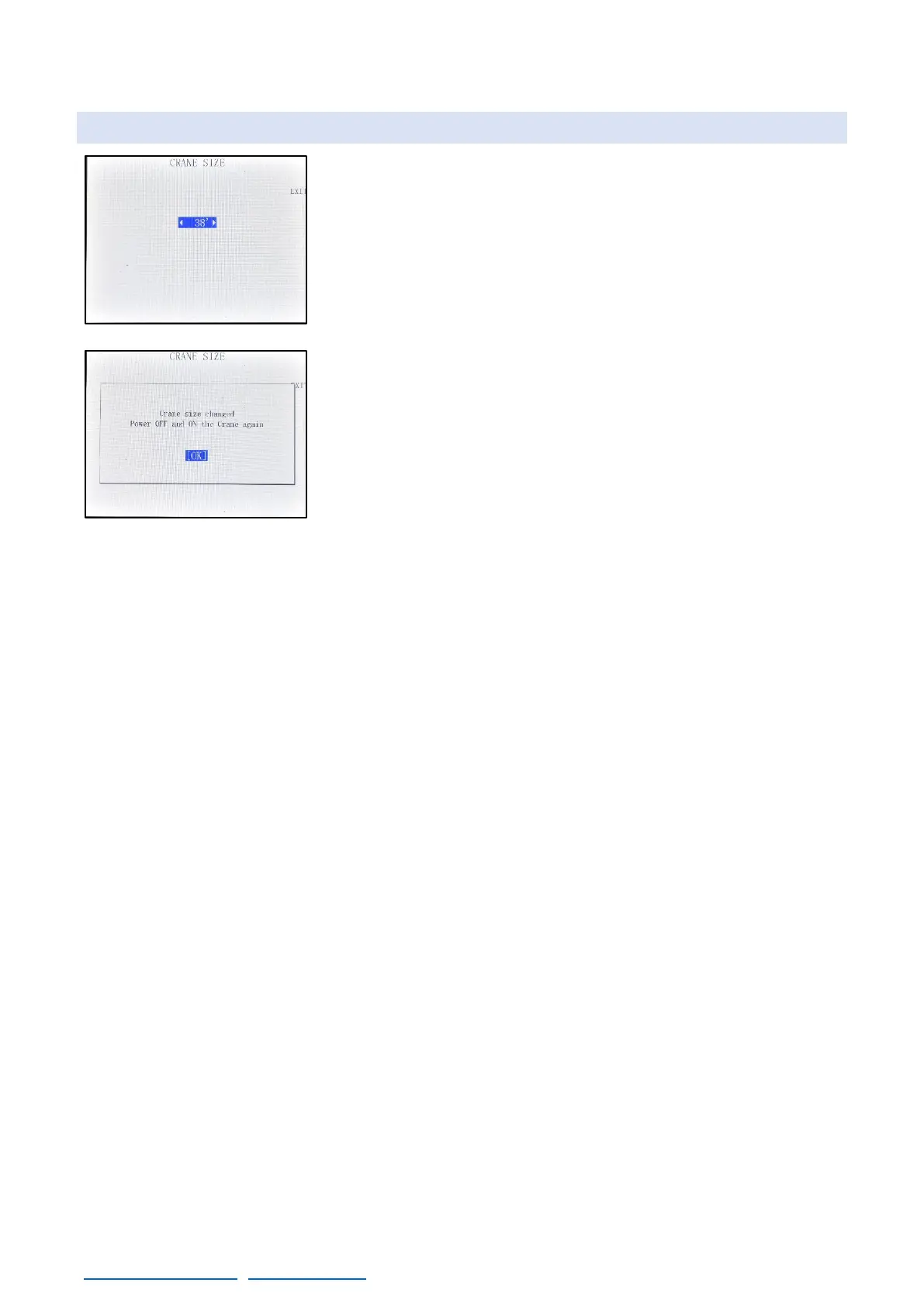
It is possible to electronically limit the movement of a 45’ to adjust its
size to 38’. To use this mode, go to MENU→AUXILIAR→BUS
CONNECTIONS, and in this screen press the bottom right corner for
5 seconds. The screen 08.38 will be shown and it is possible to adjust
the size of the crane between 38’ & 45’. To activate the changes, the
crane must be restarted, and the size of the crane will be adjusted.



 To Next Page