Installation CDHD
28 Servotronix
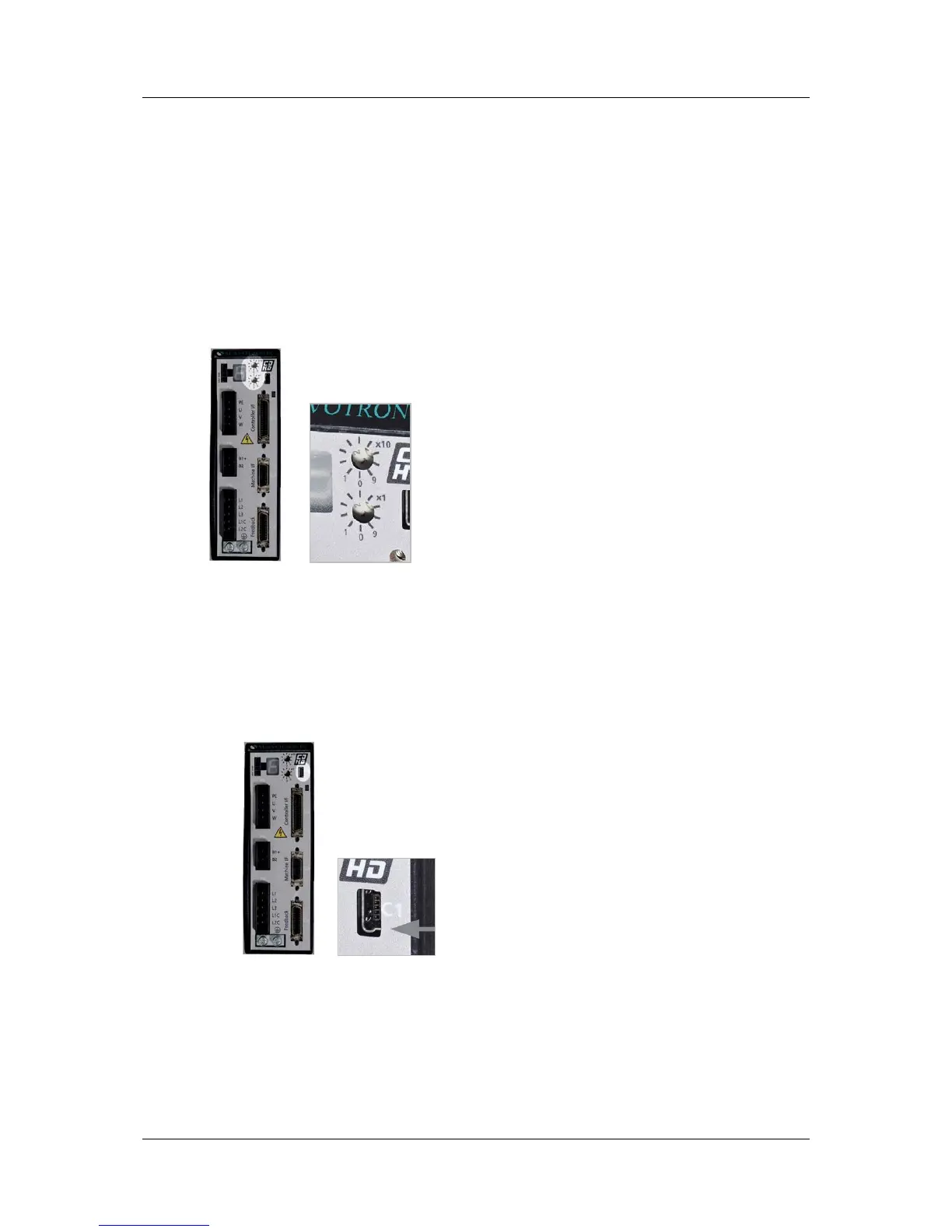
Use the two rotary switches to set the drive address for both CAN and serial
communication.
For Ethernet-based motion buses, the switch has no functional use for either the
drive or the network. It can be used at the application level to identify specific
drives on a network.
Each switch has 10 positions:
The upper switch positions are set as tens: 10, 20, 30 … 90
The lower switch positions are set as ones: 0, 1, 2 … 9
Note: If two or more drives are connected to the network, address 0 cannot be
used. A singular drive may have the address 0.
Figure 3-10. Drive Address Rotary Switches
3.6 Connect to PC (C1 or C7)
To connect the drive to the host computer, use either one of the following
interfaces:
USB port (C1). Use a USB 2.0 A to Mini-B cable.
Figure 3-11. USB Port



 To Next Page