EasyManua.ls Logo

Servotronix CDHD - User Manual

Servotronix CDHD
50 pages
Print Icon
To Next Page IconTo Next Page
Loading...
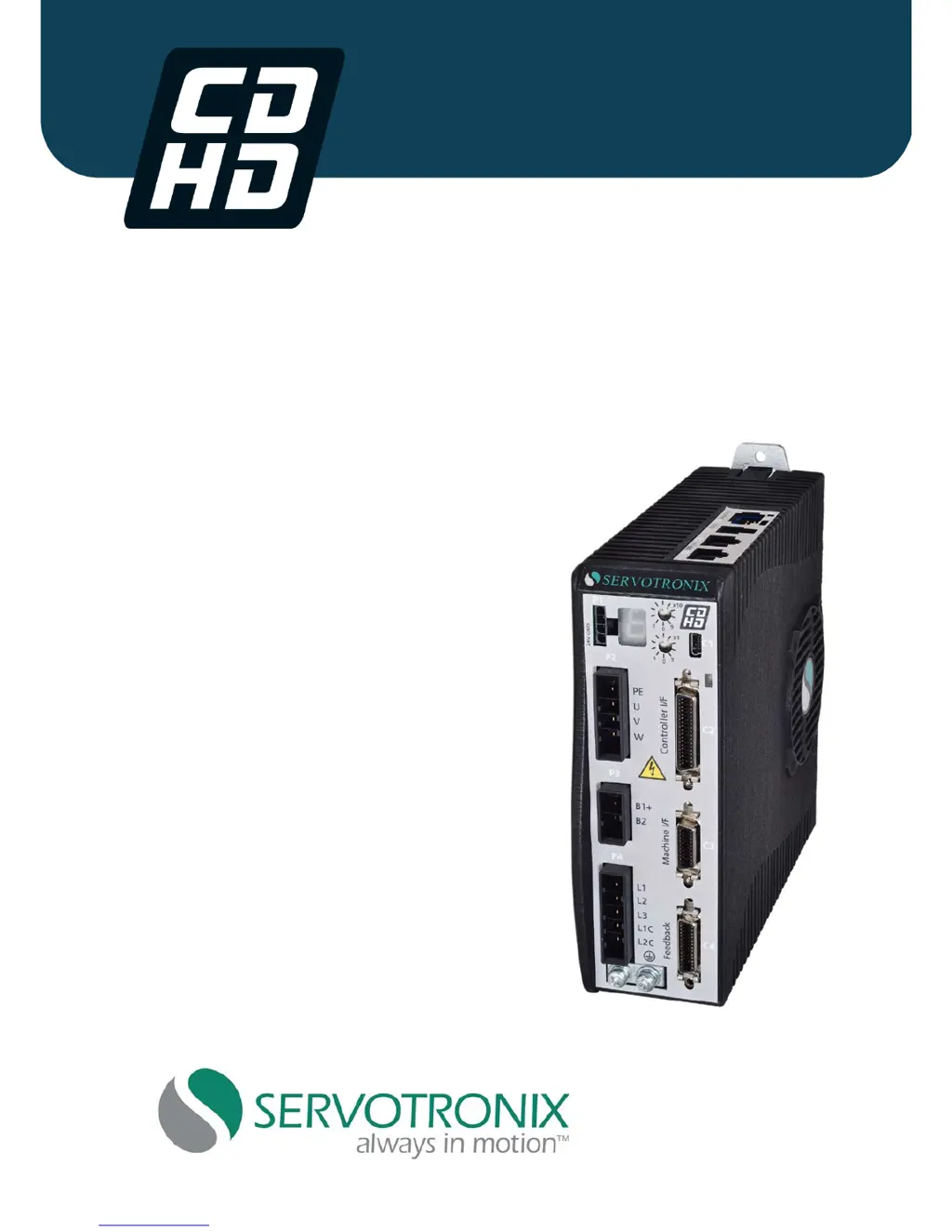
CDHD Servo Drive
User Manual
Revision 0.2
PRELIMINARY RELEASE

Table of Contents

Other manuals for Servotronix CDHD

Questions and Answers

  • L
    Leah MoyerAug 18, 2025
    Why is there an over-voltage error in my Servotronix CDHD Servo Drives?
    • C
      Cassandra ScottAug 18, 2025
      If the bus voltage exceeds the maximum value in your Servotronix Servo Drives, check whether a regen resistor is required for the application.
  • L
    Lacey ShafferAug 20, 2025
    What to do if Servotronix CDHD Servo Drives show an over-current error?
    • A
      Abigail WelchAug 21, 2025
      If your Servotronix Servo Drives experience an over-current at the drive output, check for a short circuit on the motor connection.
  • T
    Tracy PatelAug 23, 2025
    Why is my Servotronix CDHD showing a motor over-temperature error?
    • B
      Brooke FloresAug 23, 2025
      If the motor has overheated or the drive is not set up correctly for the motor temperature sensor, check that the drive is configured properly and that the motor temperature sensor is properly connected to the drive if needed.
  • M
    Mariah BrownAug 26, 2025
    What to do if the velocity over-speed is exceeded in Servotronix CDHD Servo Drives?
    • D
      David WilliamsAug 26, 2025
      If the actual velocity exceeded 1.2 times the velocity limit in Servotronix Servo Drives, check that VLIM is set to match the application requirements.
  • M
    Matthew LiuAug 27, 2025
    What causes drive foldback in Servotronix Servo Drives?
    • R
      Richard OrozcoAug 27, 2025
      If the drive average current exceeds rated drive continuous current in Servotronix Servo Drives, check motor-drive sizing.
  • B
    bethwalkerAug 30, 2025
    What does motor foldback mean in Servotronix CDHD?
    • E
      Erik BergerAug 30, 2025
      If the motor average current exceeds rate motor continuous current in Servotronix Servo Drives, check the drive-motor sizing.
  • C
    Cody MaloneSep 1, 2025
    How to fix regen over-current in Servotronix CDHD Servo Drives?
    • C
      Carla BrownSep 1, 2025
      If the preset current limit for regen current has been exceeded in Servotronix Servo Drives, increase the value of the regen resistor.
  • A
    Andrea RussellSep 3, 2025
    Why is there a sine feedback communication failure in Servotronix CDHD?
    • W
      wwilliamsSep 3, 2025
      If you have a communication problem between the drive and the EnDat encoder in Servotronix Servo Drives, check that the data and clock signals to the EnDat encoder are connected properly.
  • G
    griffinrhondaSep 5, 2025
    What causes a sine encoder quadrature fault in Servotronix CDHD Servo Drives?
    • S
      Steven MurphySep 6, 2025
      If there is a mismatch between calculated and actual encoder quadrature information in Servotronix Servo Drives, check the feedback device wiring.
  • R
    rlongSep 8, 2025
    How to resolve feedback communication error in Servotronix CDHD?
    • N
      Nicole WellsSep 8, 2025
      If communication with the feedback device did not initialize correctly in Servotronix Servo Drives, check that the feedback device is wired correctly.

Summary

Introduction

Safety

Covers general safety precautions and symbols.

Safety Instructions

Detailed safety procedures and warnings.

Product Description

Mechanical and Electrical Specifications - 200 V

Technical specs for 200V models.

Mechanical and Electrical Specifications - 400 V

Technical specs for 400V models.

System Wiring - Pin Assignments

Pinout details for all connectors.

Installation

Installation Overview

Steps for installing and setting up the CDHD.

Connect Motor (P2)

Connecting the motor power interface.

Connect STO (P1)

How to connect the Safe Torque Off input.

Connect Regen (P3)

How to connect a regeneration resistor.

Connect Motor Feedback (C4)

Wiring the motor feedback interface.

Connect Controller I;Os (C2)

Wiring controller inputs and outputs.

Connect Machine I;Os (C3)

Wiring machine inputs and outputs.

Connect AC Input Voltage (P4)

Connecting AC power supply.

Configuration and Operation

Tuning and Testing

Using Motion and Scope screens for tuning.

Troubleshooting

Faults and Warnings

How the drive handles faults and warnings.

Fault Codes and Names

Interpreting fault codes.

Faults Table

Details on specific fault codes and actions.

Servotronix CDHD Specifications

General IconGeneral
BrandServotronix
ModelCDHD
CategoryServo Drives
LanguageEnglish

Related product manuals