

 To Next Page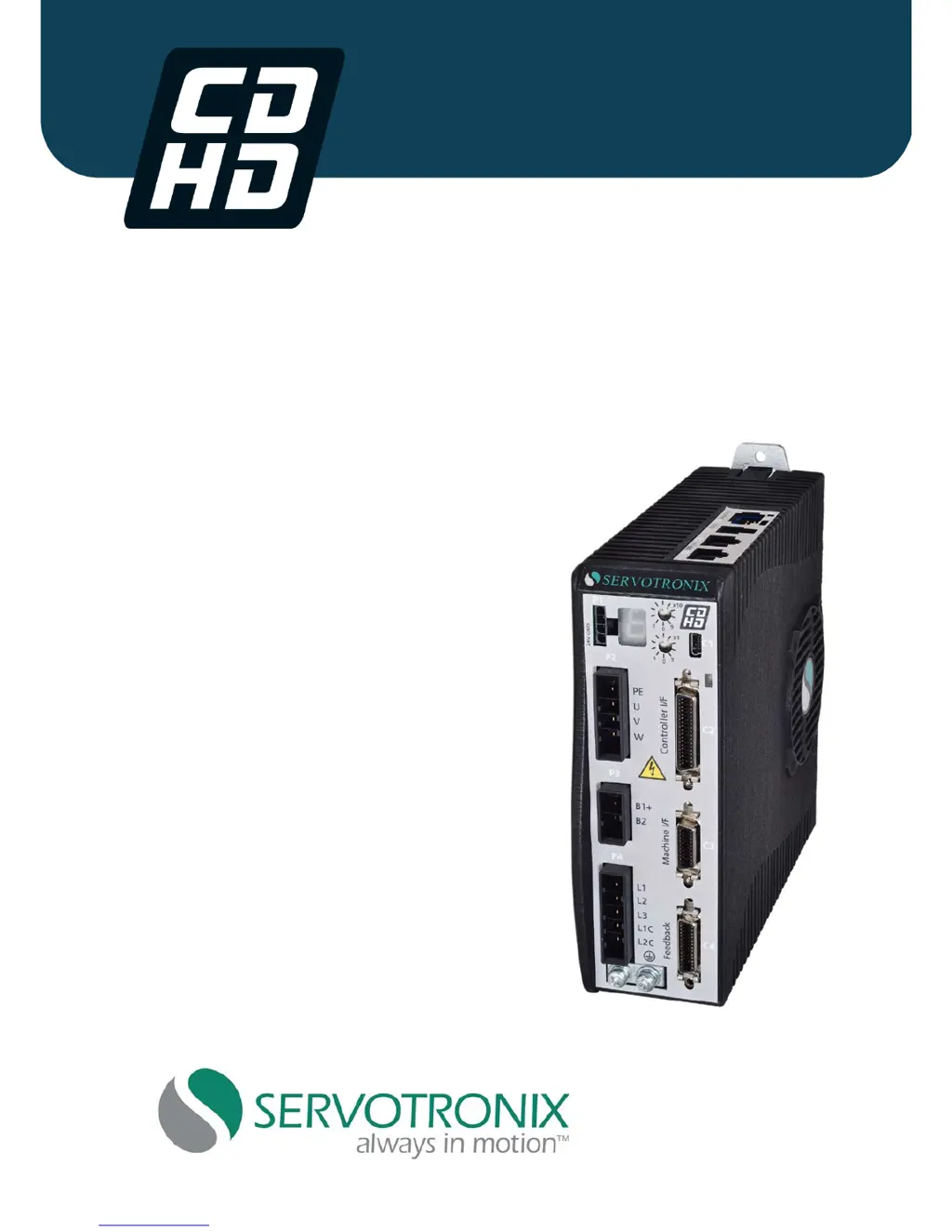

R
Randy HarrisSep 12, 2025
How to fix STO fault in Servotronix CDHD?
- MMatthew HendersonSep 12, 2025
If the STO signal is not connected in Servotronix Servo Drives, check that the STO connector (P1) is wired correctly.

How to fix STO fault in Servotronix CDHD?
If the STO signal is not connected in Servotronix Servo Drives, check that the STO connector (P1) is wired correctly.
How to resolve sin/cos calibration invalid error on Servotronix Servo Drives?
If the sine/cosine calibration parameters are out of range in Servotronix Servo Drives, re-execute the sine/cosine calibration process.
What causes parameter memory checksum failure in Servotronix CDHD Servo Drives?
If the non-volatile memory used to store drive parameters is empty or the data is corrupted in Servotronix Servo Drives, reconfigure the drive, or download the parameter set, and save the parameters.
Covers general safety precautions and symbols.
Detailed safety procedures and warnings.
Technical specs for 200V models.
Technical specs for 400V models.
Pinout details for all connectors.
Steps for installing and setting up the CDHD.
Connecting the motor power interface.
How to connect the Safe Torque Off input.
How to connect a regeneration resistor.
Wiring the motor feedback interface.
Wiring controller inputs and outputs.
Wiring machine inputs and outputs.
Connecting AC power supply.
Using Motion and Scope screens for tuning.
How the drive handles faults and warnings.
Interpreting fault codes.
Details on specific fault codes and actions.
 General
| Brand | Servotronix |
|---|---|
| Model | CDHD |
| Category | Servo Drives |
| Language | English |

