CDHD Installation
User Manual 29
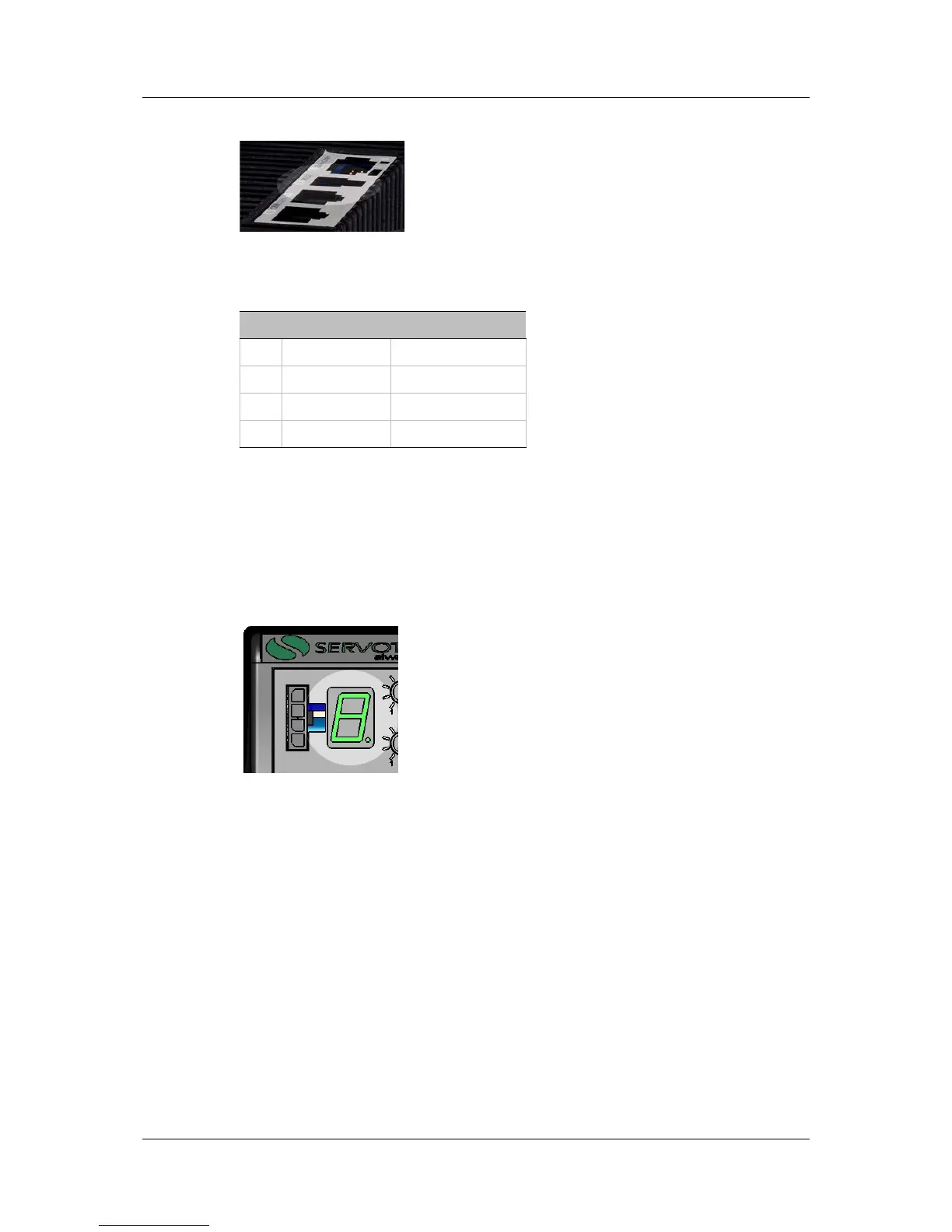
RS232 port (C7). Use a 4p4c plug.
Figure 3-12. RS232 Port
Table 3-13. RS232 Interface
Pin Pin Label Function
1 RX Receive
2 GND ISO Ground
3 TX Transmit
4 Unused
3.7 Power Up
1. After completing the hardware connections, turn on power to the drive.
2. Look at the 7-segment display on the CDHD front panel.
Upon initial power up, the status display should flash -1 (alternating “-” and
“1”), indicating that the drive is operational, but not yet configured.
Figure 3-13. LED Status Display
The digital display provides various indications of drive operation, such as
operation modes, drive enable status, and fault conditions.
For more information, refer to the section Operation Mode Codes.
3.8 ServoStudio Software Installation
Use ServoStudio software to configure the drive for your application.
1. Install ServoStudio on the host computer.
2. When installation is complete, start ServoStudio from the Windows Start
menu or the shortcut on your desktop.



 To Next Page