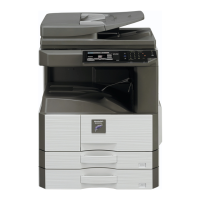
MX-M264U IC card reader 24 – 2
B. Attachment to the IC card reader holder
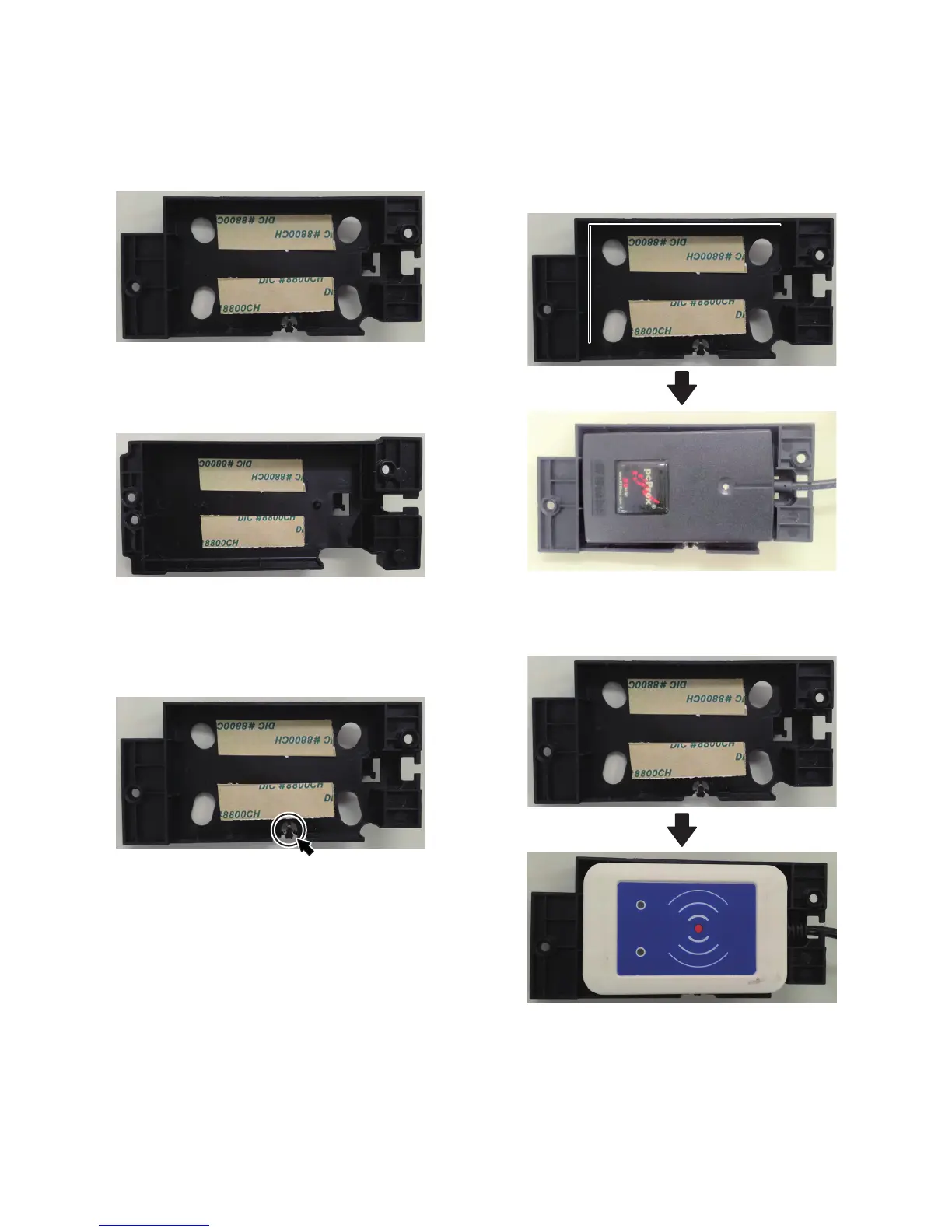
1) Attach the card reader fixing tape to the IC card reader holder
referring to the notches as the reference.
NOTE: The holder type and the attachment procedure differ
depending on the kind of the IC card reader.
Holder type B
RDR-6081AKU, TWN3, RDR-7582AKU
Vertical direction: Fit with the notch.
Horizontal direction: Fit with the notch and the lower edge.
Holder type C
Y591-EHID-201 v01
Vertical and horizontal directions: Fit with the notches.
2) Cut out the boss.
Holder type B
RDR-6081AKU, RDR-7582AKU
NOTE: Don't cut the boss in case of TWN3 installation.
3) Attach the IC card reader to the IC card reader holder accord-
ing to the attachment reference ribs.
NOTE: The attachment reference position differs depending
on the kind of the IC card reader.
Holder type B
RDR-6081AKU, RDR-7582AKU
(The attachment reference position is the same in case of
the above model.)
Holder type B
TWN3
(No reference position)





 To Next Page