8
MAKING COPIES
AUDITING ACCOUNTS
If this copier has been programmed in the auditing mode, it will not
function until an assigned 3-digit account number has been entered.
See page 33 for setting the auditing mode.
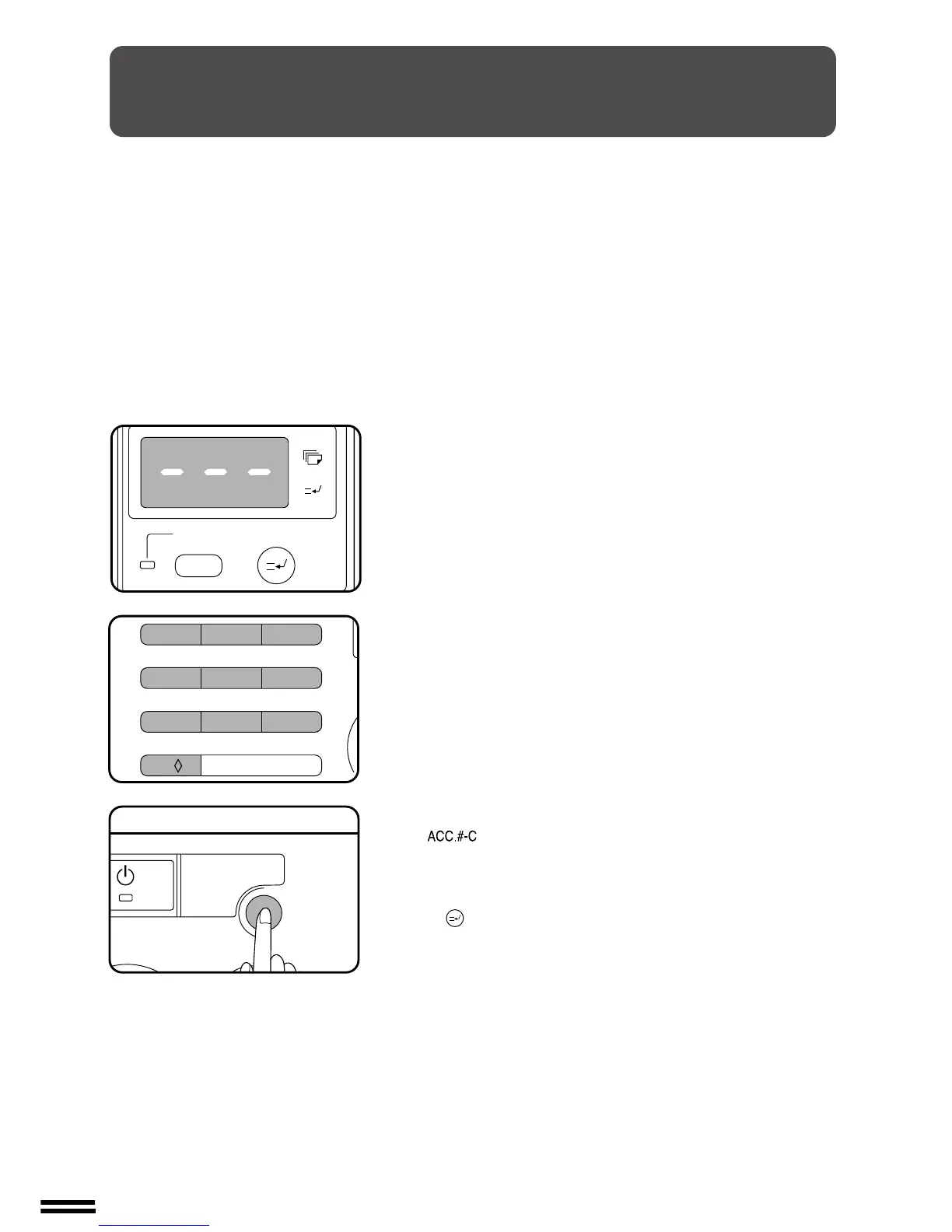
If the copier has been programmed in the auditing mode, “–––” will
appear in the copy quantity display in the initial conditions.
1
Enter your account number using the 10-key pad.
●
As each digit is entered, the dashes in the copy quantity display
will disappear.
●
After the number is entered, the copy quantity display will
change to 0 and the READY indicator will light up.
●
If an unassigned number is entered, “–––” will appear again in
the copy quantity display, indicating that the number was not
accepted.
2
When a copy run is completed, press the AUDIT CLEAR
(
) key.
●
“–––” will appear again in the copy quantity display, indicating
the auditing mode.
●
In the interrupt copy mode (see page 18), press the INTERRUPT
( ) key after an interrupt copy run is completed.
Auditing accounts



 To Next Page