15
MAKING COPIES
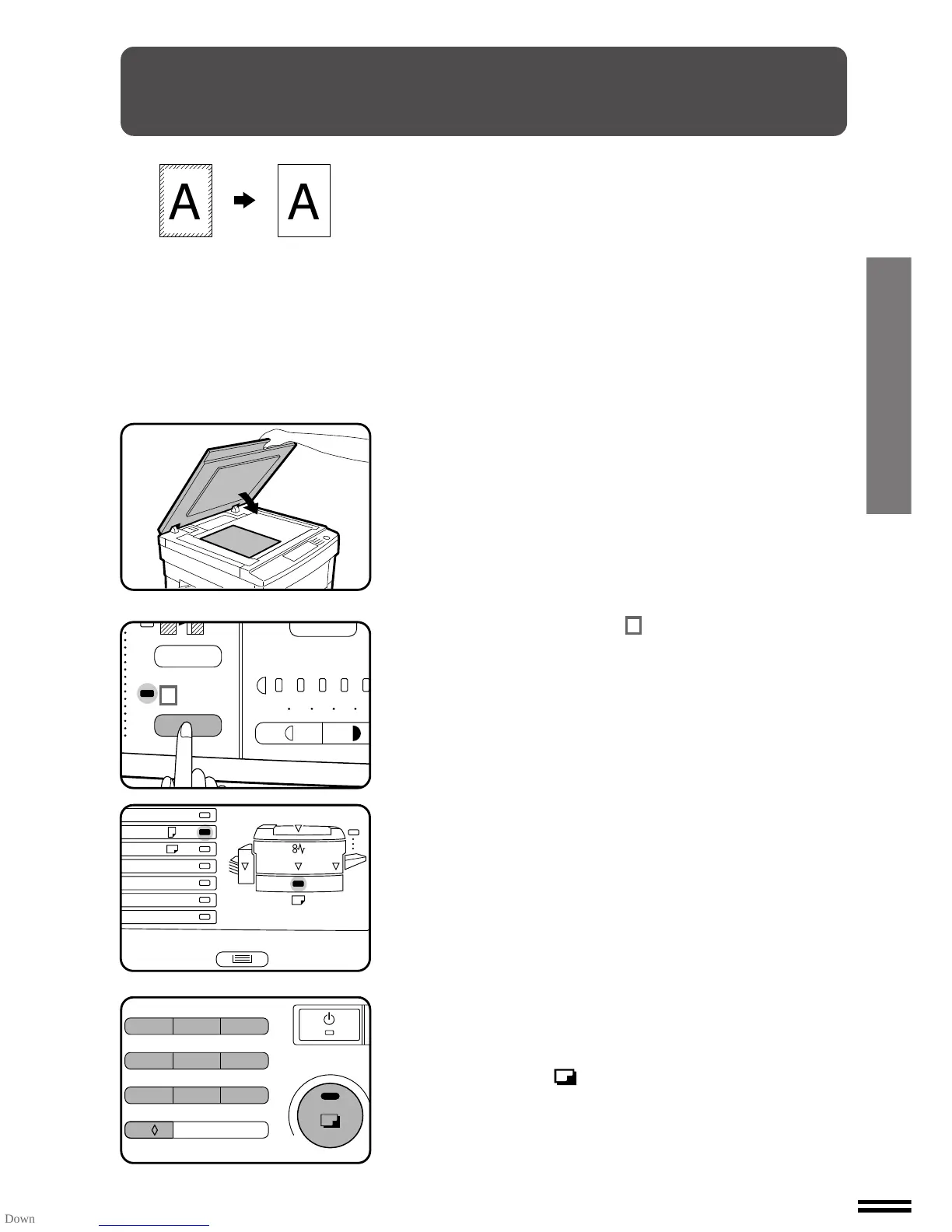
1
Place the original on the document glass and close the
document cover.
●
If an optional automatic document feeder (ADF) is installed, it
can also be used for this feature.
2
Press the EDGE ERASE ( ) key.
3
Check the copy paper size.
●
This feature will work only when standard size copy paper is
used.
4
Set the number of copies.
5
Press the print ( ) button.
EDGE ERASE
The EDGE ERASE feature erases dark areas from the copy edges to
make a neater, cleaner copy. It is especially useful when copying thick
documents which might create shadow lines at their edges.
Edge erase
123
4
5
A3
A4
A4
A5
B4
R
EXTRA
✕
1
2
/
8
13



 To Next Page