33
GENERAL INFORMATION
USER PROGRAMS
Setting for auditing accounts
Setting of user programs No. 10 to 15 varies with the program number.
For setting of all programs, first follow steps 1 to 3 in “Setting the user
programs” on page 31 to select a program. (1. Press the TRAY
SELECT ( ) key for more than 5 seconds. 2. Enter a program
number (10 to 15) using the 10-key pad. 3. Press the print ( )
button.) Then follow the appropriate instructions for the program.
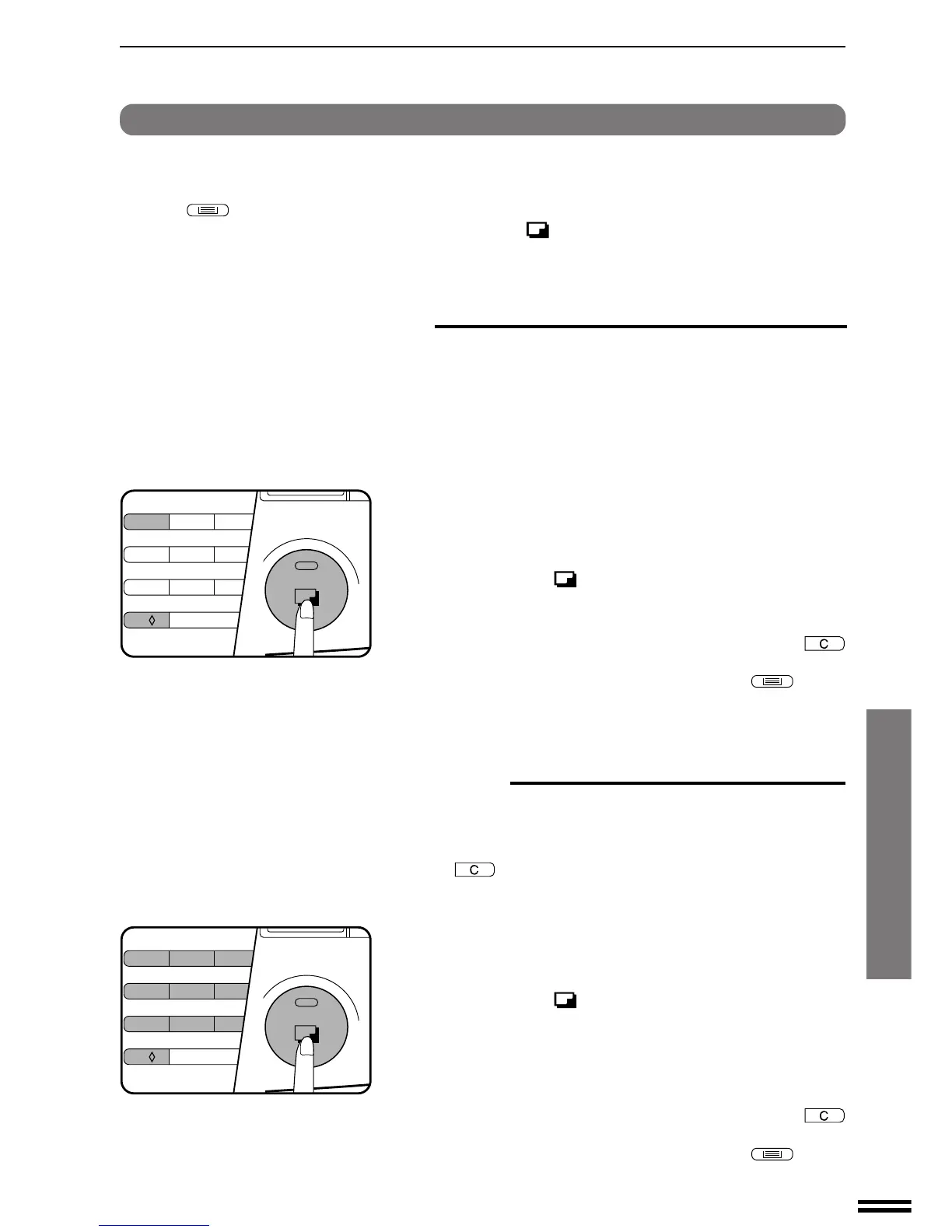
1. Select the desired setting using the 10-key pad.
0: OFF
1: ON
2. Press the print ( ) button.
●
The setting will be stored.
3. To continue with other user programs, press the
key and enter other program numbers. To exit the user
program mode, press the TRAY SELECT (
) key.
Program No. 11: Account number entry
Program No. 11 is used to register accounts. When program No. 11
is entered, “–––” will blink in the copy quantity display.
●
If the number of accounts has reached the upper limit (20), “11E”
will appear in the copy quantity display. Press the key. You
will return to step 2 on page 31.
1. Enter a 3-digit account number using the 10-key pad.
●
Any 3-digit number except 000 can be registered as an account
number.
2. Press the print ( ) button.
●
If a number that is already registered or “000” is entered, the
number will blink in the copy quantity display.
3. Repeat steps 1 and 2 for other account numbers.
4. To continue with other user programs, press the
key and enter other program numbers. To exit the user
program mode, press the TRAY SELECT (
) key.
Program No. 10: Auditing mode
If the auditing mode is enabled, copying is limited to operators with an
assigned 3-digit account number. A maximum of 20, 3-digit account
numbers can be assigned. Use program No. 11 to register account
numbers.
When program No. 10 is entered, the current setting (0: OFF, 1:ON)
will blink on the right side of the copy quantity display.
1
23
45
6
7
8
9
0/
C
1
23
45
6
7
8
9
0/
C
User programs



 To Next Page