12
MAKING COPIES
REDUCTION/ENLARGEMENT/ZOOM
Reduction/enlargement/zoom
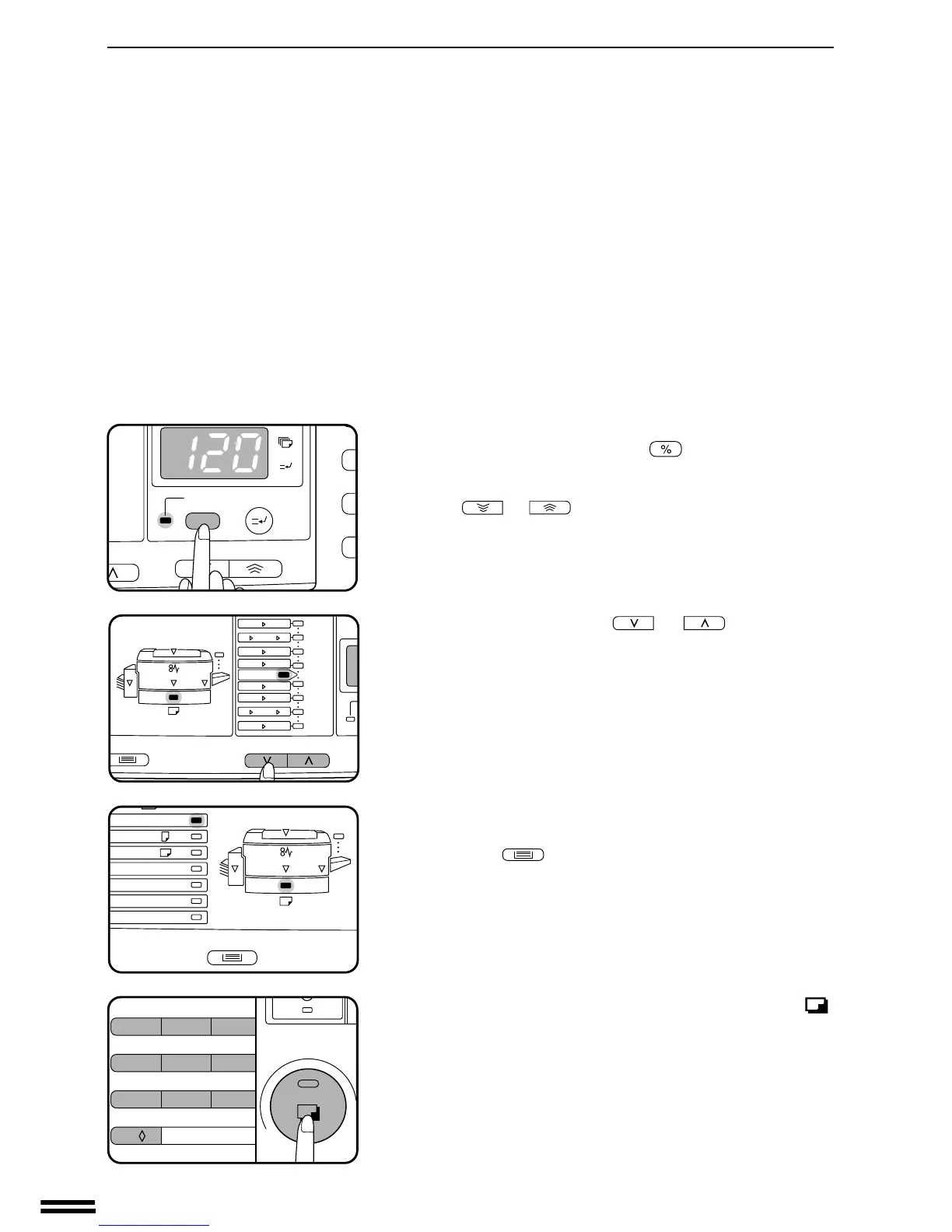
To verify a zoom setting without changing the zoom ratio, press
and hold the copy ratio display ( ) key. When the key is
released, the display will return to the copy quantity display.
●
To decrease or increase the zoom ratio rapidly, press and hold
the or key. However the value will stop at the
preset reduction or enlargement ratios. To move beyond these
ratios, release the key and then press and hold it again.
D. Same-size reset: Press the or key repeatedly
until the copy ratio returns to 100%.
3
Check the copy paper size.
●
If an optional multi bypass feeder is installed, use the TRAY
SELECT ( ) key to select the desired paper size.
4
Set the number of copies and press the print ( )
button.



 To Next Page