Sending a Fax by Automatic Dialing
47
2. Sending
Faxes
Searching for an auto-dial number
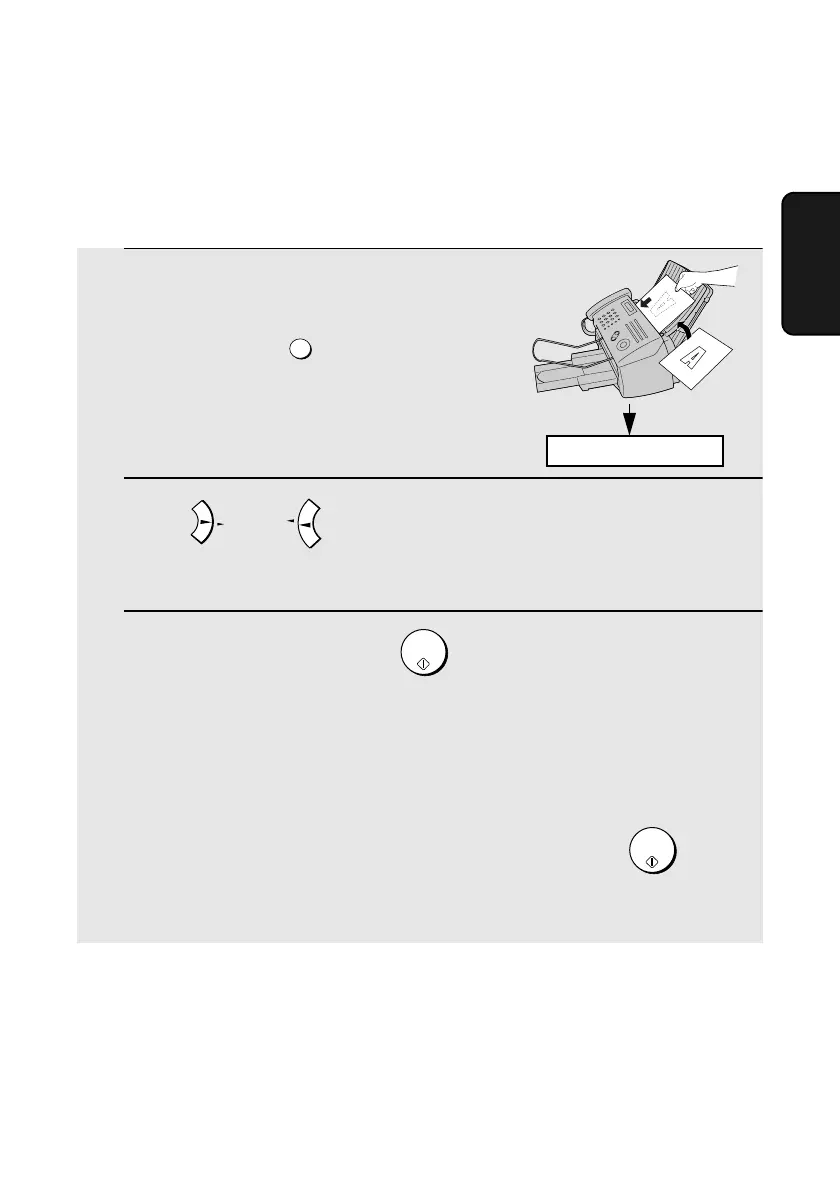
If you don’t remember the Rapid Key or Speed Dial number in which you have
stored a full fax or phone number, follow these steps to search for the number.
1 If you are sending a fax, load the
document(s).
• If desired, press to set
the resolution and/or contrast.
2 Press (or ) until the name of the other party appears in the
display (if no name was stored, the number will appear).
3 If you are sending a fax, press . Dialing and transmission begins.
• If the transmission is completed successfully, the machine will beep once.
• If an error occurs, the machine will beep three times and print a Transaction
Report to inform you of the problem (see page 87).
If you are making a phone call, lift the handset. Dialing begins. (If you
lifted the handset before searching for the number, press to
begin dialing.)
RESOLUTION/
RECEPTION MODE
A
REDIAL
Z
START/
MEMORY
START/
MEMORY
READY TO SEND
all.bookPage47Wednesday,December11,200211:25AM



 To Next Page