Chapter 5 Functions of Operation Menu
5-6
AA-6800/6650 Instruction
5.2.6 [File Export...]
This command is used to create a text file from data on the MRT worksheet of currently opened file.
The text file can be read in word processor software or spreadsheet software.
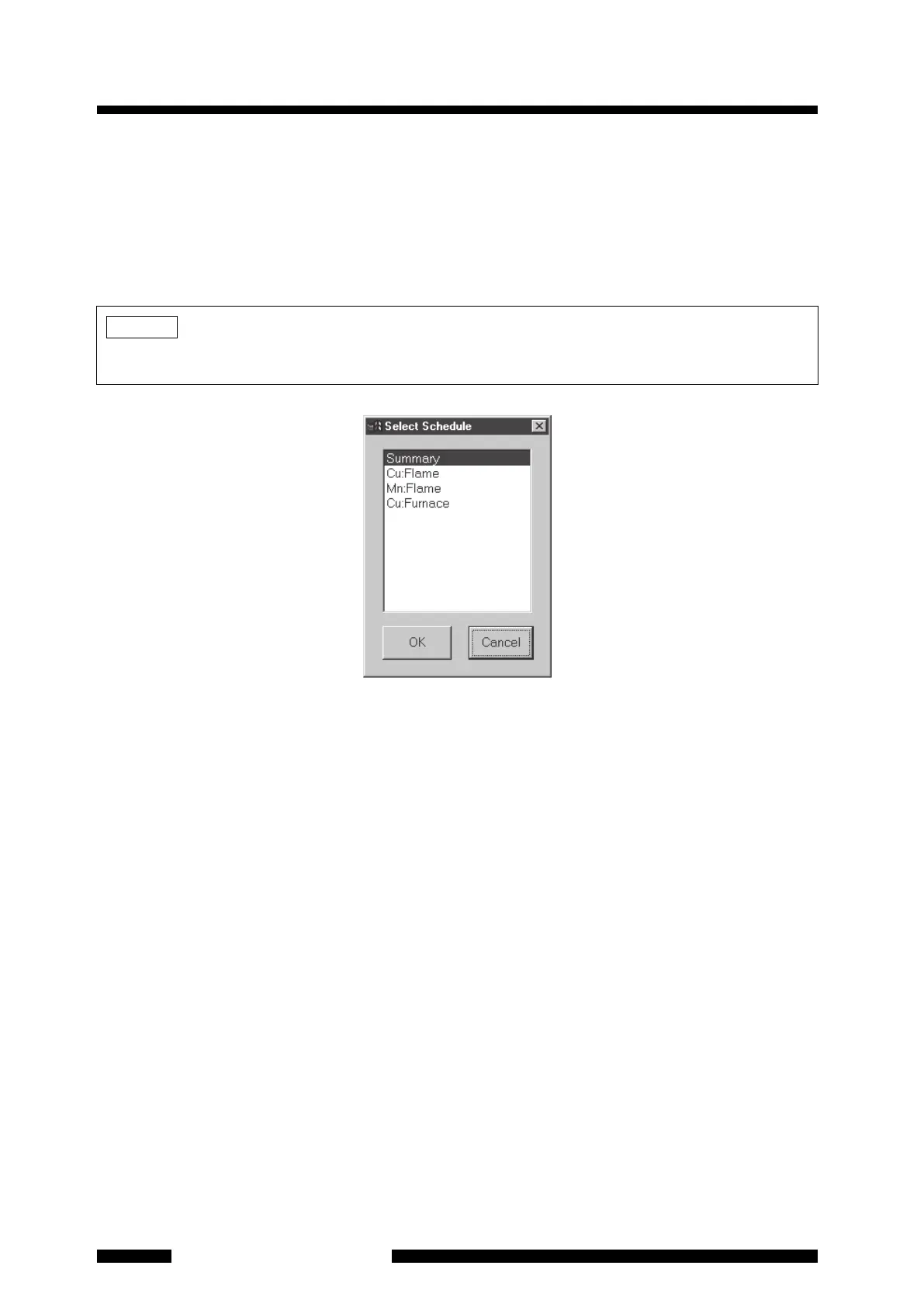
Executing this command opens the dialog box (Figure 5.5) to indicate the selection items. From this list, select
items to be converted to text data and click on [OK]. Then the [Save As] dialog box as shown in
Figure 5.4
opens. Specify the [Save in], [Save as type] and [File name], and click on [Save].
Figure 5.5 [Select Schedu
le] Dialog Box
5.2.7 [Export Items]
This specifies output items to output the data on the MRT worksheet to the text file. This setting is valid to the
following text file output functions.
• Output from [File]-[File Export...] menu.
• Output by setting the automatic output of text file in [File]-[Auto Save] menu
• Output by setting "FILEEXPORT" in [Action] field in the MRT worksheet
NOTE
Only the data on the MRT worksheet can be output to text file. Measurement parameters and waveform data
cannot be output.










 To Next Page