Chapter 5 Functions of Operation Menu
5-62
AA-6800/6650 Instruction
This sets the parameters which are read in as initial values when creating a new file. The parameters for QA/
QC setup, calibration curve parameters, repeat measurement conditions, measurement parameters and
sequence can be set here.
Contents and operation of each page are completely the same as those of the property sheet. Refer to section
5.6.
5.7.1 [Flame]
The property sheet for flame default parameters is opened.
5.7.2 [Furnace]
The property sheet for furnace default parameters is opened.
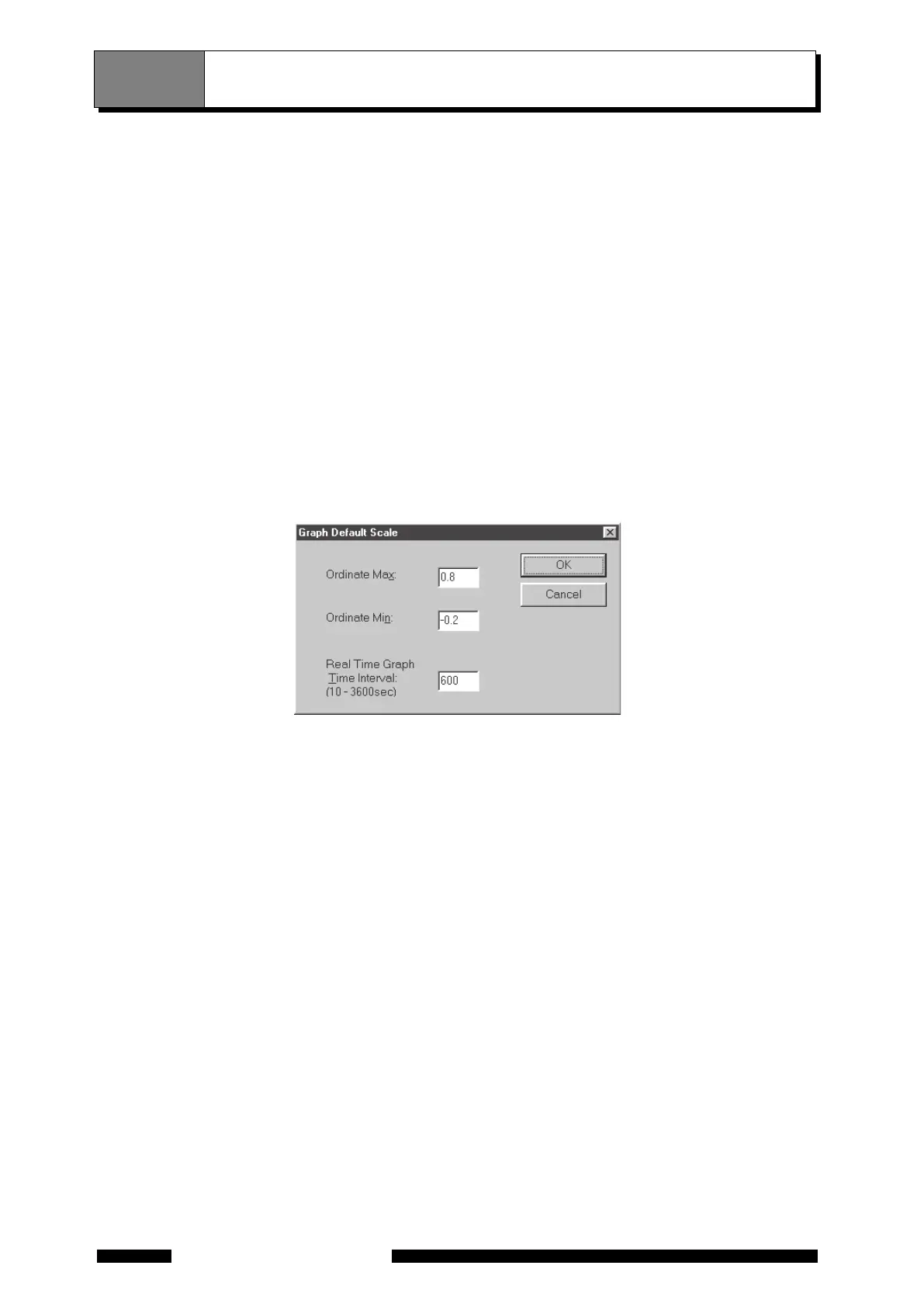
5.7.3 [Graph]
The [Graph Default Scale] dialog box is opened. The ordinate scale and the time width for real time graph can
be set here.
Figure 5.53 [Graph Default Scale] Dialog Box
5.7.4 [Analyst]
The [Default Analyst] dialog box opens. Enter [Analyst] and [File Comment] newly, then the entered contents
are used when creating a new file next time.
5.7 [Default Parameters]




 To Next Page