5.4
Creating and Executing Time Programs
4.
Deleting
a
step
(Example)
5.
Start
and stop
It is unnecessary to set the time order
of
steps as they are
automatically rearranged.
Set a
STOP
command at the end
of
a
program unless the
program is to
be
operated continuously.
0
When selecting a function, the previous function is displayed
by
-
-
pressing and
w.
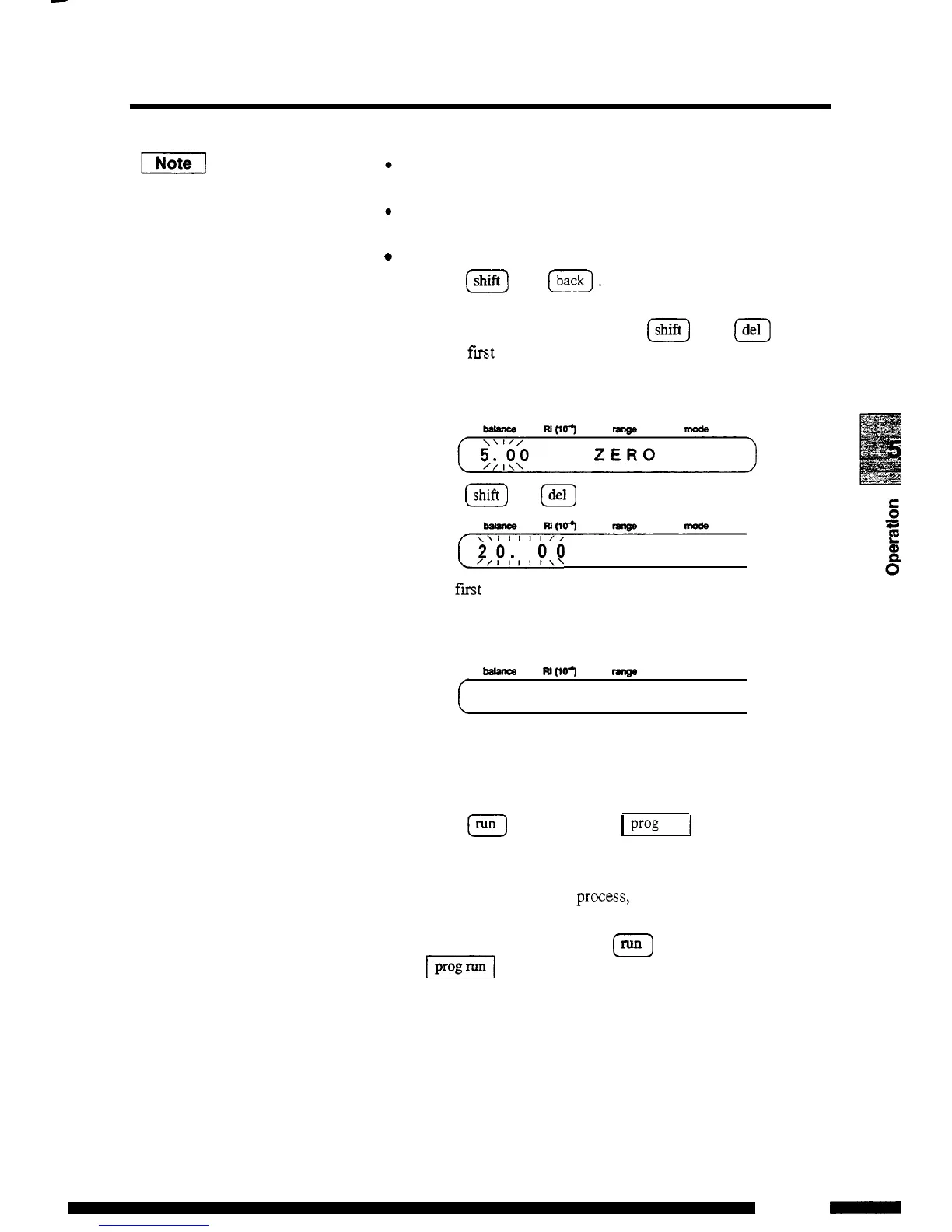
Display the step to
be
deleted and press
@
and
@
.
Deleting the fmt step
in
the program set in the previous section.
(1)
Display the step
to
be
deleted.
(2)
Press
lshlftl
and
.
120.
00
RANGA
21
The
first
step in the program
is
deleted and the second step is
displayed. When the second step
is
not set, the following is
displayed:
-
m(lo3
law
mode
0
USED
32
LEFT
After setting a time program,
start
and stop the program according
to the following:
(1)
Press
(Nnj
.
The LED for
I
prog
run
1
is lit, and the time
program
starts.
There
are
two
methods
to
stop
a
time program: forced stop
of a time program in
process, and stop of a time program
using the
STOP
command in the program.
To
stop the time
program forcibly, Press again. The LED for
[El
is
dimmed,
and the program stops.
(2)
5
-
19
RID
-
1OA
-



 To Next Page