7.2
Control
from
the
SCL-1OA
4.
DET
CONTROL
screen
Press
I3
I
in the
main
menu screen to select the
I
DETECTOR
CONTROL
I
screen.
The detector parameters, which cannot be input on the
ANALYTICALPARAMETERS
1
screen, can
be
input on the
DETECTOR
CONTROL
1
screen. These detector parameters
control the operation of the detector
from
the
SCL
(described in
section
5.2,
Fundamentals of Operation).
Press
[z)on the
SCL
keyboard to
turn
ON
the
-1
lamp.
men the
v1
lamp is lit,
the
parmeters set in
this
screen
are sent to the detector.
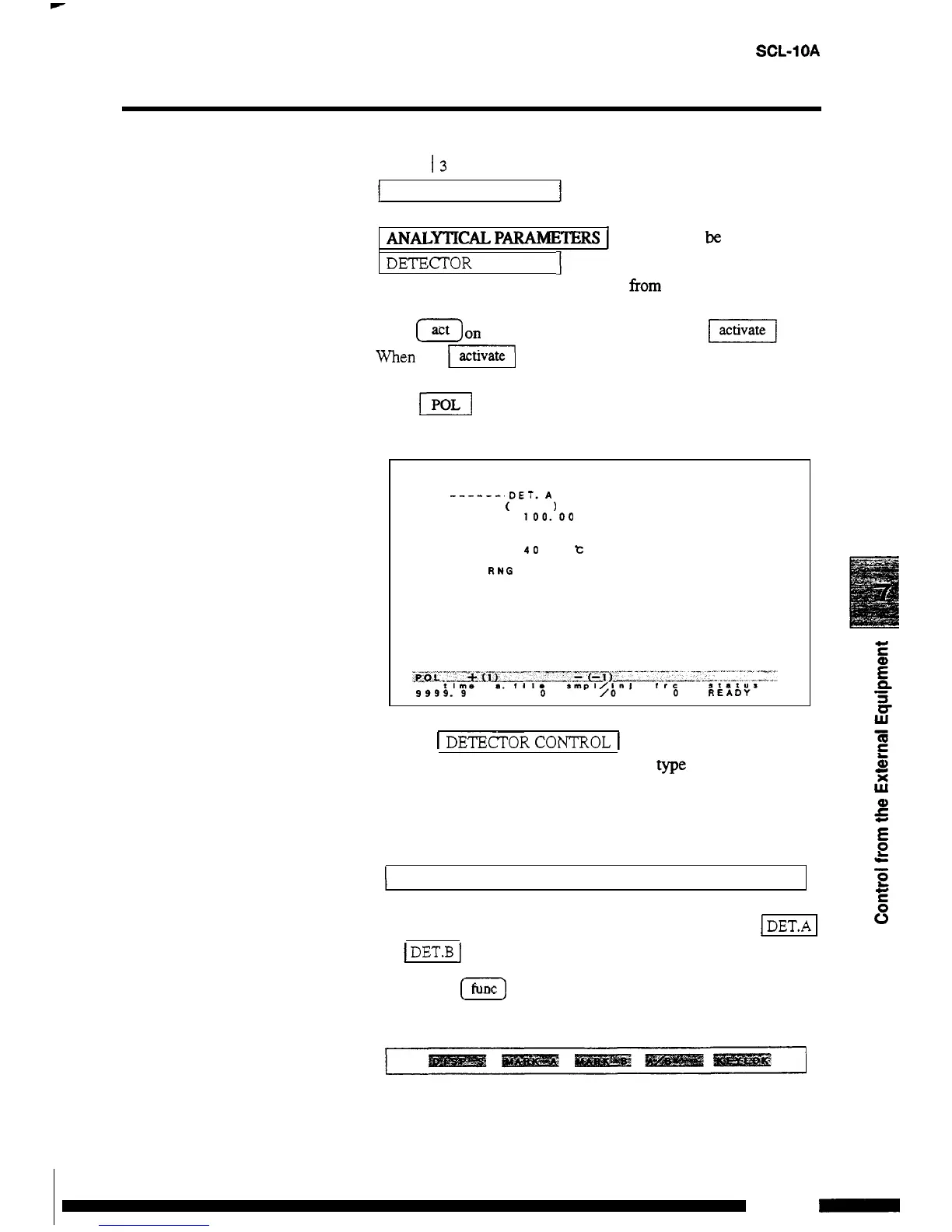
(Example)
If the
FI
parameter is set
to
-
1,
the
LED
for polarity on the
detector is lit and the polarity is reversed.
DETECTOR CONTROL
FILE
0
___-_-. DET.
A
-
---
--
(
RID
RANGE
100.
00
RESP
5
POL
-
1
CELL. T
40
t
MODE
0
AUX
RUG
3
~___
In
the
I
DE-ECToRCONTROL
I
screen above, where the
RID
-
1OA
is connected
as
detector
A,
the
me
and parameters for
one detector
are
displayed.
When no detector is connected, the following display appears in the
center of the screen.
L
DETECTOR
IS
NOT CONNECTED
When
two
detectors are connected,
use
the function keys
[
DET.A
I
and
1
DET.B
I
to switch between detectors.
(1)
Press
[z]
to change the function display to the following
display:
7
-
5
RID
-
1OA
-



 To Next Page