20
3. Basic Operation
Note
Using a verified balance as a legal measuring instrument in using
region:
The balance must be used within the temperature range indicated on the
verification label.
When PSC (refer to 7.3 .2), fully-automatic span calibration, is not activated,
operator must carry out span calibration with the built-in weight (refer to 2.5)
upon blinking of the Weight Symbol.
Error Displays During Weighing
Display
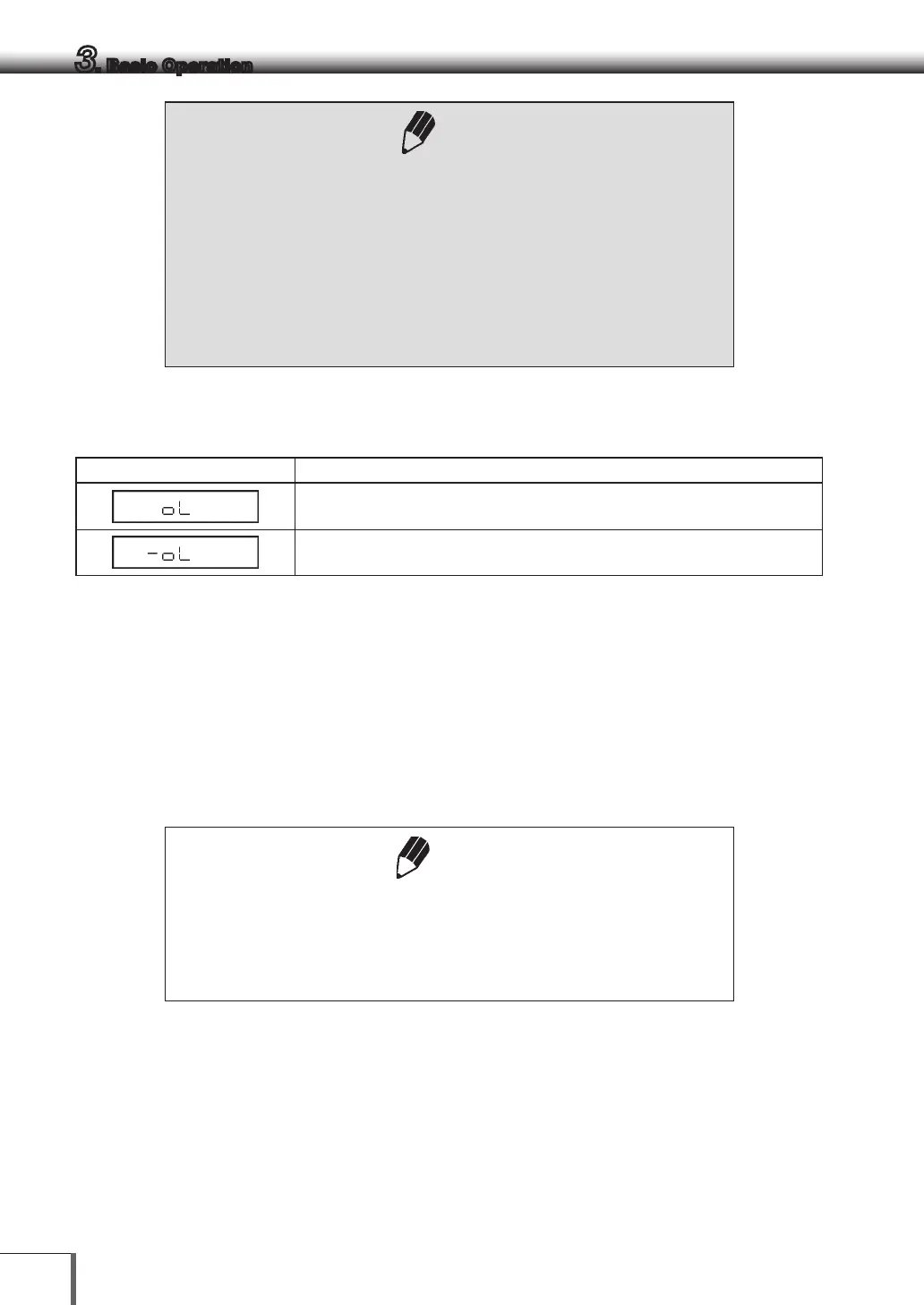
[oL] will be displayed if the weighing capacity or measurement ranges are
exceeded.
[-oL] will be displayed when the load on the balance is too light because the pan is
misaligned or due to other causes.
3.2 Changing the Unit Display
Every time the [UNIT] key is pressed, the unit display changes sequentially among those set-up. Gram, %,
and PCS have been set-up before delivery.
Notes
• Before a unit can be displayed it must be registered in "9. Unit Display
Set-up".
• Unplugging then re-plugging in the AC adapter will automatically switch to
g units (registration is saved).



 To Next Page