30
6.1 Bar graph display
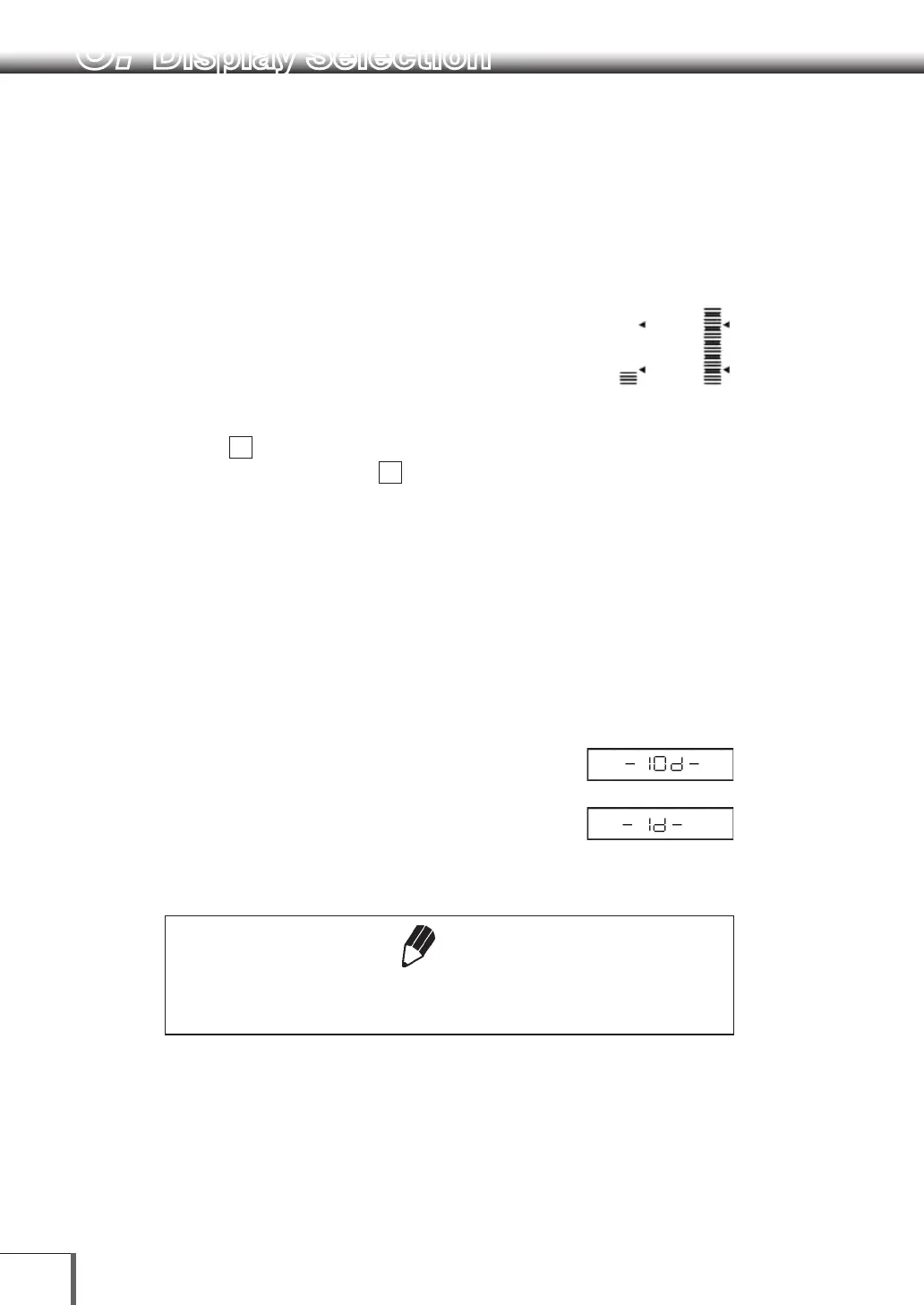
The relative amount of the load on the pan is displayed in the bar graph. This feature helps to prevent
errors due to OL (overload) status. This display can not be used with the Check weighing or Target mode.
A bar displayed in the lower areas of the scale
indicates that the load on the pan is small. (1)
A bar displayed up to the upper areas of the scale
indicates that the load on the pan is close to the
weighing capacity. (2)
Select the menu item
11
to set up Full Scale mode.
Not to display bar graph, select menu item
21
6.2 Changing the Minimum Display Digit
It is possible to decrease the minimum balance
display by one decimal place if necessary.
1 Press and hold the [UNIT] key for approximately
three seconds. “- 10d -” is displayed and the
display is decreased by one decimal place.
2 Press and hold the [UNIT] key for approximately
three seconds. “- 1d -” is displayed and the
display returns to the original number of decimal
places.
Note
The location of the decimal point in the display does not shift. In the “10d”
display, the last digit is empty.
(Examples) (1) (2)
6. Display Selection



 To Next Page