48
9. Unit Display Set-up
Display during measurement
Display
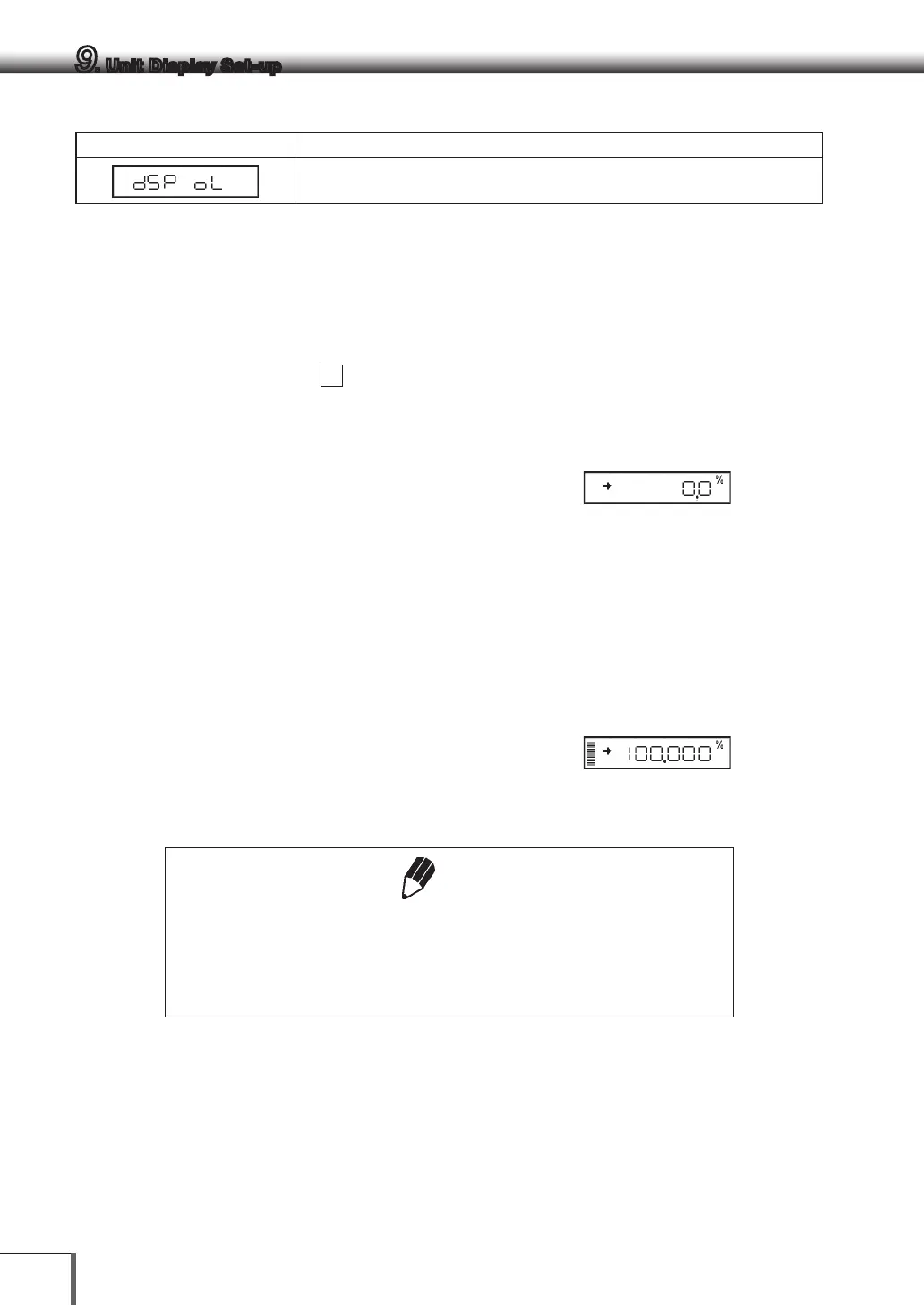
Display Overload: This display appears if the mass display exceeds 7 digits due to
the choice of unit.
9.2 Percentage (%) Conversion
1 Set the % unit with menu item
56
if it is not set
up.
(The % unit is set before shipment.)
2 Press the [UNIT] key several times in the mass
display until the % unit is displayed.
Setting the 100% reference
1 Press the [O/T] key to tare the balance.
2 Load the reference sample that corresponds to
the 100% value. This value must be equivalent to
100 counts or more in the “g” unit.
3 When the stability mark prompts, press the
[CAL] key.
“SEt” is displayed briefly and the reference
sample weight is displayed as 100%.
Note
The numbers of digits displayed in the % unit and rounding off of the
minimum digit vary depending on the mass value of the reference sample
and the balance model.
It is not possible to obtain resolution greater than that in the “g” unit.



 To Next Page