29
5. Built-in Clock Set-up
2
4
1
3
5
6
7
11
13
12
8
9
10
14
5.3 Time
Select menu item
64
and set the time in the
24 hour system using the [UNIT] and [PRINT] keys,
then press the [O/T] key.
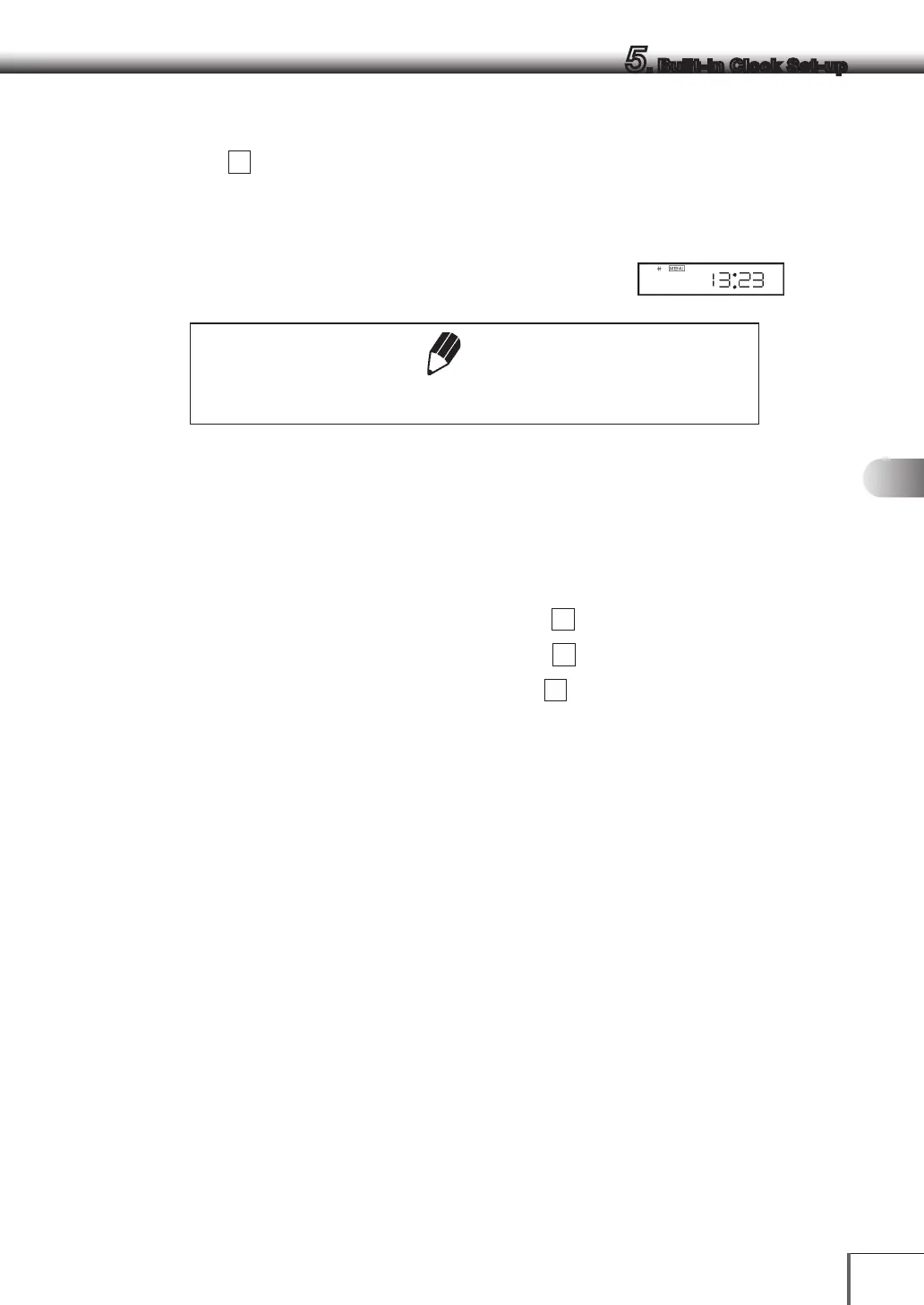
Example: 1:23 in the afternoon, is set as “13:23”.
Note
The moment the [O/T] key is pressed seconds are set to 00.
5.4 Setting Display During Stand-by
Determine what is to be displayed during stand-by.
To display the time during stand-by, select menu item
65
[SS-t]
To display the date during stand-by, select menu item
66
[SS-d]
To display neither during stand-by, select menu item
67
[SS-no]
When displaying the time during power supply standby, press the [UNIT] key to display or hide the
seconds.
(Example)



 To Next Page