EasyManua.ls Logo

ShoreTel 230 - Page 10

ShoreTel 230
42 pages
Print Icon
To Next Page IconTo Next Page

To Previous Page IconTo Previous Page
Loading...
10 User Guide ShoreTel IP Phone 230/230g
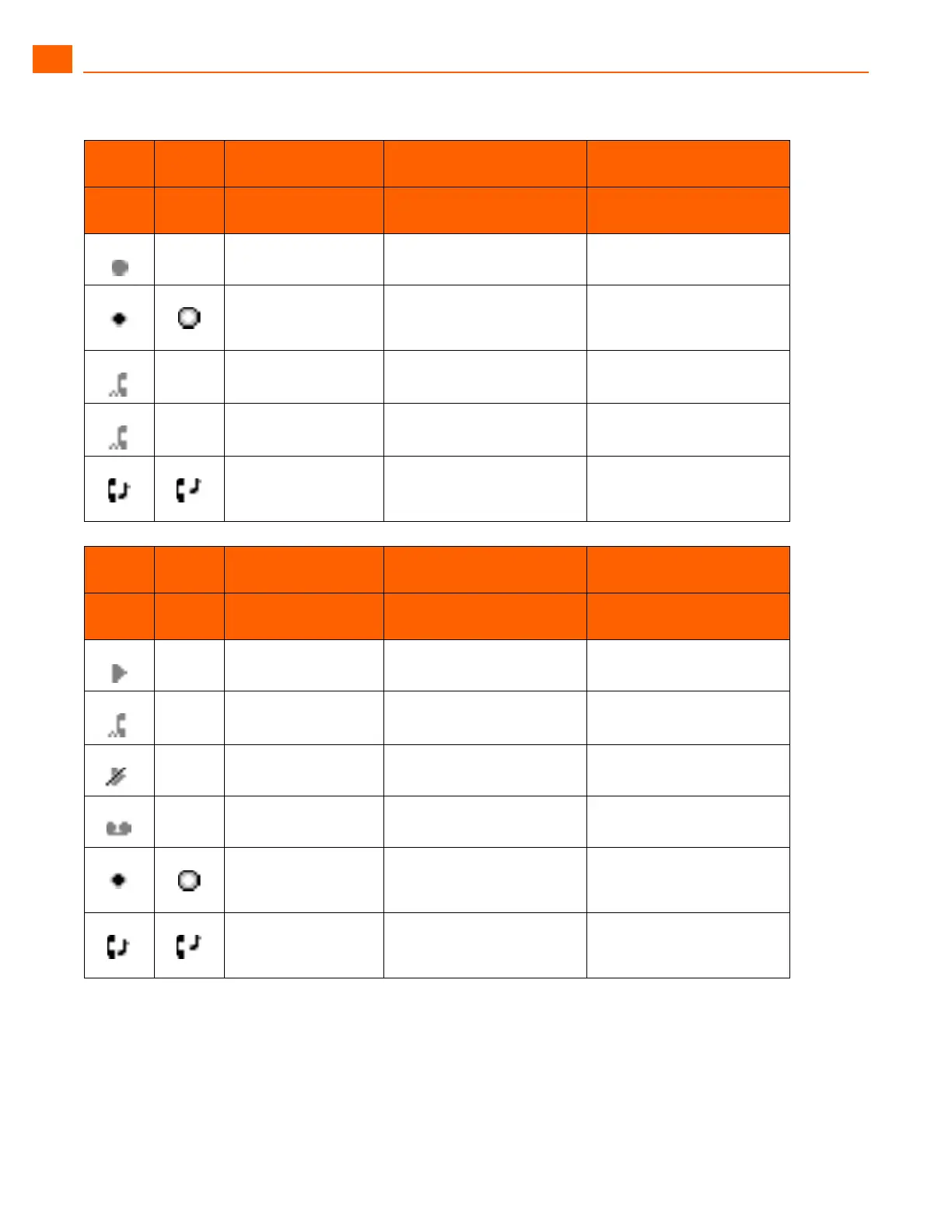
ShoreTel IP Phone 230/230g Guide to Status Icons
1
Icon
Blink
Icon
230 LED Color and
Blink Pattern
230G LED Color and
Blink Pattern
State
Bridged Call Appearance
States
Off Off Idle
Green
1000ms on, 1000ms
off
Green
1000ms on, 1000ms off
Offering Call
Green
Steady on
Green
Steady on
Active Call Picked Up
Off Red
Steady on
Line In-Use
Green
250ms on
250ms off
Green
250ms on
250ms off
Held or Parked Call or
Conference Call
Icon
Blink
Icon
230 LED Color and
Blink Pattern
230G LED Color and
Blink Pattern
State
Feature Key With
Extension Target States
Off Off Idle or Offering Call
Off Red
Steady on
Connected or Held Call
Off Orange
Steady on
DND
Off Red
Steady on
(Dial/Transfer Mailbox
Only) MWI
Green
1000ms on, 1000ms
off
Green
1000ms on, 1000ms off
(Pickup, Pick/Unpark,
Pickup NightBell Only)
Offering
Green
250ms on
250ms off
Orange
250ms on
250ms off
(Unpark, Pick/Unpark Only)
Held/Parked

Other manuals for ShoreTel 230

Related product manuals