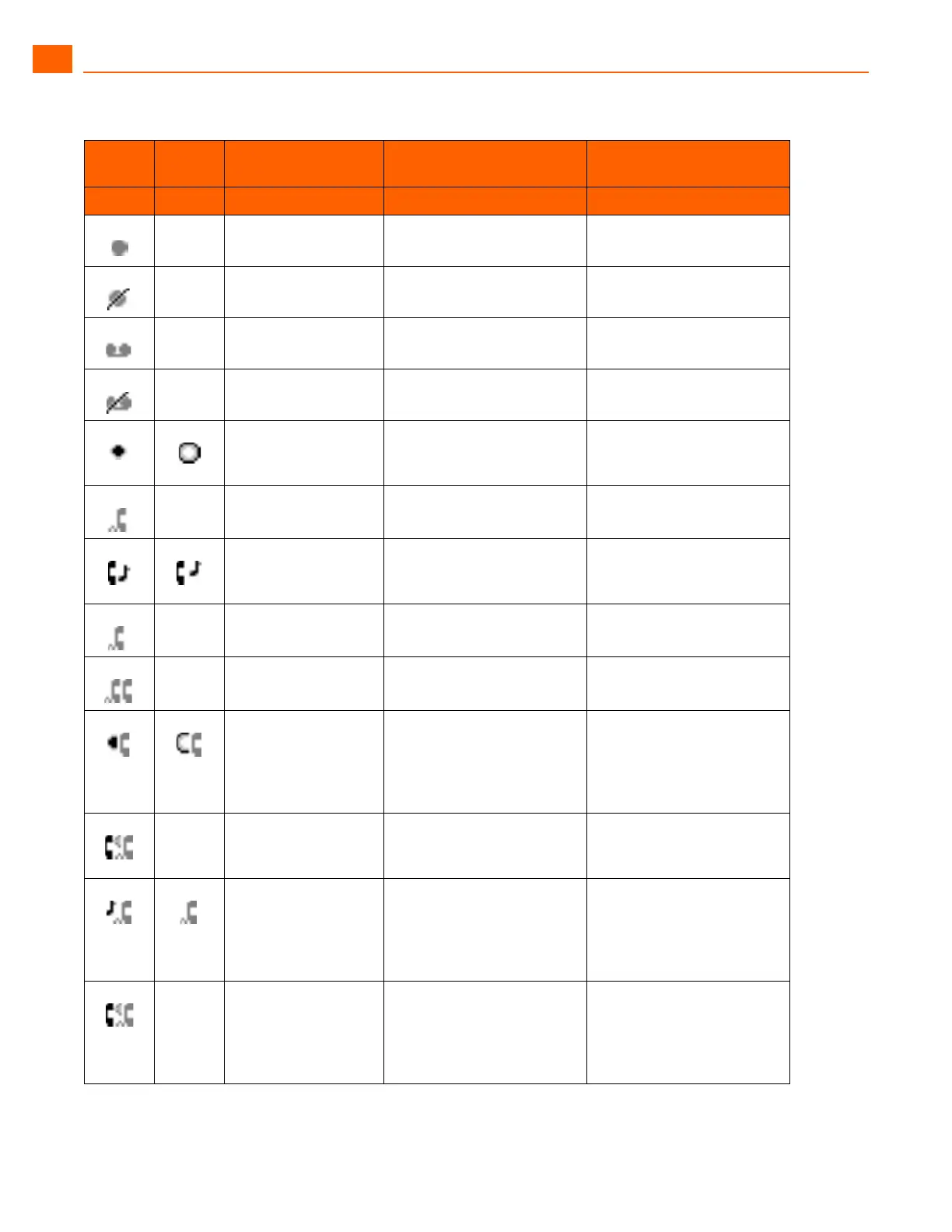
ShoreTel IP Phone 230/230g Guide to Status Icons
1
ShoreTel IP Phone 230/230g User Guide 9
Icon
Blink
Icon
230 LED Color and
Blink Pattern
230G LED Color and
Blink Pattern
State
Extension Monitor States
Off Off Idle
Off Orange
Steady on
Idle and DND
Off Off Idle and Message Waiting
Off Orange
Steady on
Idle, Message Waiting and
DND
Green
1000ms on, 1000ms
off
Green
1000ms on, 1000ms off
Offering Call
Green
Steady on
Green
Steady on
Active Call Picked Up
Green
250ms on
250ms off
Orange
250ms on
250ms off
Held or Parked Call or
Conference Call
Off Red
Steady on
Monitored Ext. on Active
Call
Off Red
Steady on
Monitored Ext. on
Conference Call
Green
200ms on
100ms off
700ms on
1000ms off
Green
200ms on
100ms off
700ms on
1000ms off
Monitored Ext on active
Call + Offering Call
Green
800ms on
200ms off
Green 800ms on
Orange 200ms on
Picked up Monitored Ext.
Call + Monitor Ext on Active
Call
Green
200ms on
100ms off
200ms on
500ms off
Orange
200ms on
100ms off
200ms on
500ms off
Picked up Monitored Ext.
Call and Held + Monitor Ext
on Active Call
Green
800ms on
200ms off
100ms on
200ms off
Orange: 200 ms on
Green: 800 ms on
Orange: 200 ms on
Green: 100 ms on
Picked up Monitored Ext.
Call + Monitor Ext held
Active Call



 To Next Page