Guide to the Icons Displayed on Your Phone Getting Started
1
ShoreTel IP Phone 480/480g User Guide 19
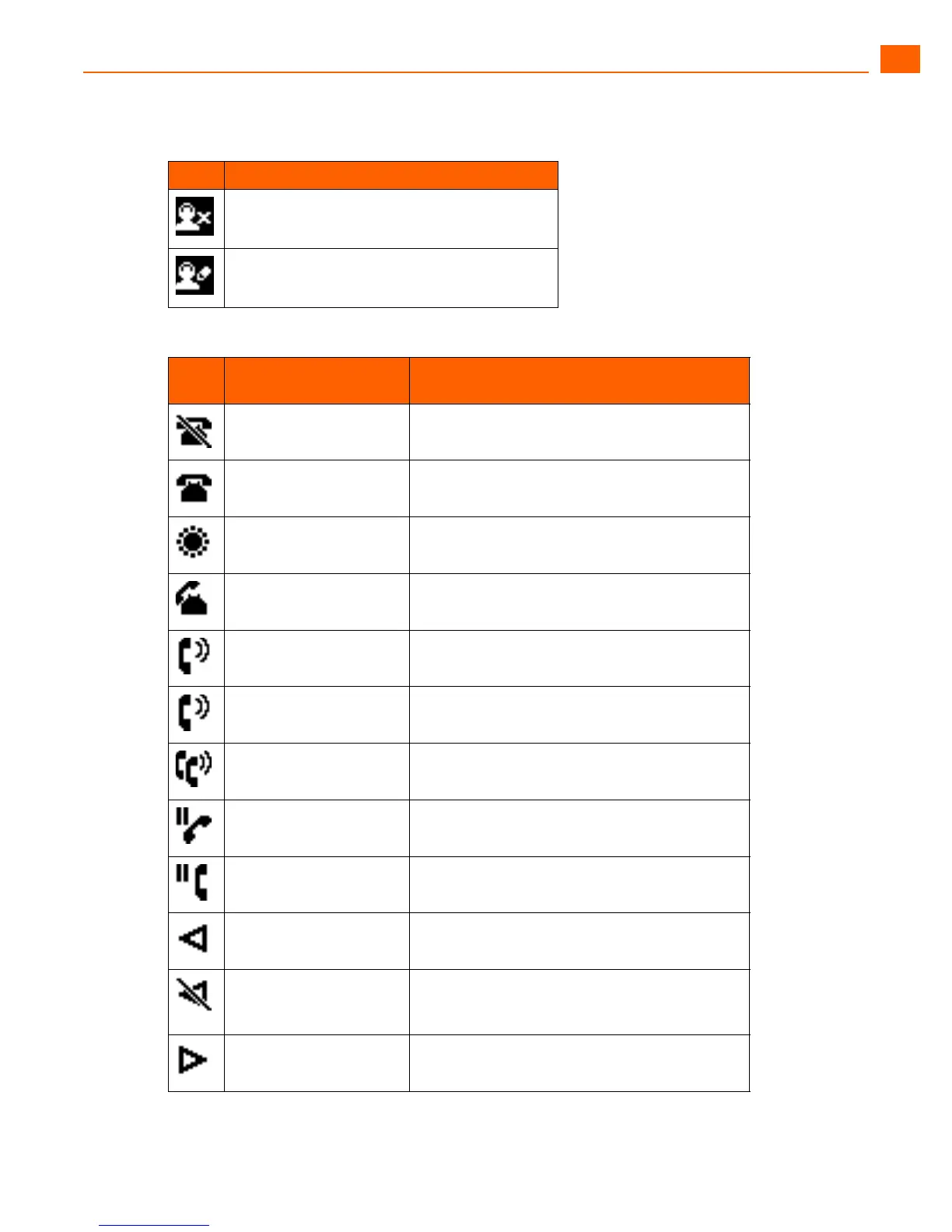
Workgroup Agent logged out
Workgroup Agent wrap up
Table 2: Call Appearance Button Icons and LED Colors and Blink Patterns
Icon
LED Color and Blink
Pattern
Description
Orange, steady Do not disturb
Off Idle
Green, 1 second on/
1 second off
Incoming call
Green, steady Dialing or off hook
Green, steady Connected call
Red, steady Whisper page is active
Green, steady Connected conference call
Orange, .25 seconds on/
.25 seconds off
The call is on hold locally.
Green, steady The call is on hold remotely.
Off Programmed button (left)
Orange, steady The designated extension for the programmed
button (left) has a “do not disturb” call handling
mode active.
Off Programmed button (right)
Table 1: Title Bar Icons on the Main Screen (Continued)
Icon Description





 To Next Page