20 User Guide ShoreTel IP Phone 480/480g
Getting Started Guide to the Icons Displayed on Your Phone
1
Orange, steady The designated extension for the programmed
button (right) has a “do not disturb” call handling
mode active.
Off Monitored extension or bridged call appearance
Orange, steady The monitored extension has a “do not disturb”
call handling mode active.
Off The monitored extension has unheard
voicemail messages.
Orange, steady The monitored extension has unheard
voicemail messages and a “do not disturb” call
handling mode active.
Red, steady The monitored extension is in a conference call.
Red, steady The monitored extension is in a connected call.
Green .8 seconds/
orange .2 seconds
The monitored extension is in a connected call
and you picked up an incoming call for the
monitored extension.
Green .8 seconds/
orange .2 seconds/green
.1 seconds/orange .2
seconds
The monitored extension has a call on hold and
you picked up an incoming call for the
monitored extension.
Orange, .2 seconds on/
.1 seconds off/.2
seconds on/.5 seconds
off
The monitored extension is in a connected call
and has a call on hold.
Green, .2 seconds on/
.1 seconds off/
.7 seconds on/1 second
off
The monitored extension is in a connected call
and is receiving another call.
Table 2: Call Appearance Button Icons and LED Colors and Blink Patterns (Continued)
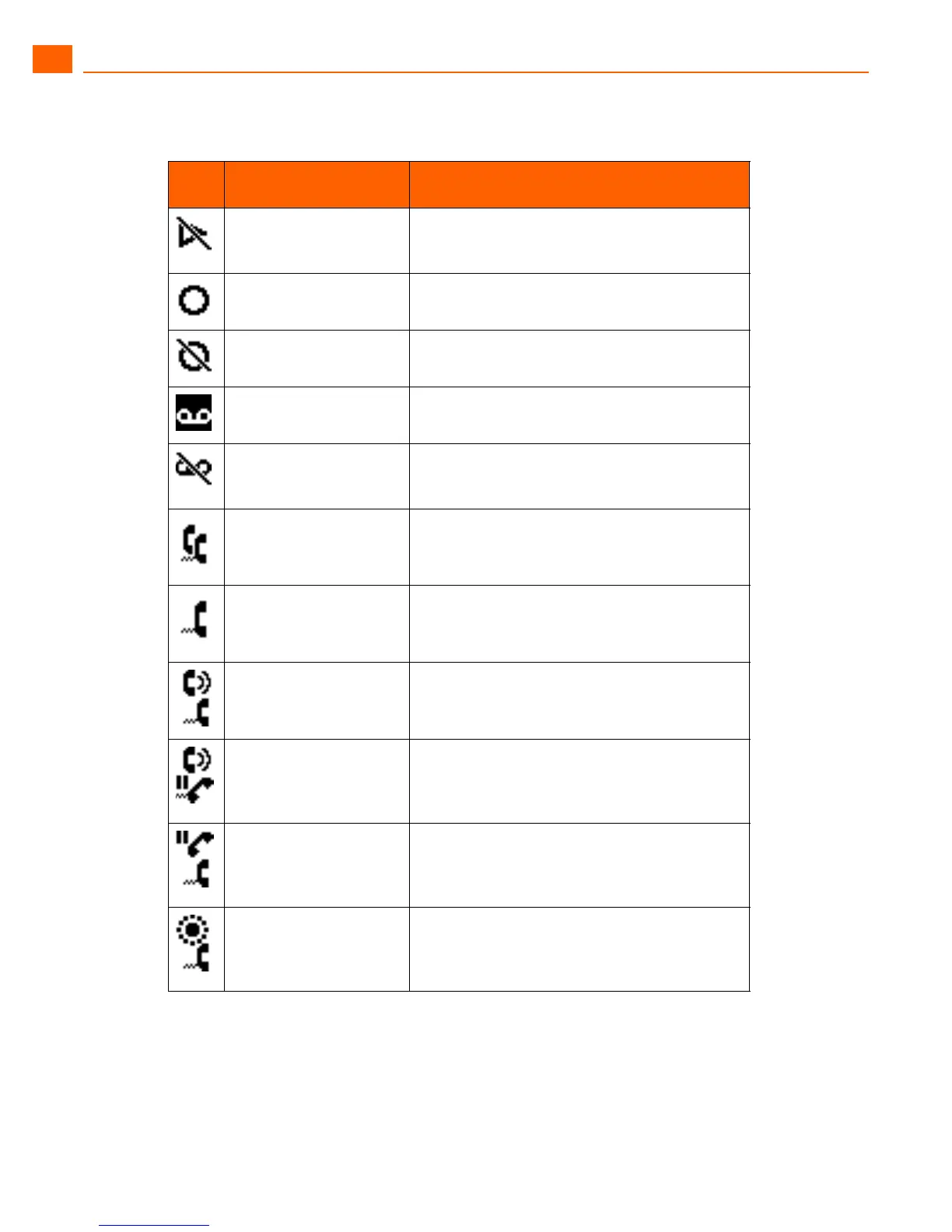
Icon
LED Color and Blink
Pattern
Description





 To Next Page