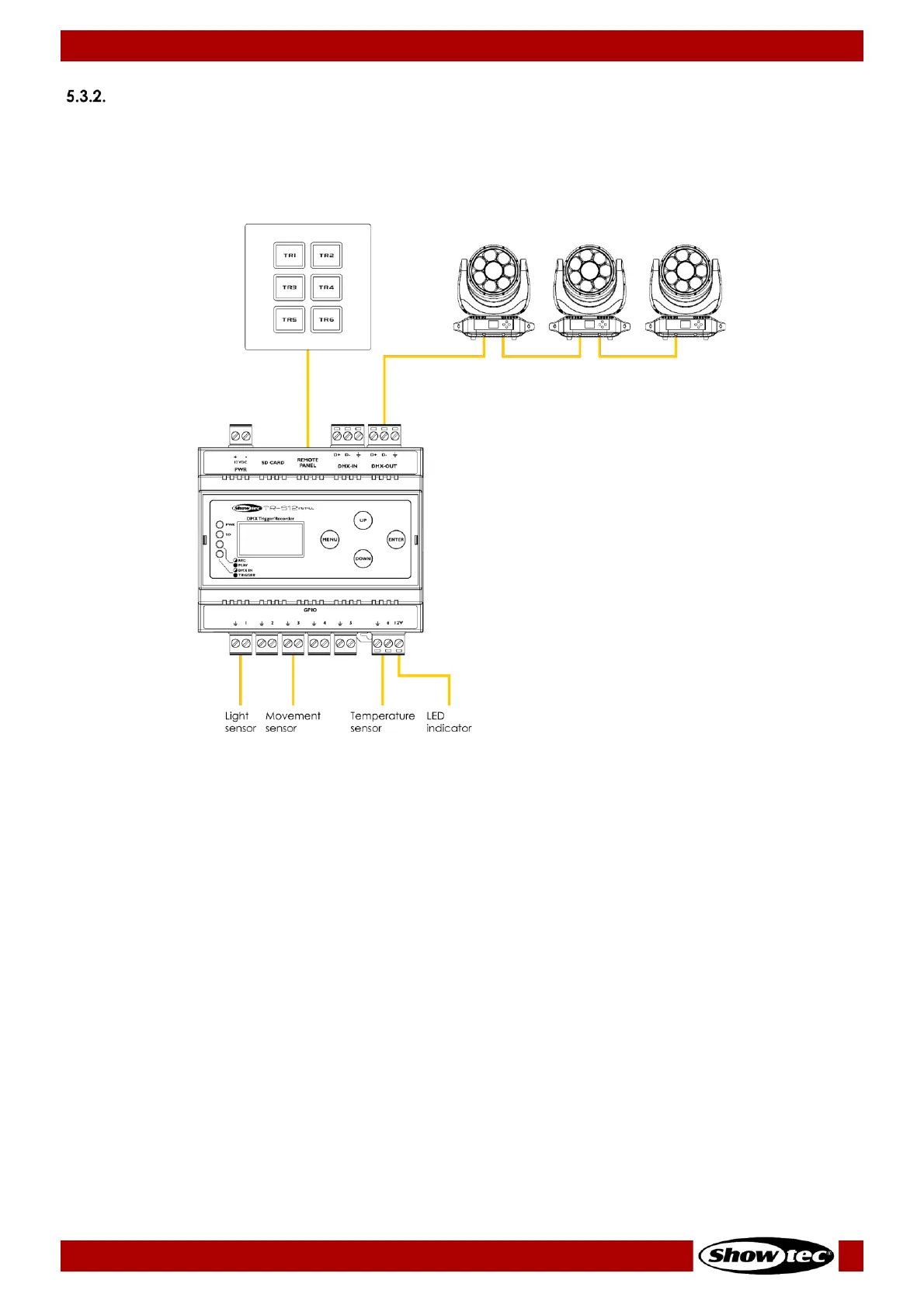
Program Playing Setup
01) After recording, disconnect power supply from the devices.
02) Disconnect the DMX-512 light controller from the device.
03) Connect the external trigger devices. See 5.3.2.1. Connecting External Trigger Devices on page 16 or
5.3.2.2. Connecting the TR-512 Install-Wall Panel on page 17, for more information.
04) Follow the instructions from 6.5. Playing a Program on page 20.













 To Next Page