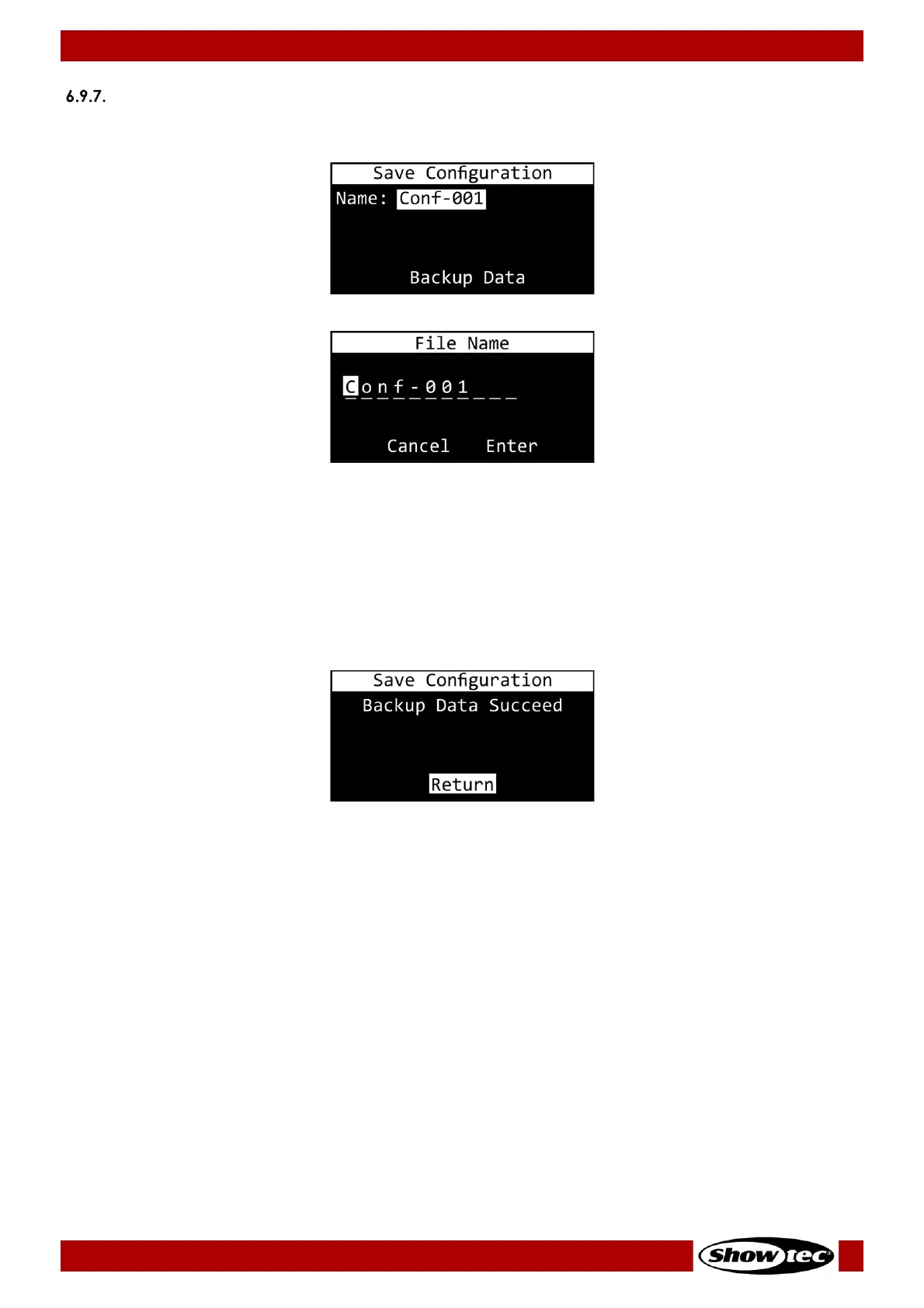
02) Press the UP/DOWN buttons to select the character you want to edit.
03) Press the ENTER button.
04) Press (or press and hold down, for quick search) the UP/DOWN buttons to select the desired
character.
05) Press the ENTER button to confirm your choice.
06) Repeat steps 1–5 to edit the remaining characters.
07) Press the UP/DOWN buttons to select CANCEL (to cancel changes) or ENTER (to save the new name).
08) Press the ENTER button to confirm your choice.
09) Press the UP/DOWN buttons to select BACKUP DATA.
10) Press the ENTER button to create a configuration backup.













 To Next Page