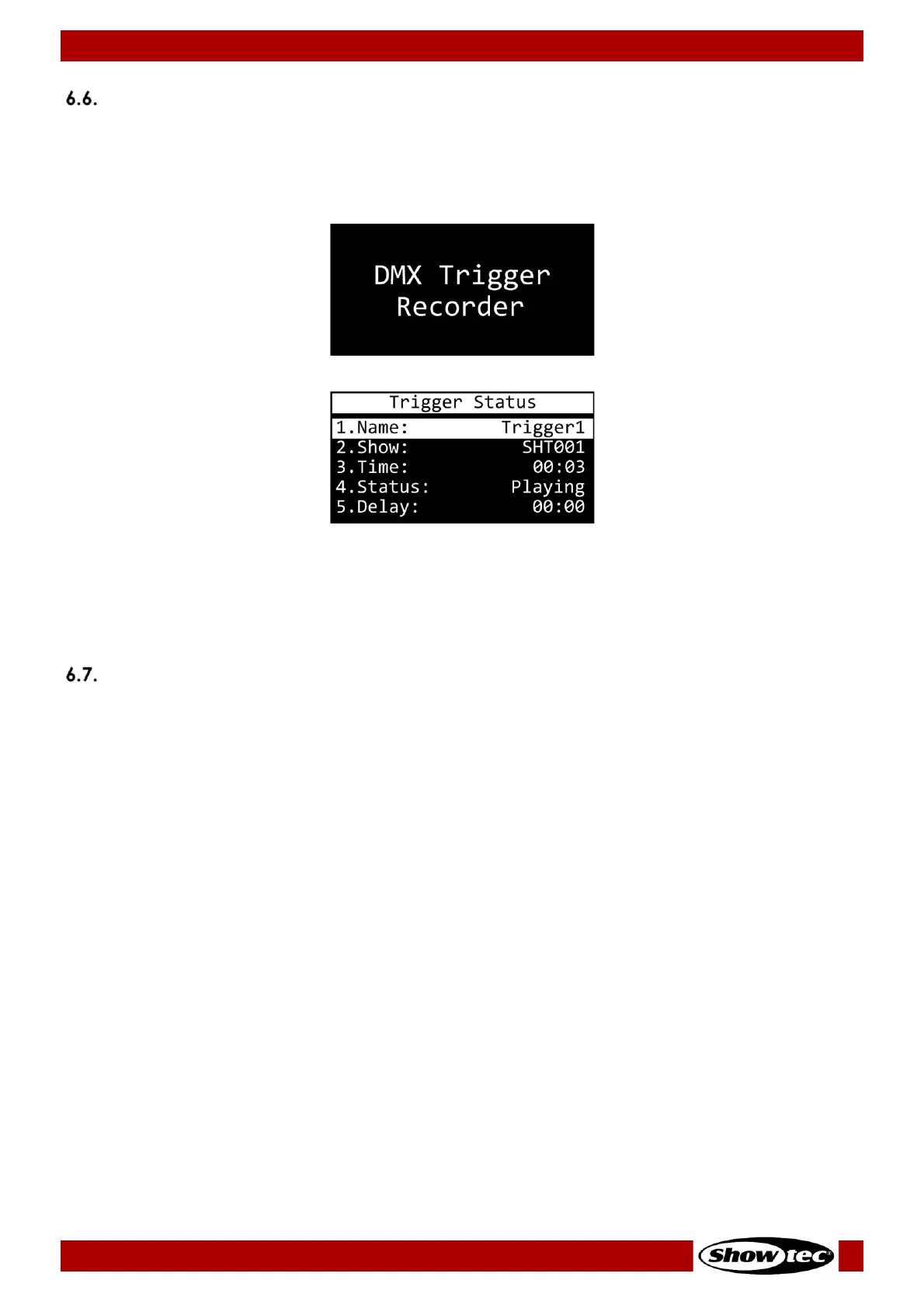
Trigger Monitoring
You can monitor the current status of each of the 6 triggers. You can access the trigger status menu only
from the start screen.
01) Press and hold down the MENU button for 2 seconds in order to return to the start screen, from any
place in the menu.
03) The display shows the following information:
● NAME: Trigger’s name
● SHOW: Assigned DMX program’s name
● TIME: Playing time
● STATUS: PLAYING (trigger is active) or WAITING (trigger is inactive)
● DELAY: Delay time
LED Statuses
There are 4 LED indicators (10/11/12/13) on the control panel of the device. The LED indicators have the
following functions:
● PWR: If the light is on, the device is powered.
● SD: If the light is on, the device is using the inserted microSD card to load/save data.
● REC/PLAY:
● If the light is blinking, the device is recording a program.
● If the light is on, the device is playing a program.
● DMX IN/TRIGGER:
● If the light is blinking, the device is receiving a DMX signal.
● If the light blinks once, a trigger is activated.













 To Next Page