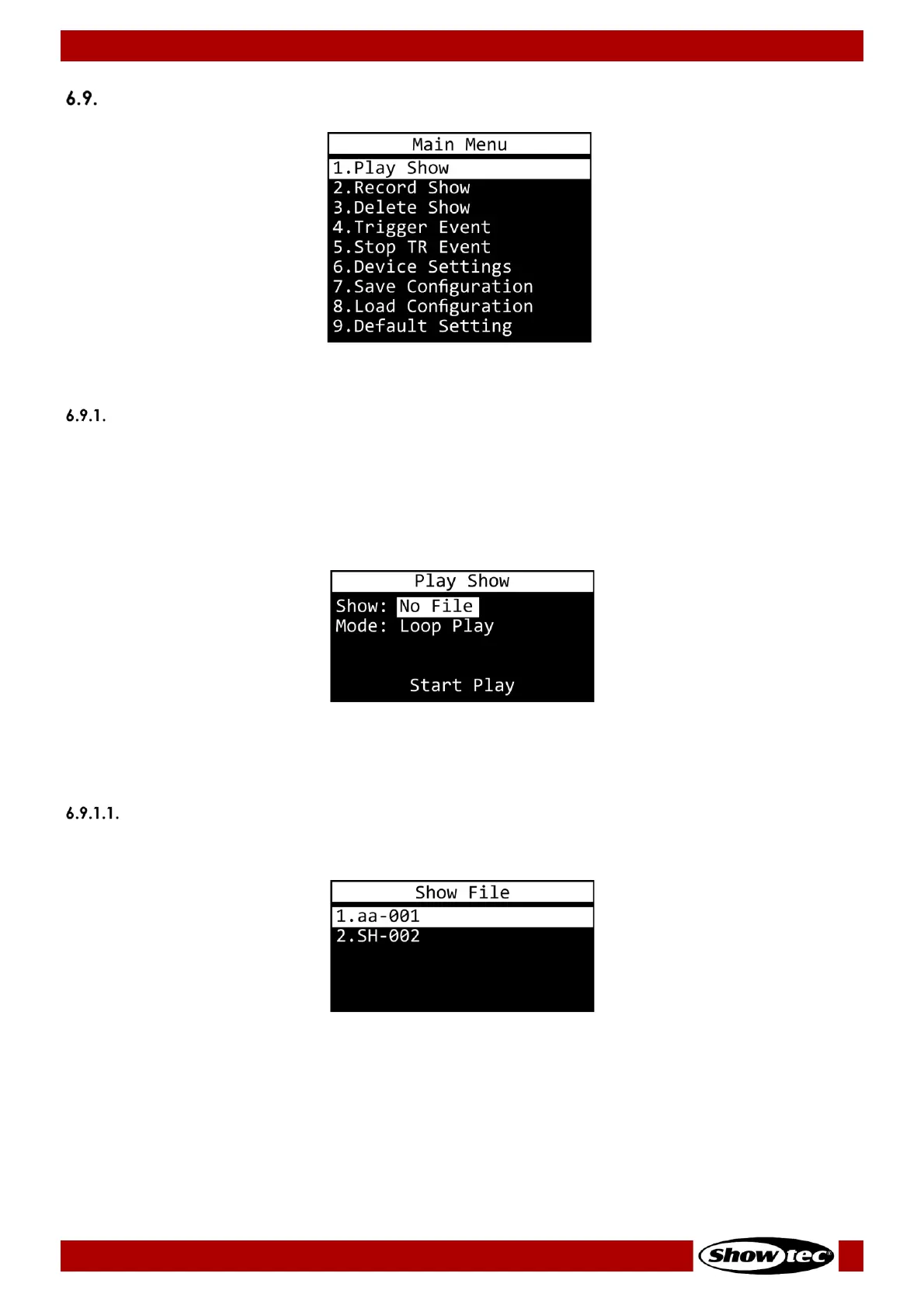
1. Play Show
2. Record Show
3. Delete Show
4. Trigger Event
5. Stop TR Event
6. Device Settings
7. Save Configuration
8. Load Configuration
9. Default Setting
01) Press the UP/DOWN buttons to toggle through the 9 menus.
02) Press the ENTER button to open the desired menu.
Play Show
In this menu you can play recorded program. You can only play one program at a time.
Note:
You need to program at least one program in order to be able to play it. For more information, please
read 6.9.2. Record Show, page 24.
01) Press the UP/DOWN buttons to select one of the 2 submenus:
● SHOW (See 6.9.1.1. Show on page 23 for more information.)
● MODE (See 6.9.1.2. Mode on page 24 for more information.
02) Press the ENTER button to open the selected option.
Show
In this submenu you can select the desired program.
01) Press the UP/DOWN buttons to select the desired program.
02) Press the ENTER button to confirm your choice.













 To Next Page