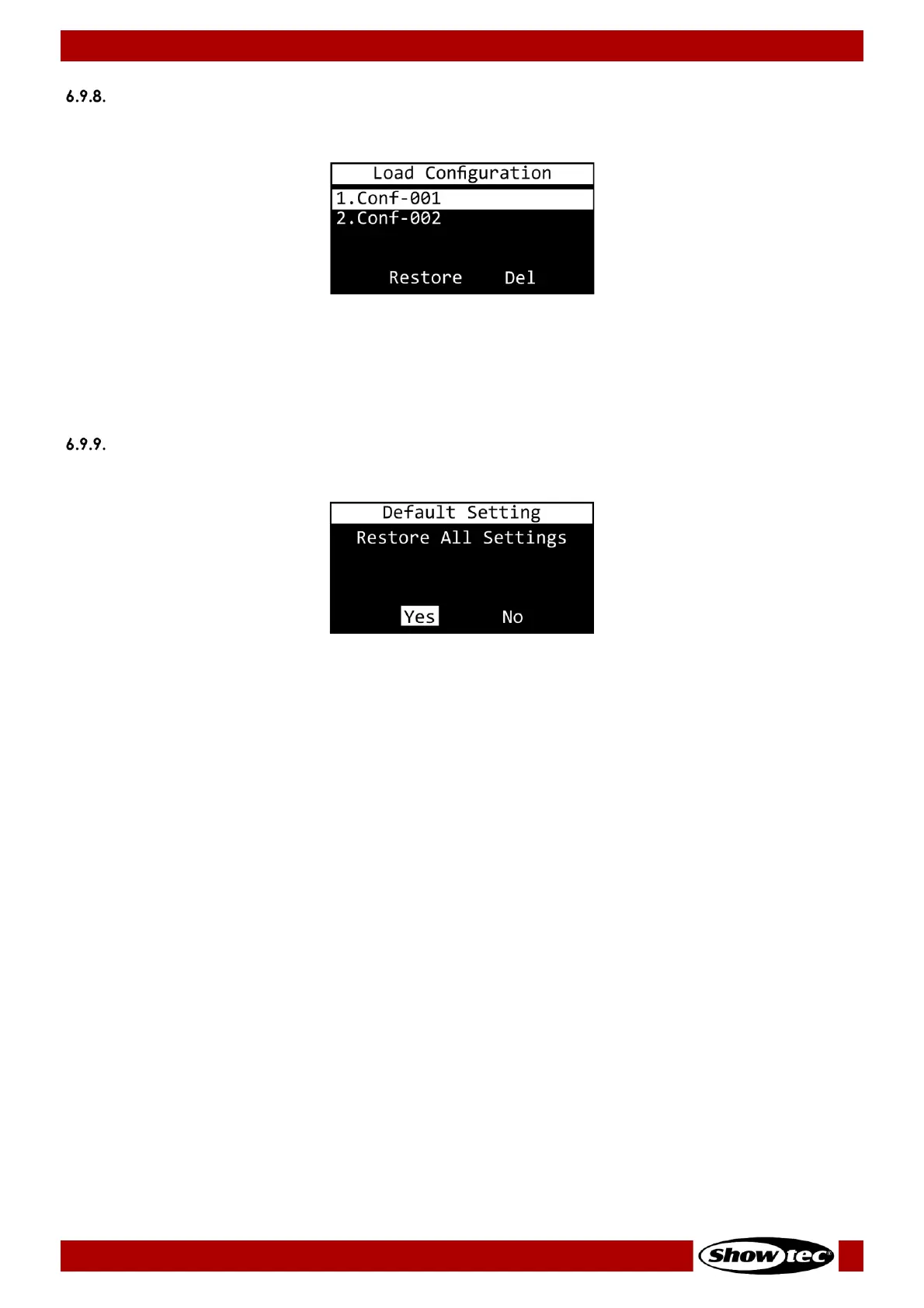
01) Press the UP/DOWN buttons to select the desired configuration backup file.
02) Press the ENTER button to confirm your choice.
03) Press the UP/DOWN buttons to choose between RESTORE (load the desired configuration backup file)
and DEL (delete the desired configuration backup file).
04) Press the ENTER button to confirm your choice or press the MENU button if you do not want to use
those functions and you want to return to the previous menu.
Default Setting
In this menu you can restore default factory settings.
01) Press the UP/DOWN button to choose between the 2 options:
● YES: The default factory settings will be restored. All settings of the current trigger events and all
the display options will be set to default. The DMX PORT OPTION will be set to SINGLE. All saved
programs and configuration files will not be reset.
● NO: The device will return to the main menu.
02) Press the ENTER button to confirm your choice. The display will return to the main menu.
Note:
Turn the TR-512 Install off before removing the microSD card. Use the included microSD card to back up
your data and transfer your files to a regular PC.













 To Next Page