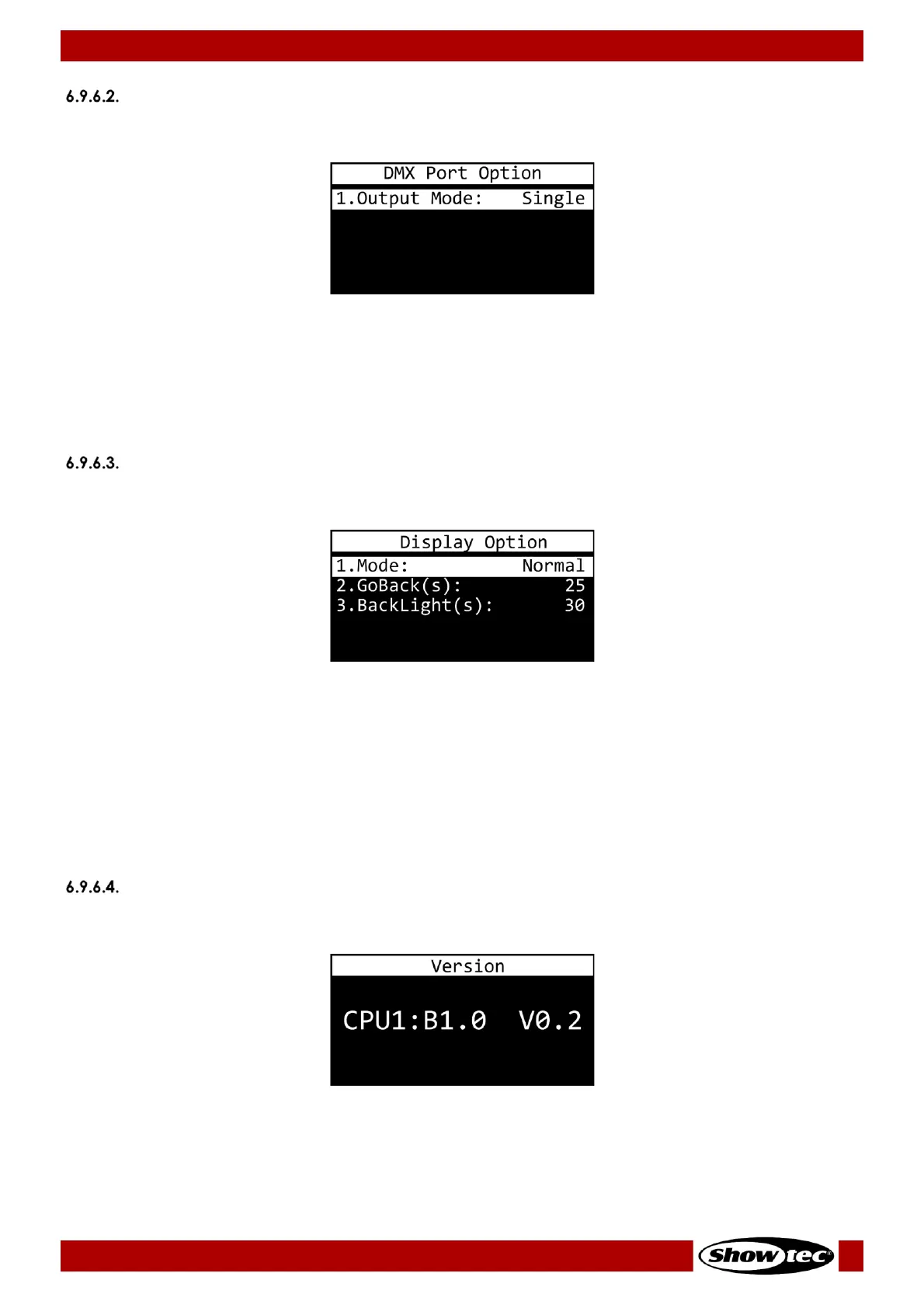
01) Press the ENTER button to open the menu.
02) Press the UP/DOWN buttons to select one of the 2 modes:
● SINGLE: Only the last triggered program will be played.
● HTP (Highest Takes Precedence): All triggered programs can be played simultaneously. The DMX
values of each DMX channel are compared for all the triggered programs and they become
merged into a DMX output signal, which contains only the highest value for each DMX channel.
03) Press the ENTER button to confirm your choice.
Display Option
In this submenu you can set the display options.
01) Press the UP/DOWN buttons to select one of the 3 modes:
● MODE: Choose between NORMAL (normal view) and INVERSE (display flip). If you choose
INVERSE, the button functions (MENU/UP/DOWN/ENTER) flip accordingly.
● GOBACK(S): Set the time after which the display returns to the start screen, when no button is
pressed. The adjustment range is between NEVER and 5–60 seconds, in increments of 5 seconds.
● BACKLIGHT(S): Set the time which needs to pass, after which the display turns off. The adjustment
range is between ON and 5–60 seconds, in increments of 5 seconds.
02) Press the ENTER button to open the desired submenu.
03) Press the UP/DOWN buttons to adjust settings.
04) Press the ENTER button to save changes.
Version
In this submenu you can view the current software version.













 To Next Page