- 31 -
C1
C2
Note : Please notice all the LED connectors are directional. If your chassis's
LED does not light up during running, please simply change to the
opposite direction.
F Front-Panel Connectors
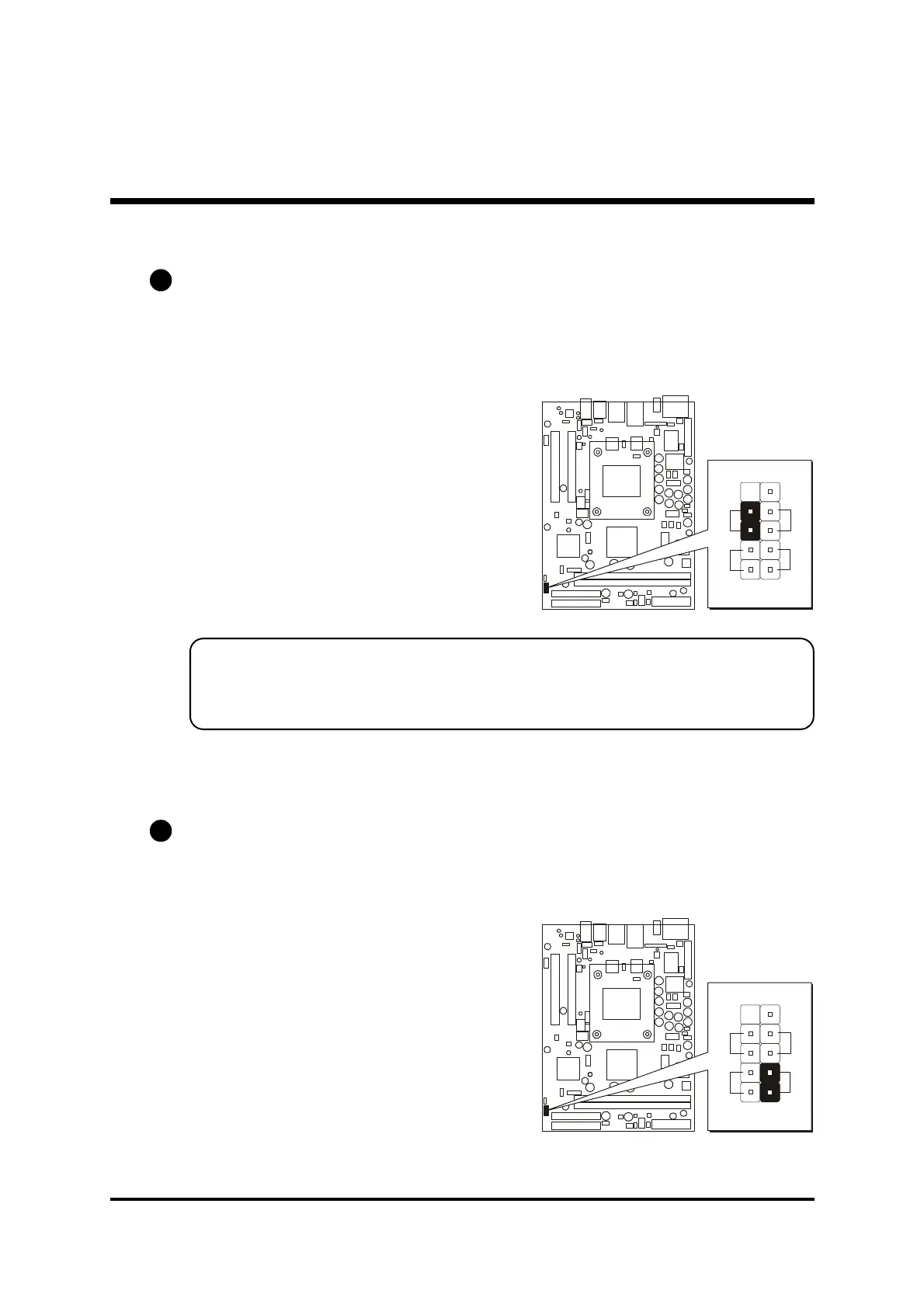
ATX Power On/Off Switch Connector (PWON)
The Power On/Off Switch is a momentary type switch used for turning on or off
the system ATX power supply. Attach the connector cable from the Power
Switch to the 2-pin (PWON) header on the mainboard.
HDD LED Connector (HLED)
Attach the connector cable from the IDE device LED to the 2-pin (HLED)
header. The HDD LED lights up whenever an IDE device is active.



 To Next Page