- 40 -
4 SOFTWARE UTILITY
4.1 Mainboard CD Overview
Note: The CD contents attached in FB52 mainboard are subject to
change without notice.
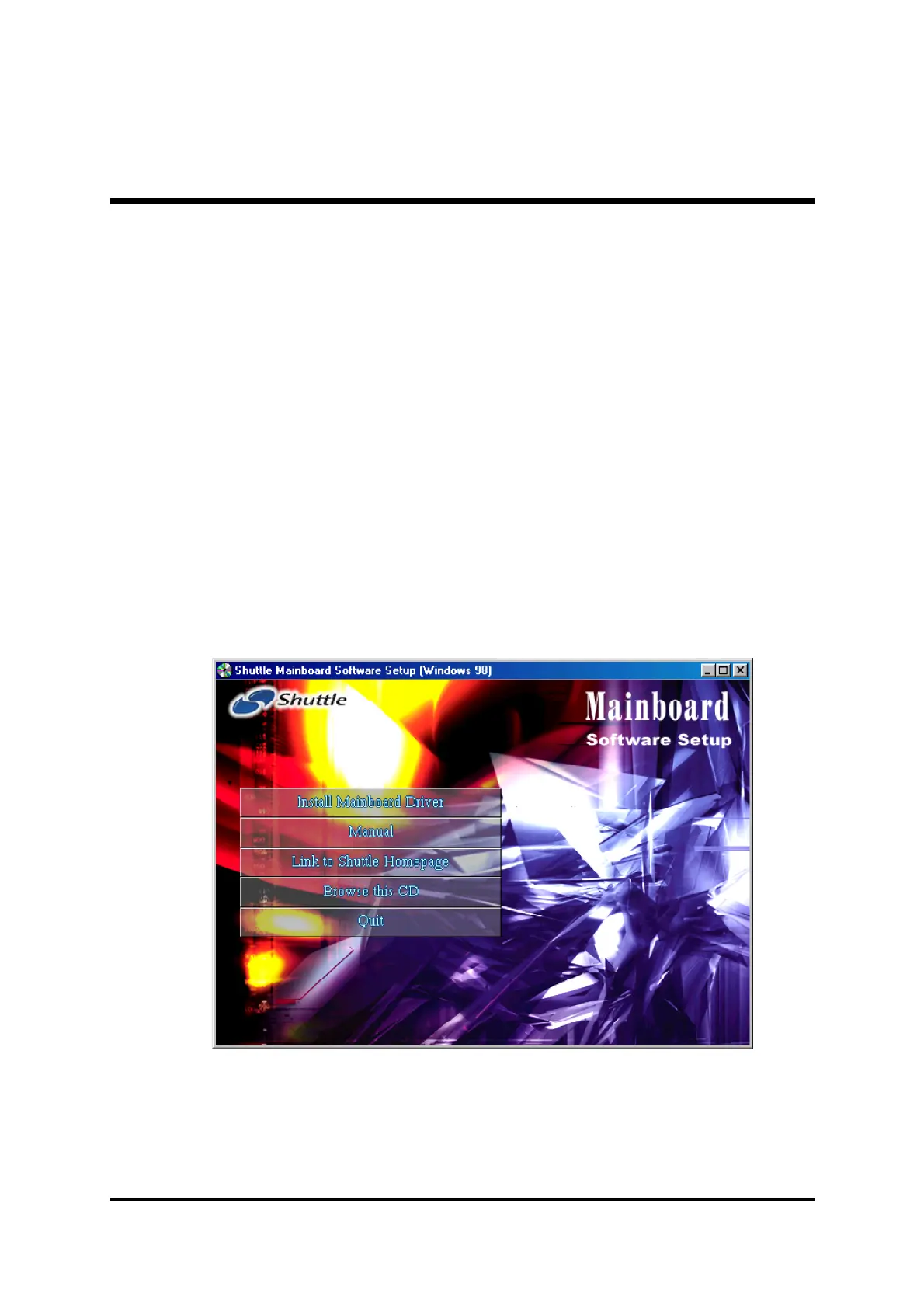
To start your mainboard CD disc, just insert it into your CD-ROM drive and
the CD AutoRun screen should appear. If the AutoRun screen does not
appear, double click or run D:\Autorun.exe (assuming that your CD-ROM
drive is drive D:)
Navigation Bar Description:
F Install Mainboard Software - Installing Intel Chipset, Intel Ultra ATA,
VGA Device, Audio, LAN, USB2.0 drivers.
F Manual - FB52 Series mainboard user's manual in PDF format.
F Link to Shuttle Homepage - Link to shuttle website homepage.
F Browse this CD - Allows you to see contents of this CD.
F Quit - Close this CD.



 To Next Page