- 32 -
C4
C3
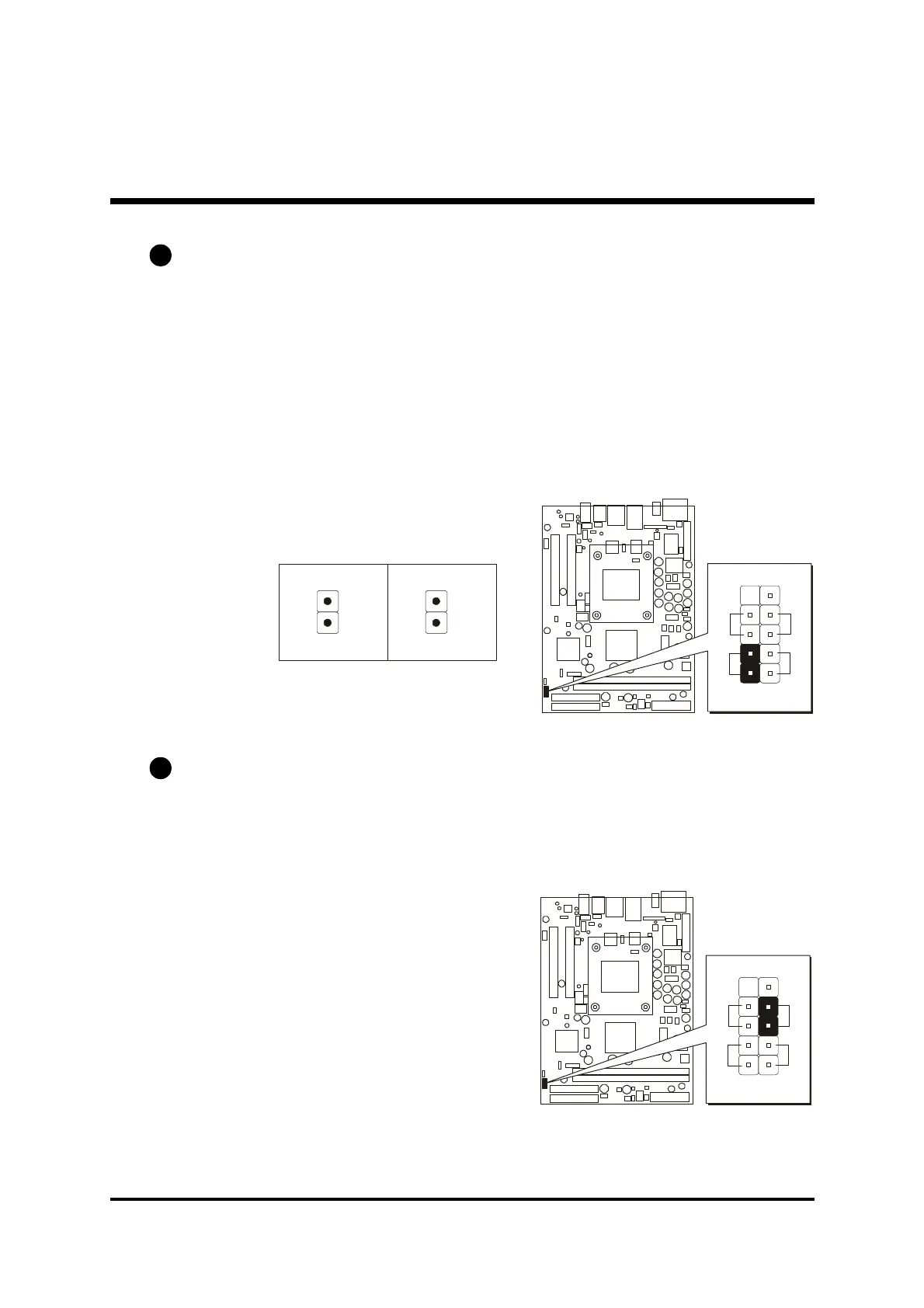
Green LED / Power LED Connector (GLED/PLED)
This header is dual color LED function.
Dual color LED function is defined by either Power LED or Green LED, the
header can be in these states.
The Green LED indicates that the system is currently in one of the power sav-
ing mode (Doze/Standby/Suspend). When the system resumes to normal
operation mode, the Green LED will go off, power LED on.
This Power LED will go off during power saving mode.
Attach a 2-pin Green LED/Power LED cable to (GLED/PLED) header.
Hardware Reset Connector (RST)
Attach the 2-pin hardware reset switch cable to the (RST) header. Pressing
the reset switch causes the system to restart.
-
+
G
L
P
L
E
2
2



 To Next Page