- 43 -
4.2.B Install IDE Driver
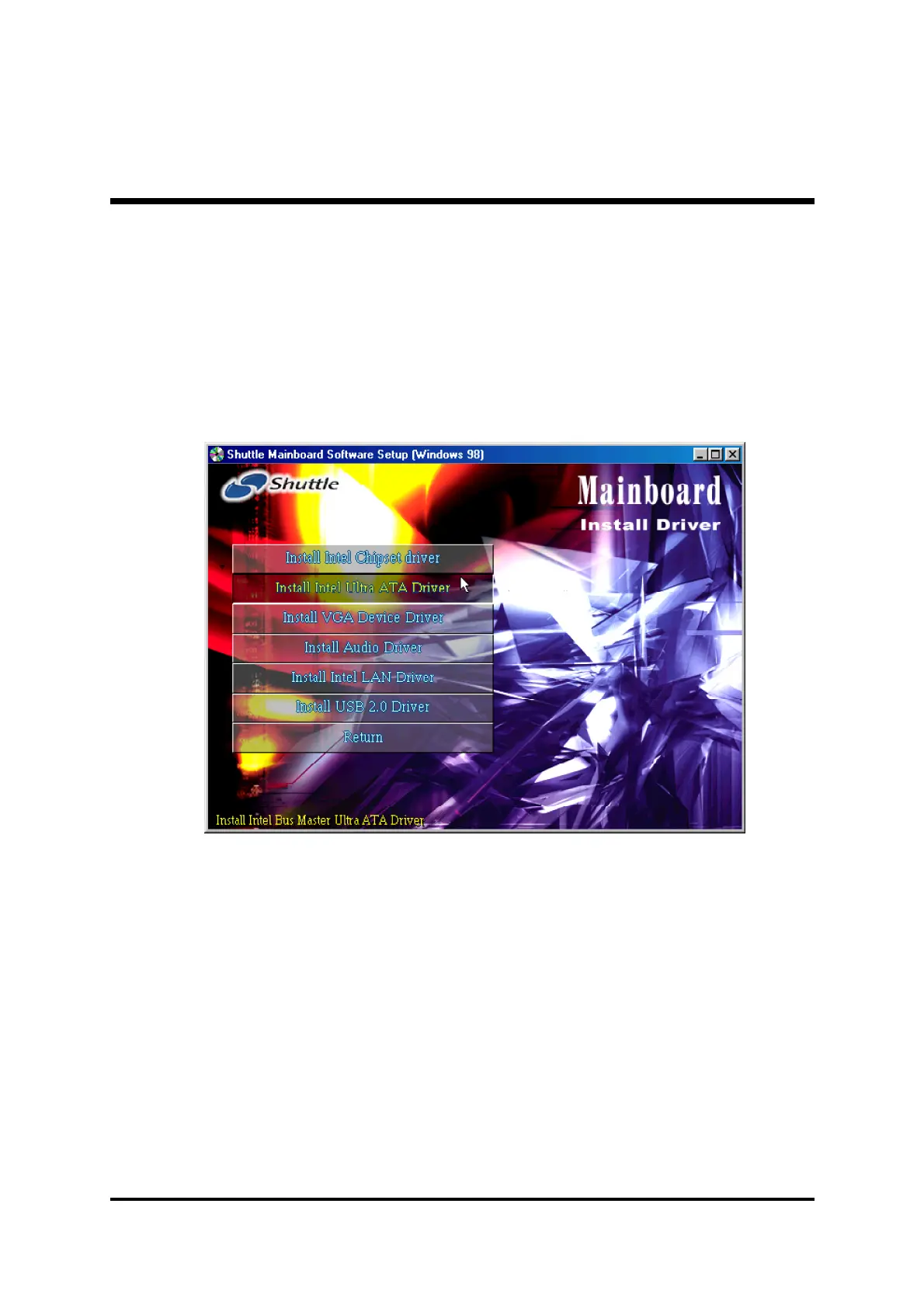
Insert the attached CD into your CD-ROM drive and the CD AutoRun screen
should appear. If the AutoRun screen does not appear, double click on
Autorun icon in My Computer to bring up Shuttle Mainboard Software
Setup screen.
Select using your pointing device (e.g. mouse) on the "Install IDE Driver”
bar to install IDE driver.
Once you made your selection, a Setup window run the installation
automatically.
When the copying files is done, make sure you reboot the system to take the
installation effect.



 To Next Page