Chapter 4 Operating Instructions
CLV640 Bar Code Scanner
28 © SICK AG · Division Auto Ident · Germany · All rights reserved 8011975/0000/2008-04-14
Product description
4.5 Product features and functions (overview)
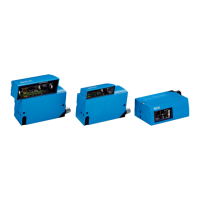
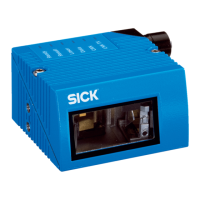
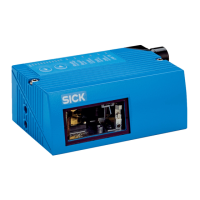
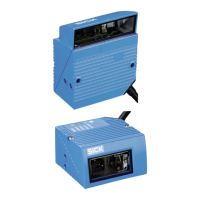
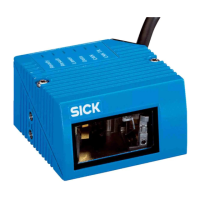
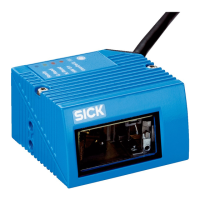
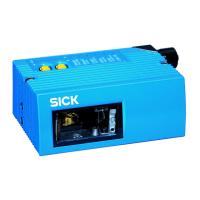
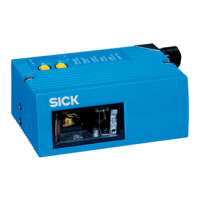
CLV640 Bar Code Scanner • Dynamic focus position
• Line scanner / raster scanner / line scanner with oscillating mirror
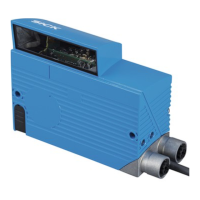
• Reading window on front / side
• High scan frequency
• Can be adapted to the print quality of the code
• Evaluation area of the scanning line can be restricted
User safety and convenience
• Robust, compact metal housing, CE mark
• Laser class 2, laser switches off if the output capacity is exceeded
• Automatic self-test on system startup
• Diagnosis tools for system setup and system (remote) monitoring
• Configurable reading diagnosis data display in two reading result formats
• Operational data retrieval, error code display on request in case of errors
• Activatable test string function (heartbeat) for signalling readiness for operation
• Password protected configuration mode
• Configured parameter values (cloning) can be additionally secured on a Micro SD
memory card (can be removed in the case of bar code scanner replacement )
• Future proof due to firmware update (flash PROM) via data interface
• Future-proof SOPAS-ET configuration software
• Low current consumption
• Extended power supply range
Convenient operation/configuration
• Configuration (online/offline) using the SOPAS-ET configuration software (incl. help
system)
• 2 buttons on the device for calling up preset functions without connecting a PC
• Status indicators via five LEDs
• Beeper that can be switched off to confirm device functioning
Reading operation modi
• Start/Stop operation
Reading pulse
• Pulse sources for start: switching inputs; data interface (command); automatic cycle;
CAN
• Pulse sources for stop: reading pulse source, switching inputs, command, timer, con-
dition
Bar code evaluation
• All common bar code types
• Max. number of bar codes: 50 per reading pulse
• Separation of identical codes of the same code type using the reading angle
Data processing
• Manipulation of the output of the reading data via event-dependent evaluation condi-
tions
• Manipulation of the output strings through filter and output sort options
Data communication
• Host interface: two data output formats configurable, switchable to different physical
interfaces, parallel operation possible
• Aux interface: fixed data output format, switchable to different physical interfaces, par-
allel operation possible
Electrical interfaces
• Host interface: RS-232, RS-422/485 (data format and protocol can be configured) and
Ethernet, or CAN
• Aux interface: RS-232, (fixed data format, data transfer rate and protocol) and Ether-
net
• CAN interface for integration into the SICK-specific CAN-SENSOR network
• Digital switching inputs
– Standard version: Two digital switching inputs for external reading pulse sensor(s)
or incremental encoder, using optocoupler
– Ethernet version: One digital switching input on the device
• Digital switching outputs
– Standard version: Two digital switching outputs for signalling definable results in
the reading process (reading result status)
– Ethernet version: No digital switching output on the device


 To Next Page