USB interfaces
The USB interfaces are implemented as sockets and comply with the generally valid standard.
The version information (1.1, 2.0 etc.), the maximum velocity (low speed, full speed, etc.) and
the socket type (A or B) are documented in the individual sections for the associated devices.
In principle, USB interfaces have the following characteristics:
● Integrated power supply up to 500 mA for each socket.
● Maximum cable length 3 m (Length including the supply cable to the hub and the connected
terminal device; only 1 hub at maximum is permitted. It should be noted that some
keyboards already have a hub.)
NOTICE
Cables that are too long can cause the screen to freeze
Observe the following restrictions for the USB front interface for connecting operator
panels to the keyboard, mouse or USB FlashDrive:
● Maximum cable length: 1.8 m
● Extension cables are not permissible
● Hot-plugging-capable devices are connected during operation and are identified
automatically.
Note
Correct identification is only guaranteed for USB I/Os that comply to 100% with the USB
specification.
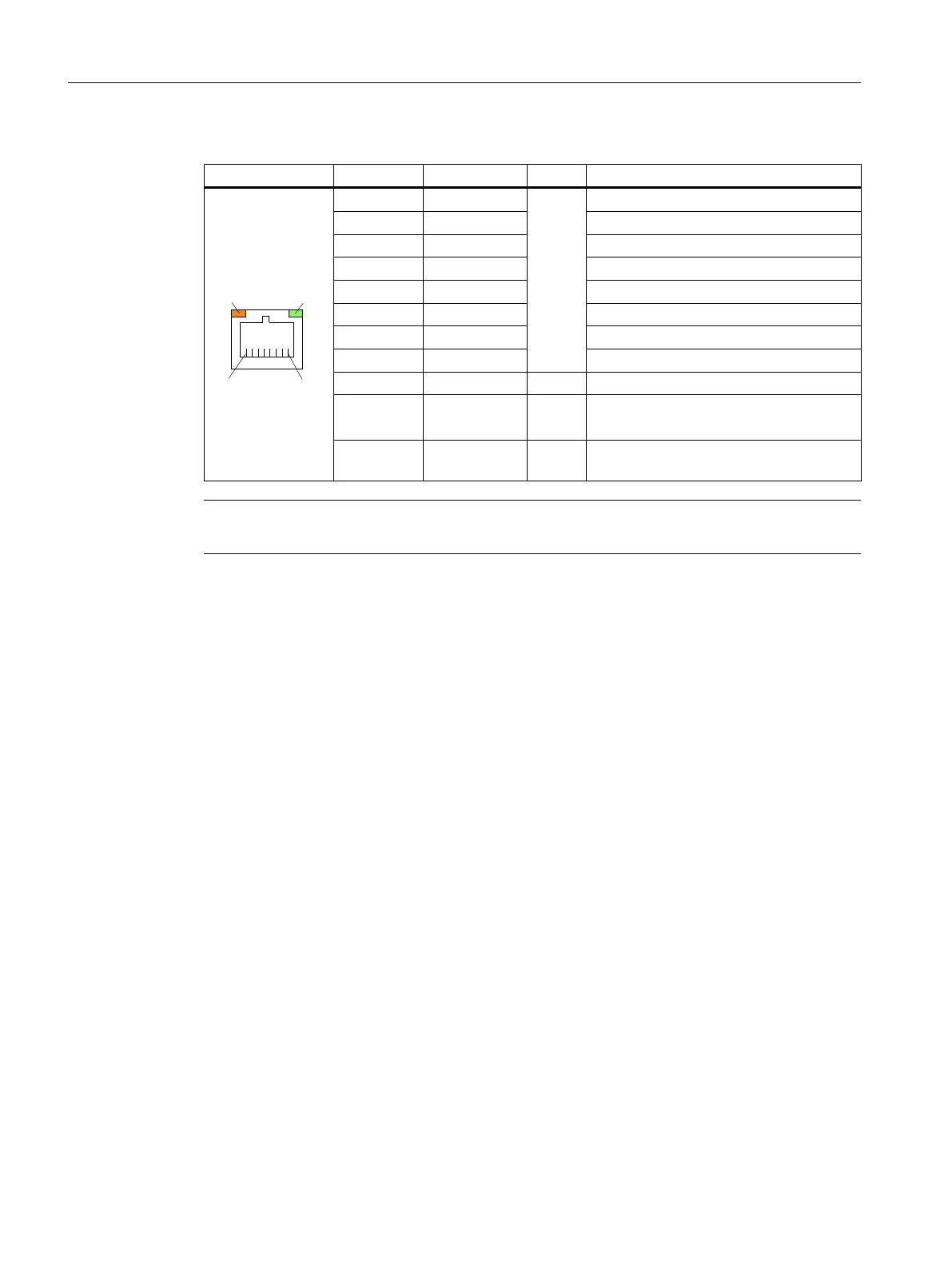
Table 1-6 Assignment of the USB interface
Type A socket Type B socket Pin Name Type Remark
1 P5V_fused V + 5 V (fused)
2 Data-
B
Data -
3 Data+ Data +
4 GND V Ground (reference potential)
PROFIBUS DP / MPI interface
Connector type: 9-pin sub-D socket
Max. data transmission rate: 12 Mbit/s
Max. cable length: 100 m
General information and networking
1.3 Connecting
Handheld Terminal HT 8
26 Manual, 07/2015, A5E36371621B-AB








 To Next Page