12/72
Building Technologies User Manual OCI600 74 319 0002 0 c
HVAC Products Operating elements of the central communication unit 15.07.2005
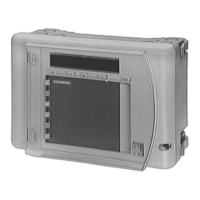
2.2.2 Using the buttons
Standard display is the time of day. To start, proceed as fol-
lows:
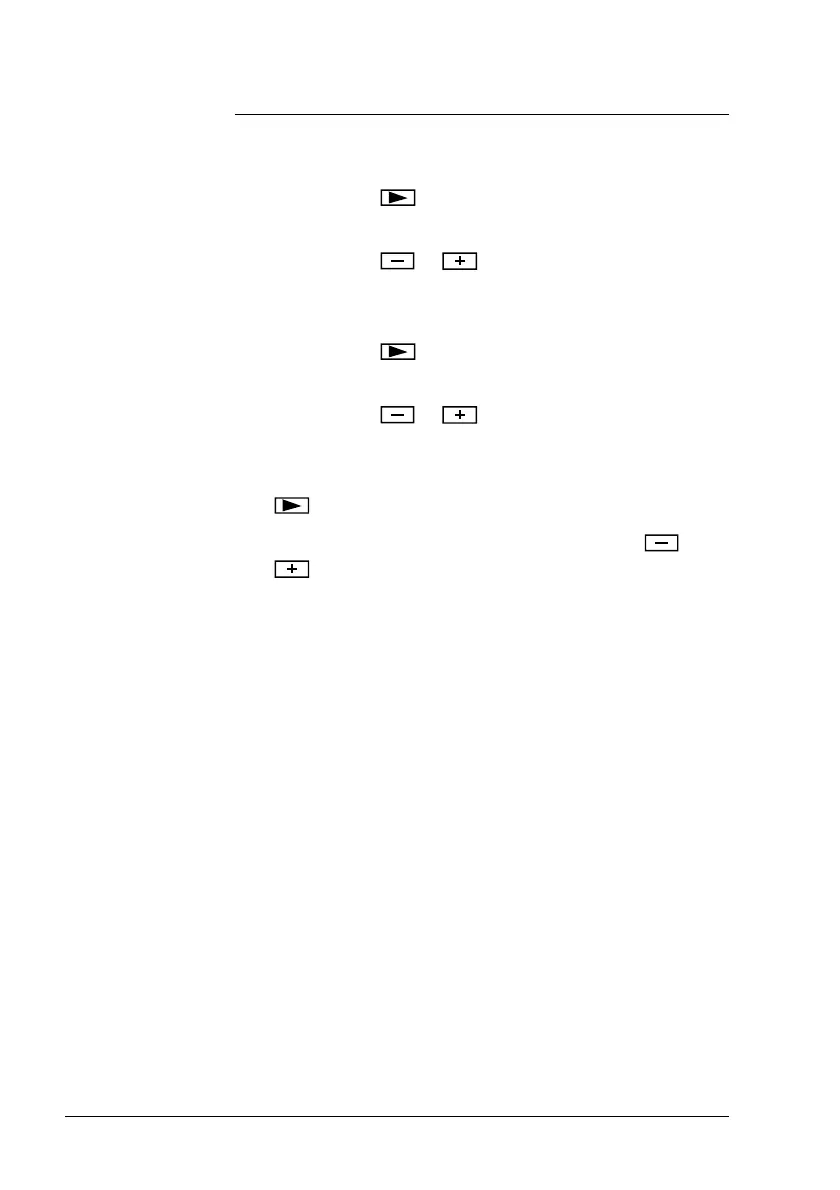
1. Press button on the left to display the information
address. The operating card number is selected.
2. Press button
or on the left to select the oper-
ating card number (e.g. operating card number 3 = In-
stallation).
3. Press button
on the left to switch to the line num-
bers of the selected operating card.
4. Press button
or on the left to select the re-
quired line number (e.g. line number 08 = Baud rate).
5. In case it is a value that can be changed, press button
on the right to choose the required value.
6. Change the selected value by pressing button
or
(e.g. 4 = 9600 Baud).
• Physical values and error codes are also displayed as
numbers with a maximum of 3 digits. With the help of
the operating cards, these numbers can be interpreted
as technical values or error messages
• All highlighted variables (grey background) on the oper-
ating cards can only be read. Values with a white back-
ground can also be changed
Buttons
Notes



 To Next Page